

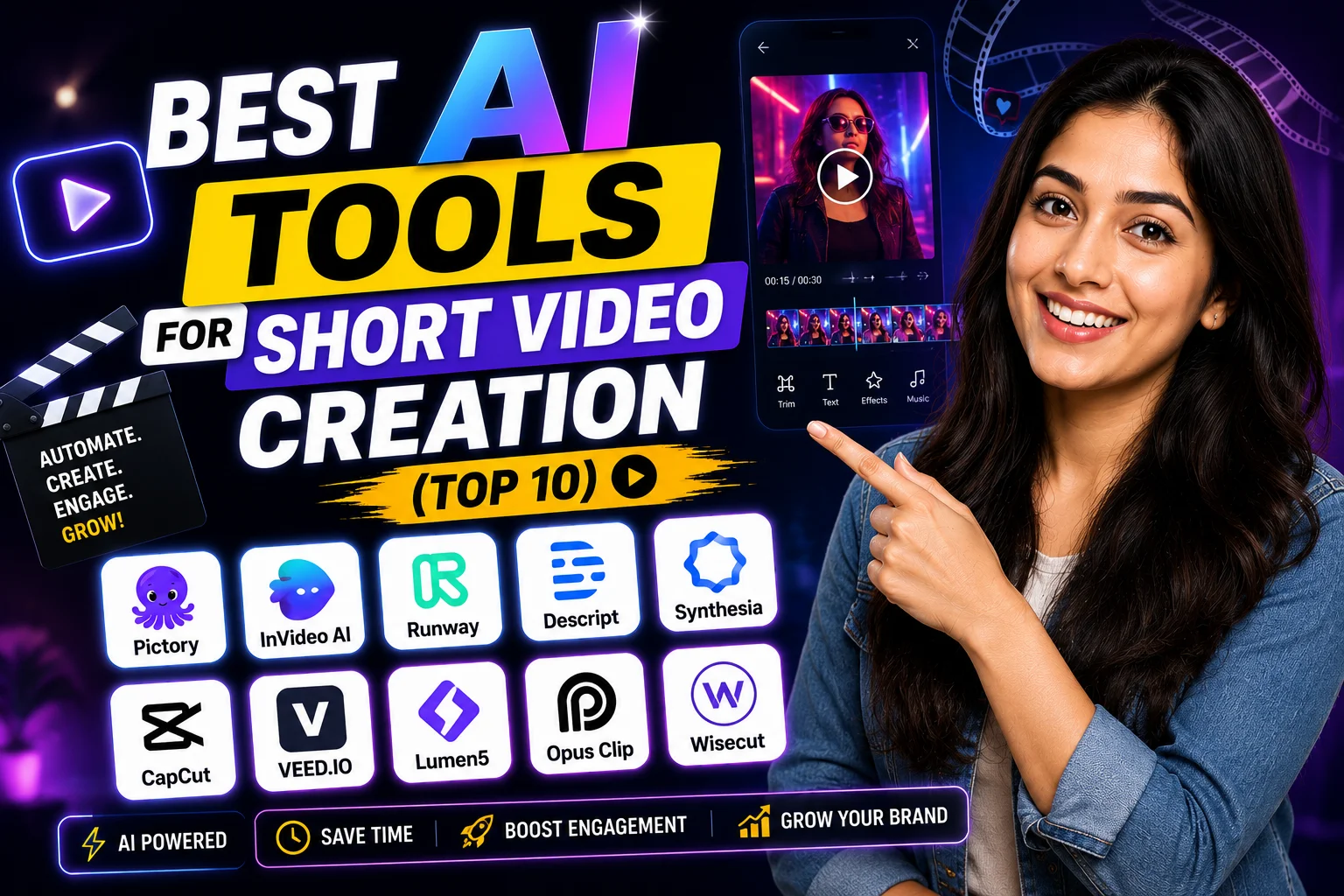
I avoided AI video tools for almost a year because I assumed they’d all produce that robotic, stock-footage-heavy content that screams “made by a bot.” That was a mistake. Some of these tools have gotten genuinely good — good enough that I started using them for client work on Upwork and for my own YouTube Shorts channel.
This post covers the best AI tools for short video creation right now — what each one does well, what the pricing looks like in INR, and which type of creator should actually pick it up. No fluff, no recycled specs.
Quick Comparison: Best AI Tools for Short Video Creation
| # | Tool | Best For | Free Plan | Starting Price |
|---|---|---|---|---|
| 1 | Runway ML | Cinematic AI-generated clips | Yes (limited) | ~$15/mo (₹1,275) |
| 2 | Pictory | Blog-to-Shorts conversion | Yes (3 videos) | ~$19/mo (₹1,615) |
| 3 | InVideo AI | Script-to-video, Indian users | Yes (watermark) | ~$20/mo (₹1,700) |
| 4 | CapCut AI | Reels editing, free workflow | Yes | Free / $7.99/mo |
| 5 | Synthesia | AI avatar explainer videos | No | ~$22/mo (₹1,870) |
| 6 | D-ID | Talking photo / digital human | Yes (5 credits) | ~$5.90/mo (₹500) |
| 7 | Fliki | Text-to-video with voiceover | Yes (watermark) | ~$21/mo (₹1,785) |
| 8 | HeyGen | AI avatar + translation | Yes (1 min) | ~$24/mo (₹2,040) |
| 9 | Veed.io | Subtitles, captions, quick edits | Yes (watermark) | ~$18/mo (₹1,530) |
| 10 | Pika Labs | Image-to-video, creative shorts | Yes (limited) | ~$8/mo (₹680) |
Buy AI Tools at Cheapest Price
1. Runway ML — Best for Cinematic AI-Generated Clips
Runway ML is the one I’d show anyone who thinks AI video looks cheap. Their Gen-2 and Gen-3 models can take a text prompt or an image and turn it into a 4–16 second clip that actually looks like it belongs in a film. I used it to create a moody B-roll sequence for a travel Shorts channel — the client thought I’d shot it on location.
The free plan gives you 125 credits. That’s maybe 3-4 short clips before you hit the wall. The $15/month plan (around ₹1,275) gives you 625 credits. Not huge, but if you’re using it just for key shots mixed with your own footage, it stretches. No watermark on paid plans. Export quality goes up to 4K on higher tiers.
One honest limitation: it struggles with human faces doing complex motion. Hands still look weird sometimes. But for abstract visuals, product teasers, or atmospheric B-roll? Nothing I’ve tested comes close.
2. Pictory — Best for Blog-to-Shorts Conversion
Pictory is the tool I recommend to anyone running a content blog who wants to repurpose articles into YouTube Shorts or Instagram Reels without learning video editing. You paste your blog URL, it pulls the key points, matches stock footage, adds captions and a voiceover — done in under 10 minutes.
I tested this with a 1,200-word article on AI writing tools. The output was a clean 58-second vertical video with accurate captions and a decent AI voice. I’d tweak the footage selection manually, but the base output was client-ready. The $19/month plan (₹1,615) removes watermarks and gives you 30 videos per month. That’s solid value.
The voiceover quality is improving but still sounds slightly robotic in Hindi-accented English prompts. Stick to neutral accents in the script for best results. No native Indian language support yet — that’s a real gap for regional creators.
3. InVideo AI — Best for Script-to-Video, Indian Users
InVideo AI has an actual India-friendly approach — it supports Hindi voice generation, has templates built around Indian festivals and occasions, and the UPI/card payment flow works without VPN drama. I’ve used it for Diwali promo videos and a wedding teaser reel. Both turned out usable.
The free plan adds a watermark. The paid plan at $20/month (₹1,700) removes it and gives you 50 AI-generated videos monthly. That’s roughly the same as Netflix Premium. For Indian small business owners running Instagram pages, this is genuinely paisa vasool.
The AI text-to-video prompt understanding is decent but not magical. Be specific in your prompts — “30-second vertical video for Instagram Reels about a Rajasthan travel vlog” gives far better results than vague inputs.
4. CapCut AI — Best for Reels Editing, Free Workflow
CapCut is already the most-used video editing app among Indian Reels creators, and its AI features have quietly gotten very good. Auto-captions in English are near-perfect. The AI background remover works on mobile without lag. And the “Script to Video” feature recently got much more reliable.
The core app is free. The pro plan at around $7.99/month removes watermarks on certain AI features and unlocks commercial use rights. If you’re monetizing through brand deals or Fiverr orders, that matters. For personal use, the free version alone makes it one of the best AI tools for short video creation available right now.
Limitation: CapCut’s ownership situation (ByteDance) makes some brand clients uncomfortable. If you’re doing corporate or government work, keep that in mind.
5. Synthesia — Best for AI Avatar Explainer Videos
Synthesia is what I use when a client needs a “talking head” video but doesn’t want to appear on camera. You type a script, pick an AI avatar, and it generates a realistic presenter video. The avatars are diverse and some genuinely look like real people. No camera. No studio. No retakes.
It starts at $22/month (₹1,870) and has no free plan — just a demo. The output quality on paid plans is watermark-free and exportable at 1080p. For online course creators and EdTech folks running Shorts for their YouTube channels, this saves enormous time.
6. D-ID — Best for Talking Photo / Digital Human
D-ID lets you upload any portrait photo and animate it to speak your script. It’s fascinating and slightly eerie. I used it to animate an old black-and-white photo of a historical figure for an educational Shorts series — the engagement was noticeably higher than static image videos. The $5.90/month (₹500) entry plan is genuinely affordable.
7. Fliki — Best for Text-to-Video with Voiceover
Fliki’s strength is its voice library — 2,000+ voices across 75+ languages including Hindi, Tamil, and Telugu. For regional language YouTube Shorts, this is the most practical tool I’ve found. The video output pairs your script with stock clips automatically. Free plan watermarks everything; paid starts at $21/month (₹1,785).
8. HeyGen — Best for AI Avatar + Video Translation
HeyGen’s video translation feature is the real standout — it can take an existing video of you speaking English and output a version where your mouth is lip-synced to Hindi or Tamil audio. For Indian creators trying to reach multilingual audiences, this is genuinely useful. Starts at $24/month (₹2,040) with a 1-minute free trial video.
9. Veed.io — Best for Subtitles, Captions, Quick Edits
Veed.io isn’t a full video generator, but its AI subtitle tool is the most accurate I’ve used for Indian-accented English. Auto-captions, translation, background noise removal — all in a browser. The free plan adds a watermark. Paid plans start at $18/month (₹1,530). If you already shoot your own Shorts and just need editing assistance, this is your tool.
10. Pika Labs — Best for Image-to-Video Creative Shorts
Pika is the most fun tool on this list. Upload an image, write a motion prompt (“zoom in slowly, leaves falling”), and it animates the scene. Perfect for creators making aesthetic, art-driven Shorts. The $8/month (₹680) plan is light on the wallet and the output quality for creative content is surprisingly strong.
Real Use Cases by User Type for Best AI Tools for Short Video Creation
Here’s how different Indian creators should think about this list:
- Freelancer on Fiverr/Upwork: Runway ML + Veed.io. Premium quality output, low per-project cost.
- Small business owner (Instagram): InVideo AI or CapCut. Easiest learning curve, Indian context built in.
- EdTech / online course creator: Synthesia or HeyGen. No-camera explainer videos at scale.
- Regional language YouTuber: Fliki or HeyGen translation. Hindi, Tamil, Telugu voice support.
- Wedding / event videographer: D-ID + CapCut. Animated portraits + fast Reels editing.
- Creative / aesthetic content creator: Pika Labs. Image animation for visually-driven Shorts.
If you want to compare these against AI writing tools you might use for scripting, check out our best AI writing tools guide — combining good scripts with good video output makes a real difference.
My Personal Pick from These Best AI Tools for Short Video Creation
Honestly, if I could only keep two, I’d keep Runway ML and CapCut. Runway for generating visual material I can’t shoot myself, CapCut for everything else — editing, captions, quick turnarounds. That combo covers 80% of my short video workflow without breaking the bank.
If you’re a complete beginner, start with InVideo AI’s free plan for a week. It’s the most guided experience and the output quality is good enough to show to your first few clients. And if you want to understand how AI tools are evolving in the Indian market specifically, the free AI tools roundup on this site is worth bookmarking.
For context on how India’s AI ecosystem is developing, the government’s IndiaAI portal tracks adoption trends that directly affect what tools get localised for Indian creators — worth a read if you’re building a content business long-term.
FAQs About Best AI Tools for Short Video Creation
Which AI tool makes short videos without a watermark for free?
CapCut is the most generous — its core editing features are watermark-free even on the free plan. Most other tools in this list add watermarks on free tiers.
Can I monetize YouTube Shorts made with AI video tools?
Yes, but check each tool’s commercial license. Runway ML, Synthesia, and HeyGen explicitly allow commercial use on paid plans. Always read the terms before monetizing.
Which tool supports Hindi or Indian languages?
Fliki has the widest Indian language voice library. InVideo AI and HeyGen also support Hindi. CapCut’s auto-caption works reasonably well with Hindi-accented English but isn’t perfect for pure Hindi audio.
What’s the best AI tool for short video creation if I have zero editing experience?
InVideo AI. You type a prompt, it builds the video. The interface is designed for non-editors and the output is good enough for Instagram and YouTube Shorts without touching a timeline.
Try the free plan on two or three of these before committing to a subscription — and drop your experience in the comments. I’m especially curious whether anyone’s getting good results from Fliki for Tamil or Telugu content.