

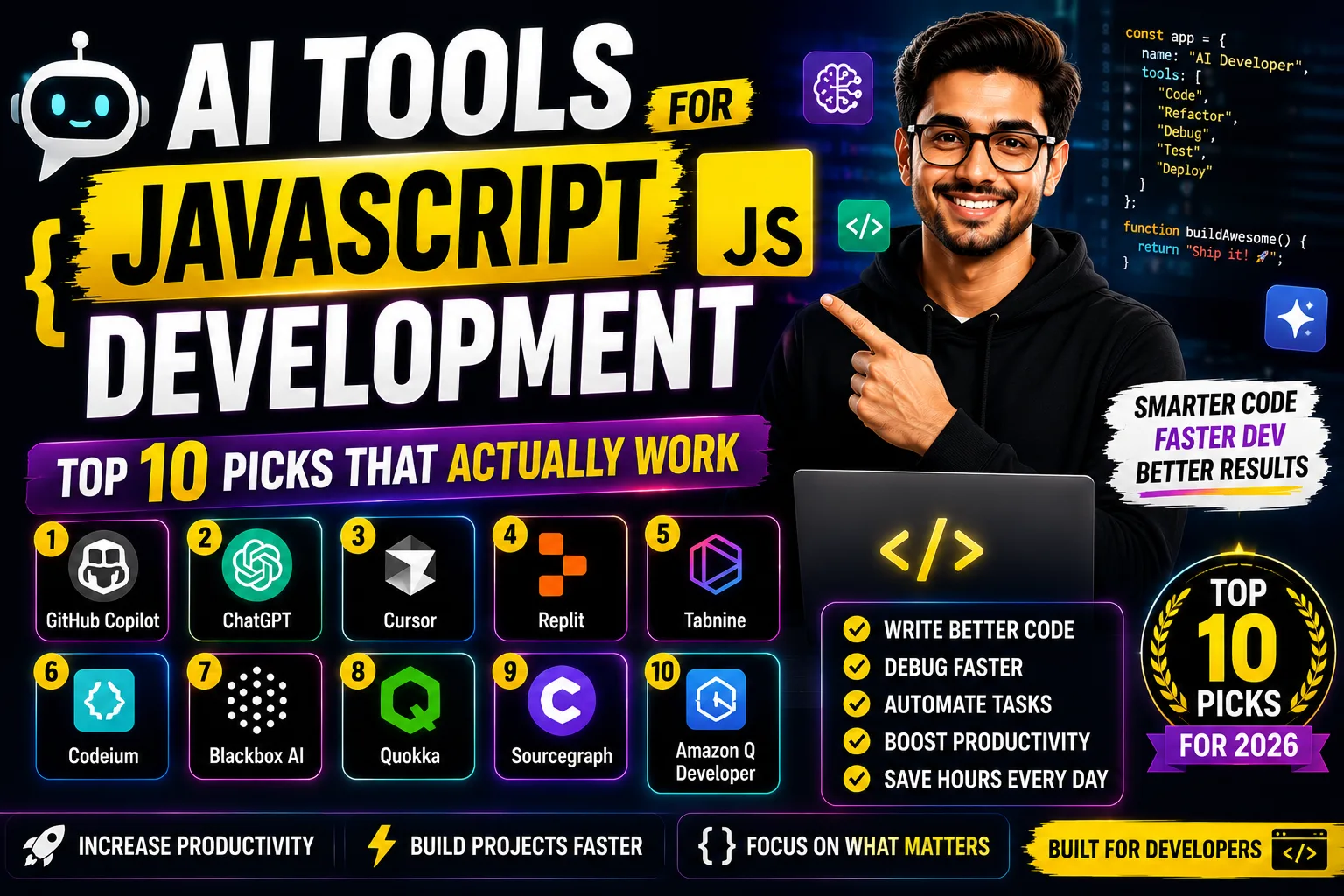
AI tools for JavaScript development have genuinely changed how fast I ship code on Upwork projects — we’re talking hours saved per day, not minutes. I’ve tested over a dozen of these tools across React, Node.js, and vanilla JS work, and these 10 are the ones worth your time. Some are free, some cost around ₹850–₹1,700/month, and the difference in quality is very real.
Table of Contents
- Quick Comparison: AI Tools for JavaScript Development
- 1. GitHub Copilot
- 2. Cursor
- 3. Tabnine
- 4. Codeium
- 5. Amazon CodeWhisperer
- 6. ChatGPT
- 7. Replit AI
- 8. Sourcegraph Cody
- 9. Pieces for Developers
- 10. Cline
- How to Pick the Right Tool
- My Personal Pick
- FAQs
Quick Comparison: AI Tools for JavaScript Development
| Tool | Best For | Free Plan | JS Strength |
|---|---|---|---|
| GitHub Copilot | Inline autocomplete | Limited | ⭐⭐⭐⭐⭐ |
| Cursor | Full-file editing | Yes | ⭐⭐⭐⭐⭐ |
| Tabnine | Privacy-first teams | Yes | ⭐⭐⭐⭐ |
| Codeium | Free users | Yes | ⭐⭐⭐⭐ |
| Amazon CodeWhisperer | AWS JS projects | Yes | ⭐⭐⭐ |
| ChatGPT | Debugging + explaining | Yes | ⭐⭐⭐⭐ |
| Replit AI | Beginners + prototyping | Limited | ⭐⭐⭐ |
| Sourcegraph Cody | Large JS codebases | Yes | ⭐⭐⭐⭐ |
| Pieces for Developers | Snippet management | Yes | ⭐⭐⭐ |
| Cline | VS Code power users | Yes | ⭐⭐⭐⭐ |
Buy AI Tools at Cheapest Price
1. GitHub Copilot — Best AI Tools for JavaScript Development for Inline Speed
GitHub Copilot is an AI pair programmer built directly into VS Code and JetBrains that suggests whole lines and functions as you type JavaScript.
GitHub Copilot is the one most Indian JS developers I know have tried first — and honestly, for good reason. It’s trained on billions of lines of public code, so its React component suggestions and async/await patterns feel unnaturally accurate. I’ve had it autocomplete entire fetch-with-error-handling blocks in under 2 seconds.
The downside? The free tier is limited in completions per month, and the paid plan — check current price here — adds up if you’re billing in rupees from Fiverr. It also occasionally suggests outdated patterns (pre-ES2022 stuff). Still, for raw typing speed inside your editor, nothing else feels as native.
2. Cursor — Best AI Tools for JavaScript Development for Full-Context Editing
Cursor is an AI-first code editor (VS Code fork) that lets you chat with your entire JavaScript project, not just one file.
Cursor is where things get genuinely interesting for JS developers. You can hit Ctrl+K, describe a refactor — “convert this class component to a hook and update all related files” — and it does it across multiple files simultaneously. That’s not something Copilot can do. For Upwork clients who want fast turnarounds on React apps, this is my go-to tool. Pricing: see current plan details.
The free tier gives you a decent number of “fast requests” per month, enough to evaluate it properly. The learning curve is steeper than Copilot because you need to understand when to use Chat vs Inline Edit vs Composer. But once it clicks, your JS delivery speed nearly doubles — I’m not exaggerating.
3. Tabnine — Best AI Tools for JavaScript Development for Privacy
Tabnine is interesting because it offers on-device AI models — your JavaScript code never leaves your machine. For freelancers working with NDA-sensitive client code (common on Toptal-level gigs), that matters. The suggestions are slightly less creative than Copilot but very consistent for boilerplate-heavy Node.js work. See pricing: here.
4. Codeium — Best Free AI Tools for JavaScript Development
Codeium’s free tier is genuinely unlimited — no artificial caps on completions. For JS developers in India who are just starting out or testing the waters, this is your first stop. It supports VS Code, JetBrains, Neovim, and even Jupyter. Quality is around 80% of what Copilot offers. The paid plan — pricing here — unlocks team features and context-aware chat.
5. Amazon CodeWhisperer — Best AI Tools for JavaScript Development on AWS
If your JS work involves Lambda functions, DynamoDB, or any AWS service, CodeWhisperer has trained specifically on AWS SDK patterns. It knows the exact syntax for `aws-sdk` v3 calls that other tools often get wrong. The individual tier is free. The professional tier — see pricing — adds security scanning. Outside AWS contexts, it’s average at best for vanilla JS.
6. ChatGPT — Best AI Tools for JavaScript Development for Debugging
ChatGPT isn’t an editor plugin — it’s a conversation. But for explaining why your async JavaScript code is throwing an unhandled promise rejection at 2am, nothing beats it. Paste your stack trace, describe the context, and it usually nails the fix. The free tier (GPT-4o limited) handles most JS debugging sessions fine. Paid plan: check here. I use this alongside Cursor, not instead of it.
7. Replit AI — Best AI Tools for JavaScript Development for Beginners
Replit gives you a browser-based IDE with AI built in — zero setup, instant Node.js environment. For college students in India learning JavaScript or quickly demoing a project to a client over a video call, it’s genuinely useful. The AI here generates entire app scaffolds from a prompt. Paid tier pricing: here. Not for serious production work, but great for prototyping and learning.
8. Sourcegraph Cody — Best AI Tools for JavaScript Development for Large Codebases
Cody indexes your entire repository and answers questions about it. Ask “where is the Razorpay webhook handler called in this 50k-line Node.js codebase?” and it tells you, with file paths. Free for individuals, and the paid plan (pricing) unlocks more context window. It’s slower than Copilot for inline suggestions but far smarter about large JS projects.
9. Pieces for Developers — Best AI Tools for JavaScript Development for Snippet Reuse
Pieces auto-captures code snippets you copy from Stack Overflow, GitHub, or ChatGPT and enriches them with AI-generated context. A month later when you need that UPI payment integration snippet again, Pieces finds it. The free tier is solid. Paid: see here. It solves a very specific pain — JS developers who constantly copy-paste solutions and then can’t find them later.
10. Cline — Best AI Tools for JavaScript Development for VS Code Power Users
Cline is an open-source VS Code extension that connects to Claude, GPT-4, or any API-compatible model and acts as an autonomous agent inside your editor. It can read files, run terminal commands, and fix JS bugs end-to-end. Since you bring your own API key, the tool itself is free — verify here. You pay only for the API calls. For cost-conscious Indian developers, this can be cheaper than any subscription at moderate usage.
How to Pick the Right AI Tools for JavaScript Development
- Step 1: Define your primary use case
Inline autocomplete (Copilot, Codeium), full-project refactoring (Cursor), or debugging conversations (ChatGPT)? Pick based on where you lose the most time. - Step 2: Check your budget in INR terms
At ₹85/USD, even a $10/month tool is ₹850/month. Evaluate if your Upwork/Fiverr billing rate makes that ROI-positive. Codeium is free — start there. - Step 3: Match to your JS stack
AWS-heavy? CodeWhisperer. Large React codebase? Cursor or Cody. Just Node.js scripts? Copilot is overkill — Codeium handles it fine. Check our guide on AI coding assistants for more stack-specific advice. - Step 4: Try the free tier for 2 weeks
Seriously. Every tool here has a free entry point. Don’t pay before you’ve verified it fits your workflow. - Step 5: Combine tools strategically
I use Cursor for active coding + ChatGPT for debugging + Pieces for snippet retrieval. Three tools, two of which are free. See our free AI tools for developers roundup for no-cost options.
My Personal Pick from These AI Tools for JavaScript Development
Honestly? Cursor for paid, Codeium for free. That’s it. GitHub Copilot is excellent but Cursor does everything Copilot does plus multi-file context — for only slightly more money. If you’re a freelance JS developer billing ₹3,000+ per hour on Upwork, Cursor pays for itself in the first project.
For someone just starting out, Codeium’s free tier combined with ChatGPT’s free tier covers 90% of daily JavaScript development needs. You don’t need to spend anything until you’re making real money. Also bookmark our AI tools for freelancers in India guide — it covers the full workflow beyond just coding.
Try the free plan on whichever tool matches your stack above — most of them need less than 10 minutes to set up in VS Code.
FAQs About AI Tools for JavaScript Development
Q: Which AI tools for JavaScript development are completely free?
A: Codeium offers unlimited free completions. Cline is free (you pay only for API usage). Amazon CodeWhisperer’s individual tier is free. ChatGPT has a free tier with GPT-4o access. Sourcegraph Cody is free for individual developers. These five cover most JavaScript development needs without any subscription.
Q: GitHub Copilot vs Cursor — which AI tool for JavaScript development is better?
A: For inline autocomplete speed, GitHub Copilot wins. For multi-file refactoring and full-project context, Cursor wins. Cursor costs around $20/month vs Copilot’s $10/month. Most serious JS developers eventually move to Cursor because the multi-file editing feature alone saves hours per week. If your JS work is mostly single-file scripts, Copilot is fine and cheaper.
Q: Are AI tools for JavaScript development worth it for Indian freelancers on Upwork?
A: Yes, if you’re billing more than ₹1,500/hour. At that rate, saving even 2 hours per week makes any $10-20/month tool ROI-positive within days. Start with free tools (Codeium, Cline) and upgrade once.