

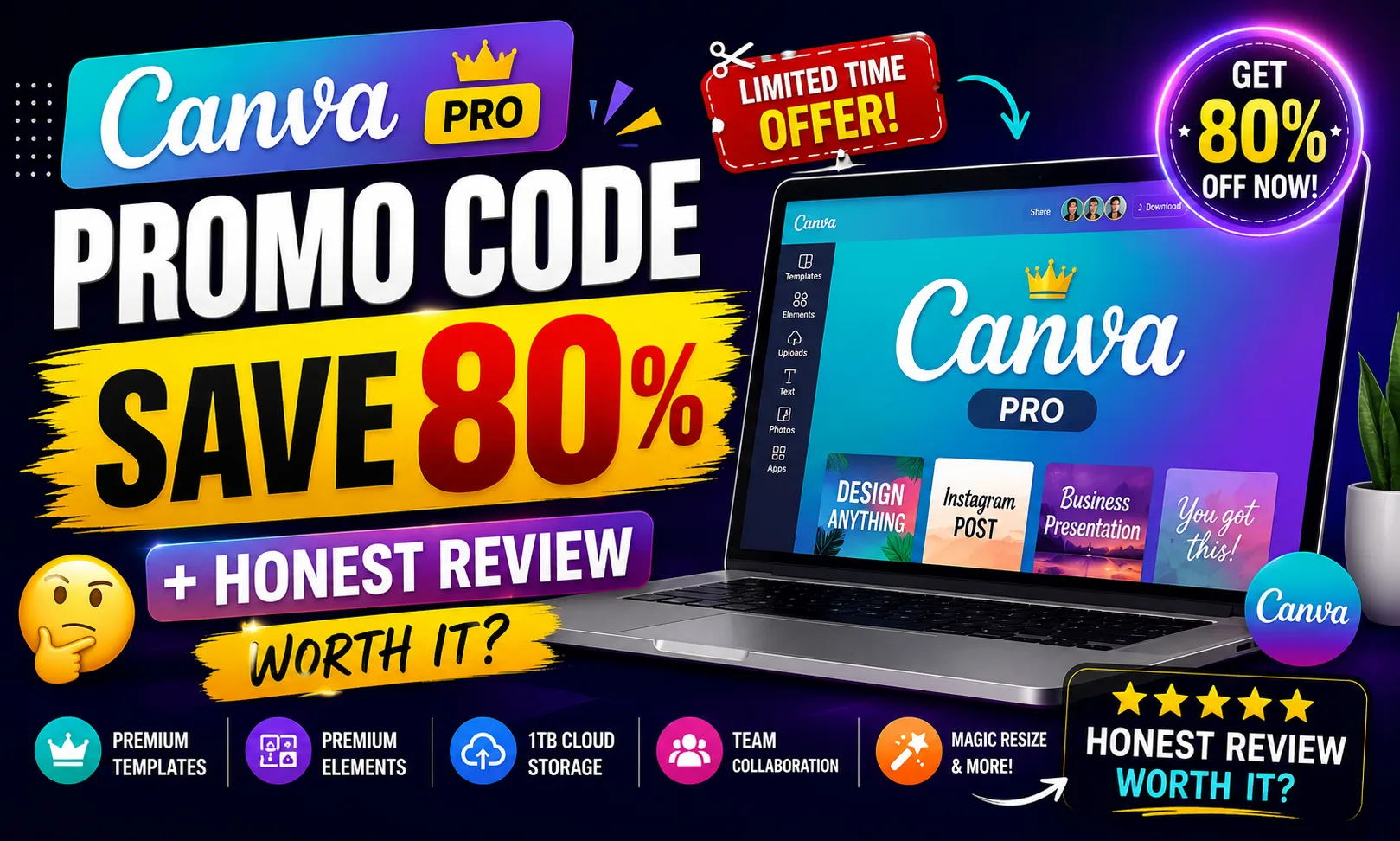
If you landed here searching for a Canva Pro promo code, good news — etoolkit.in has a discounted deal that can save you big. But let’s be real: the actual question is whether Canva Pro itself is worth your money, and that’s exactly what I want to break down here.
Table of Contents
- What Is Canva Pro?
- Canva Pro for Students
- Canva Pro for Working Professionals
- Canva Pro for Business & Freelancers
- Canva Pro Pricing & How to Get 50-80% Off
- FAQs About Canva Pro
What Is Canva Pro?
Canva Pro is a paid tier of Canva’s online design platform that unlocks advanced creative tools, unlimited storage, premium templates, and team collaboration features for individuals and businesses.
The free version of Canva is already solid. But Canva Pro layers on things that actually matter for serious work — Magic Resize (one-click format switching across social platforms), Brand Kit (set your logo, fonts, and colors once), background remover, and over 100 million stock photos and elements. It’s browser-based, so no installation headaches. Works on mobile too, which is huge if you’re designing on the go. Check Canva Pro’s official feature list here to see the full breakdown.
🔥 Get Canva Pro at the Cheapest Price — Up to 80% Off
Canva Pro for Students
Students get surprisingly strong value from Canva Pro, especially for assignment presentations, college fest posters, and study notes that actually look good.
Think about it — making a PowerPoint for a seminar used to take hours. With Canva Pro’s presentation templates, you pick one, swap in your content, done. The Magic Resize feature means you can convert that same design into an Instagram story or a printed handout without starting over. Research projects, infographics for sociology class, society event posters — all covered. And honestly, the visual resume templates alone are worth it when you’re applying for internships. Canva also has a free education plan for verified students, so check that first. If it doesn’t cover what you need, Pro is the next step.
Canva Pro for Working Professionals
Working professionals use Canva Pro mostly to cut the back-and-forth with designers and produce polished outputs independently.
Marketing managers, HR teams, and sales folks especially benefit here. Need a client-facing report? There are templates for that. Internal newsletter? Done in 20 minutes. The Brand Kit feature is a lifesaver — once your company colors and fonts are saved, every new design stays on-brand without you thinking about it. The content planner inside Canva Pro also lets you schedule social posts directly from the platform. For professionals who deal with presentations daily, the AI-assisted design suggestions speed things up significantly. No more waiting on a graphic designer for a simple banner.
Canva Pro for Business & Freelancers
For freelancers on Fiverr or Upwork, and for small business owners, Canva Pro is basically a mini design agency in your browser.
See, here’s the thing — clients expect polished deliverables, and hiring a full-time designer isn’t always practical. Canva Pro’s team collaboration lets you share editable designs with clients directly. You can create white-label social media content, pitch decks, and marketing kits for multiple clients without reinventing the wheel each time. The unlimited storage means your client folders stay organized. For businesses running seasonal campaigns — Diwali offers, New Year sales — the template library has ready-to-customize designs you can turn around fast. The Canva Pro Teams plan is specifically built for agencies managing multiple brand identities simultaneously.
Canva Pro Pricing & How to Get 50-80% Off
Canva Pro has a straightforward pricing structure with a free tier, individual Pro plan, Teams plan, and Enterprise — here’s exactly what each includes.
| Plan | Price |
|---|---|
| Free | Free |
| Pro | $15/month |
| Business (formerly Teams) | $20/user/month |
| Enterprise | Custom |
If you want a Canva Pro promo code that actually works, etoolkit.in lists verified deals giving you 50-80% off the standard price — tap the button below for the current discounted deal instead of paying full price.
🎟️ Grab Your Canva Pro Coupon — Save 50–80% Today
FAQs About Canva Pro
Q: Is there a valid Canva Pro promo code available right now?
A: Yes. etoolkit.in maintains updated Canva Pro promo code deals that can get you 50-80% off. The button in this article links to the current live offer — no manual code hunting needed.
Q: Does Canva Pro have a free trial?
A: Yes, Canva Pro offers a free trial period so you can test premium features like Magic Resize, background remover, and Brand Kit before committing to a paid plan.
Q: Is Canva Pro worth it for a solo freelancer?
A: Honestly, yes — especially if you handle social media content, pitch decks, or client presentations regularly. The time saved on design work easily justifies the subscription cost, and with a discount from etoolkit.in it’s even easier to justify.
Q: What’s the difference between Canva Free and Canva Pro?
A: Canva Free gives you basic templates and limited storage. Canva Pro adds Magic Resize, background remover, Brand Kit, 100+ million premium assets, unlimited storage, and content scheduling — significant upgrades if design is part of your regular workflow.
If you’re already using Canva’s free version and keep hitting paywalls on the features that matter, it’s time to look at Pro. Check the deal on etoolkit.in and see if the current discount makes the jump easier. Also worth reading: best AI design tools for Indian creators, free Canva alternatives worth trying, and top tools for freelancers in India to round out your creative stack.