

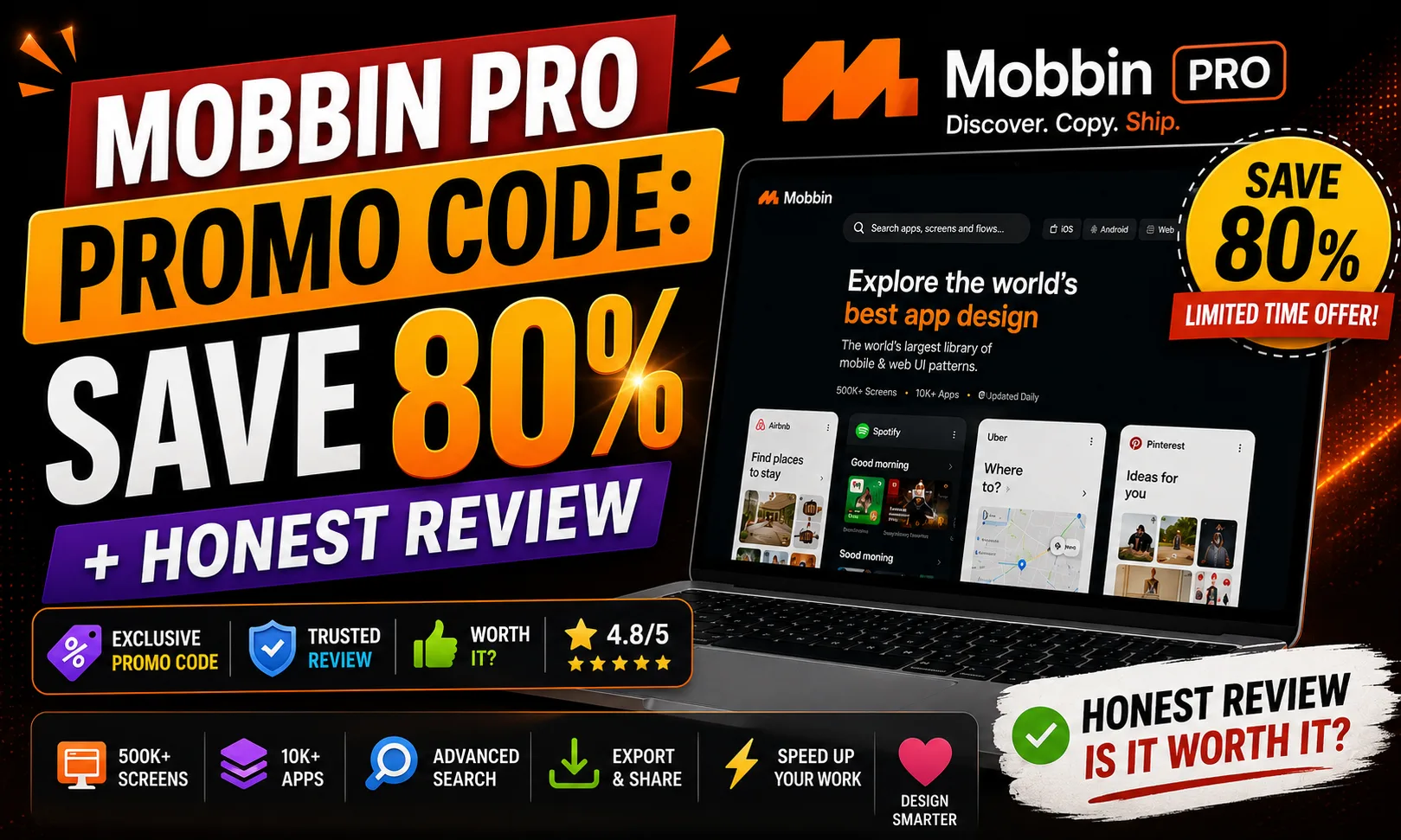
If you’ve been hunting for a Mobbin Pro promo code, etoolkit.in has you covered with a verified discount — but honestly, the bigger story here is what Mobbin Pro actually does for designers. It’s the most detailed real-world UI/UX reference library out there, used by product designers at companies like Airbnb and Figma.
Table of Contents
- What Is Mobbin Pro?
- Mobbin Pro for Students
- Mobbin Pro for Working Professionals
- Mobbin Pro for Business & Freelancers
- Mobbin Pro Pricing & How to Get 50-80% Off
- FAQs About Mobbin Pro
What Is Mobbin Pro?
Mobbin Pro is a premium design reference platform that gives designers instant access to a searchable database of real screenshots, user flows, and UI patterns from the world’s best-designed apps.
Think of it as Google Image Search — but actually useful for designers. Instead of random results, you get organized, tagged screens from apps like Spotify, Duolingo, Notion, and Uber. You can search “onboarding flow” or “empty state” and see exactly how 50+ real apps handle that pattern. That’s the kind of reference material that used to require hours of manual screen recording and filing.
Mobbin launched as a free tool and the Pro tier adds unlimited saves, advanced filtering, team collaboration, and full user flow access. The platform covers both iOS and Android app design, plus web app patterns — so you’re not limited to one ecosystem.
🔥 Get Mobbin Pro at the Cheapest Price — Up to 80% Off
Mobbin Pro for Students
Design students at institutes like NID or NIFT spend a lot of time trying to understand “best practices” from textbooks that show dated examples. Mobbin Pro changes that completely.
When you’re working on a UI assignment — say, a fintech app — you can pull up real screens from PhonePe, Groww, or Robinhood and study how they handle user onboarding, transaction confirmations, or error states. Not wireframes. Not mockups. Actual production screens with real copy and visual hierarchy.
The free tier gives limited access, but Mobbin Pro unlocks unlimited saves. Students building their portfolio on Figma or Adobe XD can save entire flows — like a checkout journey — and reference them while designing. It cuts research time from 3 hours to 15 minutes. That’s the real value for someone juggling 5 subjects.
Mobbin Pro for Working Professionals
If you’re a UI designer or product manager working at a startup or agency, client feedback sessions can get brutal. “Can you show me how other apps do this?” is a question every designer dreads. Mobbin Pro makes it a non-issue.
Say you’re designing a notification settings screen. Instead of guessing, you pull up 30+ real examples filtered by category, annotate your favorites, and walk into the meeting with evidence. The app screenshot search is fast — results load in under 2 seconds in my experience — and the tagging system (element type, color, interaction pattern) is genuinely smart.
Working professionals also use Mobbin Pro during design critiques and sprint planning. It’s easier to align a product team when everyone is looking at real-world UI inspiration rather than abstract descriptions.
Mobbin Pro for Business & Freelancers
Freelancers pitching on Upwork or local design gigs often compete on turnaround time. Mobbin Pro is a legitimate productivity multiplier here. If a client wants a SaaS dashboard redesign, you can research competitor UI patterns, build a mood board, and present a direction — all within a day.
The team collaboration feature in Mobbin Pro lets you create shared collections. So if you’re running a small design studio with 2-3 people, everyone pulls from the same reference library. No more “can you send me that screenshot you saved?” messages on Slack.
For app developers building their own products, Mobbin Pro’s user flow database is gold. Seeing how top apps handle edge cases — like empty states, permission requests, or payment failures — can directly influence better product decisions.
Mobbin Pro Pricing & How to Get 50-80% Off
Mobbin Pro offers a free tier and a paid Pro plan — here’s the full breakdown before we get to the discount.
| Plan | Price |
|---|---|
| Free | Free |
| Pro | $10/month |
| Team | $16/month |
| Enterprise | Custom |
Through etoolkit.in, you can access a verified Mobbin Pro promo code that brings the Pro plan down by 50-80% — making it one of the most affordable design tools you can add to your stack. No fake codes, no expired links. Just tap the button below for the current discounted deal.
🎟️ Grab Your Mobbin Pro Coupon — Save 50–80% Today
FAQs About Mobbin Pro
Q: Is there a free version of Mobbin Pro?
A: Yes, Mobbin has a free plan that gives limited access to app screenshots and UI patterns. The Pro plan removes those limits and unlocks full user flows, unlimited saves, and team features.
Q: Where can I find a working Mobbin Pro promo code?
A: etoolkit.in maintains a verified Mobbin Pro promo code with up to 50-80% off. The discount is applied automatically — just tap the deal button on this page.
Q: What kind of designers benefit most from Mobbin Pro?
A: UI/UX designers, product managers, and mobile app developers get the most value. The real-world app screen library and searchable UI patterns save hours of manual design research every week.
Q: Does Mobbin Pro cover Android and web apps, not just iOS?
A: Yes. Mobbin Pro includes screenshots and user flows from iOS apps, Android apps, and web applications — making it useful across platforms and design systems.
If you’re serious about UI design or UX research, Mobbin Pro is worth every rupee — and with the etoolkit.in deal active right now, there’s really no reason to wait. Check the current offer using the button above and start building better interfaces faster.