

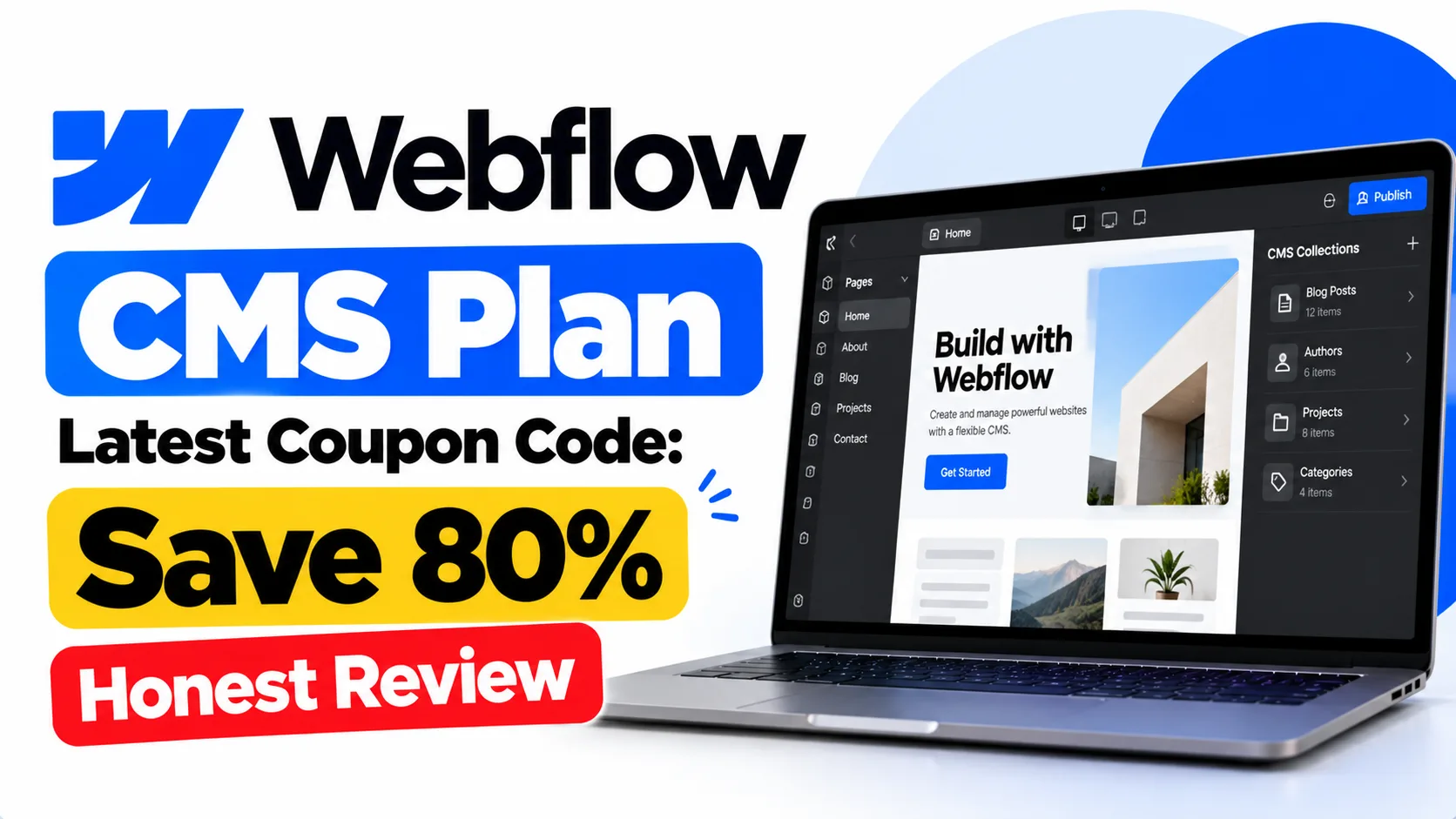
If you’ve been searching for the Webflow CMS Plan latest coupon code, you’re in the right place — etoolkit.in gets you 50–80% off so you can stop paying full price. But honestly, the real story here is Webflow CMS itself, which has quietly become one of the best no-code website builders for anyone who wants a dynamic, content-driven site without writing backend code.
Table of Contents
- What Is Webflow CMS?
- Webflow CMS for Students
- Webflow CMS for Working Professionals
- Webflow CMS for Business & Freelancers
- Webflow CMS Pricing & How to Get 50-80% Off
- FAQs About Webflow CMS
What Is Webflow CMS?
Webflow CMS is a visual content management system built directly into Webflow’s no-code website builder, letting designers and developers create, manage, and publish dynamic content through a drag-and-drop interface — no backend coding needed.
See, here’s the thing most people miss. Traditional CMS platforms like WordPress require plugins, hosting setup, theme compatibility fixes — a whole mess. Webflow CMS handles everything in one place. You define “Collections” (think: blog posts, case studies, team members, products) and Webflow auto-generates the templates. Change one field in your Collection schema and every page updates instantly. The visual editor shows you real-time design changes, and the CMS API lets you pull content into external apps too. It’s genuinely powerful for a no-code tool.
The platform is used by designers, marketing teams, and agencies worldwide. Webflow’s official CMS page explains the full Collection and dynamic content workflow in detail.
🔥 Get Webflow CMS at the Cheapest Price — Up to 80% Off
Webflow CMS for Students
Students building portfolios or project showcases will find Webflow CMS surprisingly useful, even on the free Starter plan.
Design students can create a portfolio site where each project lives inside a CMS Collection — title, description, images, tags, client name. Add a new project? Just fill a form, hit publish. No touching the design again. Computer science students use it to document open-source projects with a structured CMS blog. Journalism students have built full editorial sites with author profiles and category filters using Webflow’s dynamic filtering feature. And because Webflow exports clean semantic HTML/CSS, submitting it as a web design assignment actually teaches real-world skills. The free tier supports up to 2 CMS pages, which is enough to prototype and learn the entire workflow before committing.
Webflow CMS for Working Professionals
Working professionals — especially in marketing, content, and product roles — use Webflow CMS to move faster without depending on developers.
A content marketer can publish, schedule, and update blog posts directly inside Webflow without raising a Jira ticket. Product managers use it to maintain public-facing changelogs or documentation pages where each update is a CMS item. UX designers use the visual CMS editor to prototype content-heavy pages like landing pages and case study libraries with real data, not placeholder Lorem Ipsum. HR teams at mid-size startups have built internal job boards where each listing is a CMS Collection item — editable by a non-technical recruiter in under two minutes. That kind of workflow independence is genuinely valuable in fast-moving teams.
Webflow CMS for Business & Freelancers
For freelancers on Upwork or Fiverr, and for small business owners, Webflow CMS is one of the cleanest ways to deliver professional client websites with an easy editorial backend.
Honestly, the Editor Mode feature alone is worth it for client delivery. You hand over the site, the client logs into Webflow’s Editor (a simplified front-end editing view), updates their blog or team page, and never sees the design canvas. No WordPress plugin conflicts, no broken themes. Freelancers charge a premium for Webflow builds precisely because of this clean handoff. E-commerce brands use CMS Collections to manage lookbooks, size guides, and editorial content alongside their product pages. Agencies running multiple client sites can use Webflow’s multi-site workspace to manage CMS content across projects. For scaling content output — case studies, testimonials, press releases — CMS Collections with reference fields mean everything stays linked and consistent.
Webflow CMS Pricing & How to Get 50-80% Off
Webflow CMS offers several site plans, and the CMS plan is the sweet spot for most content-driven websites — here’s how the tiers break down.
| Plan | Price |
|---|---|
| Starter | Free |
| Basic | $15/month |
| Premium | $25/month |
| Team | $2500/month |
| Enterprise | Custom |
Through etoolkit.in, you can grab the Webflow CMS Plan latest coupon code and get 50–80% off the standard pricing — no fake promo code needed, just tap the button below for the current discounted deal and the savings apply automatically.
🎟️ Grab Your Webflow CMS Coupon — Save 50–80% Today
FAQs About Webflow CMS
Q: What is the Webflow CMS Plan latest coupon code and how do I use it?
A: The Webflow CMS Plan latest coupon code is available via etoolkit.in, which aggregates verified deals for AI and no-code tools. You don’t need to manually enter a code — clicking through the deal link applies the discount automatically at checkout.
Q: Is there a free version of Webflow CMS?
A: Yes, Webflow has a free Starter plan that includes limited CMS functionality — you can build and design with CMS Collections but the site won’t go live on a custom domain. It’s a solid way to learn the visual editor and dynamic content workflow before upgrading.
Q: How is Webflow CMS different from WordPress?
A: Webflow CMS is a fully visual, no-plugin system — design and content management happen in the same interface. WordPress relies on themes, plugins, and separate hosting. Webflow is faster to set up for designers and offers cleaner client handoffs via its front-end Editor Mode, but WordPress has a larger plugin ecosystem for complex functionality.
Q: Can Indian freelancers and businesses use Webflow CMS effectively?
A: Absolutely. Indian freelancers on Upwork and Fiverr charge a significant premium for Webflow builds over standard WordPress projects. Webflow accepts international payments and the platform works seamlessly for Indian clients too. With a coupon from etoolkit.in, the plan cost in INR terms becomes very reasonable for solopreneurs and small agencies.
If you’re building a content-driven website — portfolio, blog, agency site, or client project — Webflow CMS is one of the cleanest tools out there. And with etoolkit.in’s verified deal, there’s no reason to pay full price. Check the official Webflow pricing page to compare plans, then come back and grab the discounted rate below. Also worth reading: our guides on best no-code website builders, Webflow vs WordPress comparison, and Framer discount deals if you’re still deciding.