

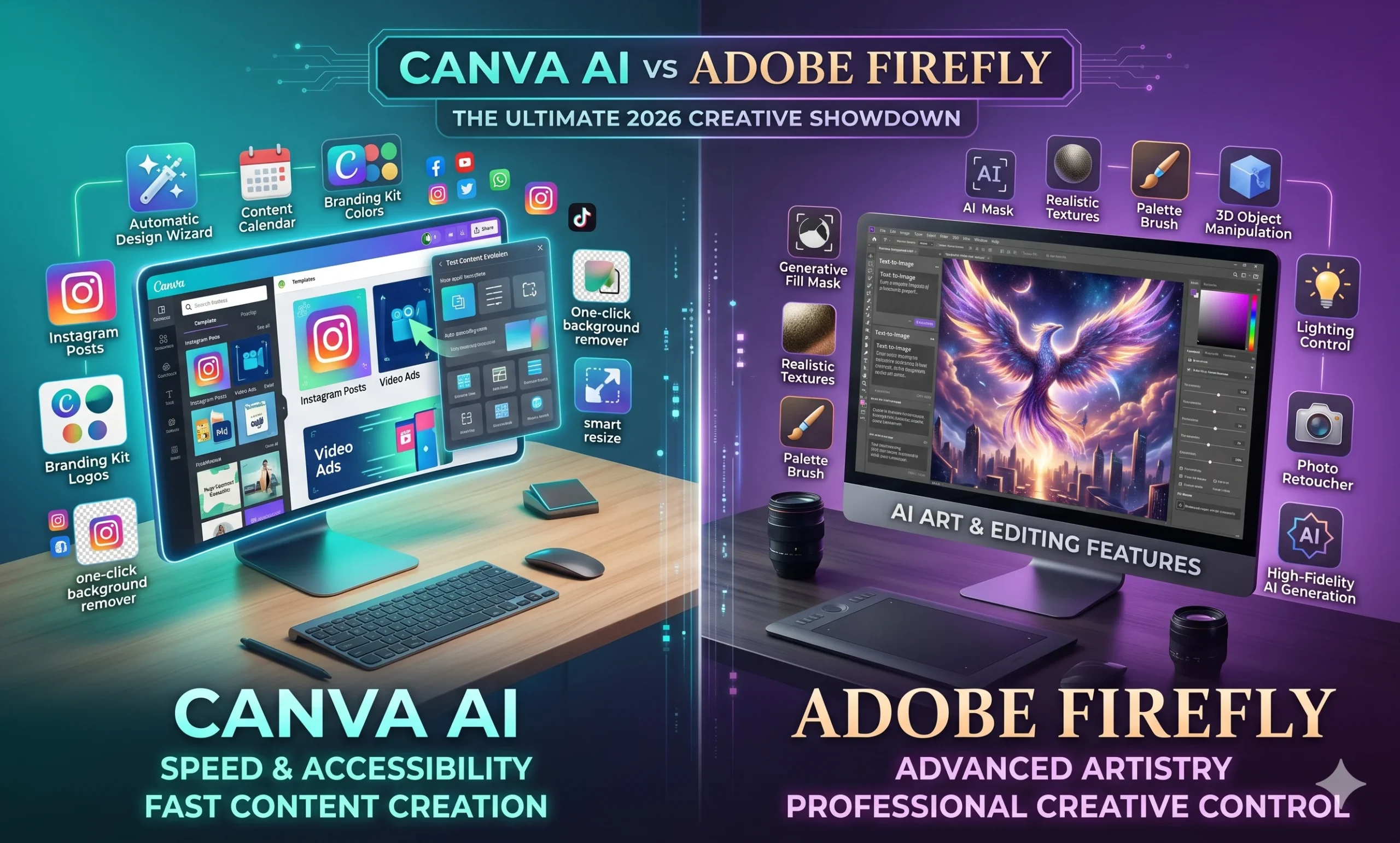
You’re scrolling through design tools, and everyone’s talking about AI features. Canva just rolled out their AI suite. Adobe launched Firefly with much fanfare. But here’s the question that actually matters — which one deserves your money and time?
I’ve spent the last three months using both tools for client work, Instagram posts, and YouTube thumbnails. Honestly, the answer isn’t as straightforward as the marketing videos make it seem.
This Canva AI vs Adobe Firefly comparison covers real pricing (in rupees), actual output quality, and which tool wins for different types of work in India.
Quick Verdict (For People in a Hurry)
If you’re creating social media content and need templates fast → pick Canva AI. If you’re doing professional design work and need precise control → pick Adobe Firefly. If budget is tight and you’re just starting out, Canva’s free tier offers more actual value.
Canva AI vs Adobe Firefly — At a Glance
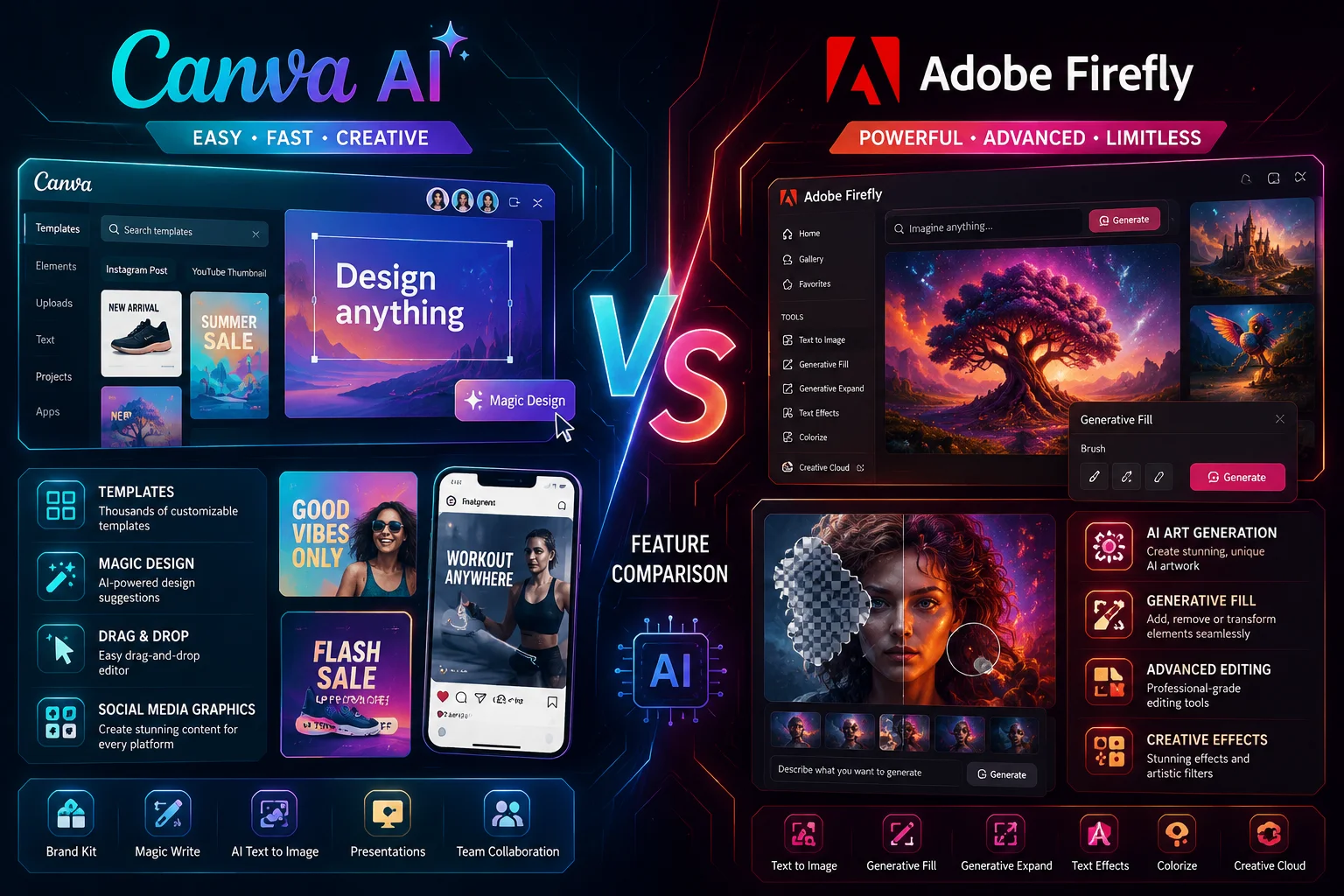
| Feature | Canva AI | Adobe Firefly |
|---|---|---|
| Starting Price (INR/mo) | ₹500 (Pro plan) | ₹1,700 (Creative Cloud) |
| Free Tier | 10 AI images/month | 25 credits/month |
| Best For | Social content, templates | Professional design work |
| Output Quality | Good for web, decent print | Excellent for both |
| Learning Curve | 5 minutes to start | 1-2 weeks to master |
| Hindi Support | Yes (interface + fonts) | Limited interface only |
| My Pick | Beginners, social media | Pro designers, agencies |
Real Use Cases
Let me give you three scenarios from my actual work. First, Instagram carousel posts for a local restaurant. Canva AI knocked this out in 10 minutes — background removal, text overlays, brand colors. The template library alone saved me hours. Adobe Firefly? Overkill and honestly slower for this type of work.
Second scenario — wedding invitation design for a client paying ₹8,000. Here’s where Firefly shined. The image generation was more precise, the typography controls were professional-grade, and the final print quality was what you’d expect from a premium tool. Canva’s output looked good on screen but wasn’t quite up to high-end print standards.
Third case — YouTube thumbnail testing. I created 20 variations of the same thumbnail idea. Canva’s batch features and quick exports won here, but Firefly’s generated elements had a better visual impact in the final A/B test results.
Where Canva AI Wins
Speed is Canva’s biggest advantage. I can go from idea to finished design in under 15 minutes for most social media content. The AI background remover works better than Photoshop’s for simple images — tested this on product photos and headshots. It just works.
The template integration is brilliant. You’re not starting from a blank canvas. The AI suggestions actually understand Indian festivals, cricket themes, and local business needs. I’ve seen it suggest Diwali color schemes without me specifying the festival.
Collaboration features are seamless, too. When I’m working with clients who want to make small changes themselves, Canva’s interface doesn’t intimidate them. My clients can edit text and swap images without calling me for every tiny revision.
Where Adobe Firefly Wins
Image quality is noticeably better. I ran the same prompt — “Indian street food vendor at sunset” — through both tools five times. Firefly’s outputs had better lighting, more realistic textures, and details that actually made sense. Canva’s images often had that slightly artificial AI look.
Professional control is where Firefly really shines. Layer management, precise colour matching, advanced typography — if you’re charging premium rates for design work, these features justify themselves quickly. The integration with other Adobe tools means your workflow stays consistent.
Commercial usage rights are clearer with Firefly. Adobe has been transparent about training data and commercial use. With Canva, I sometimes wonder about copyright issues for client work, especially for larger campaigns.
Pricing — What You Actually Pay in India
Canva Pro costs ₹500 per month or ₹4,500 per year. That’s roughly the price of a good lunch for two in Mumbai. You get unlimited AI images, premium templates, and brand kit features. The free tier gives you 10 AI generations per month — enough to test the tool and see if you like it.
Adobe Firefly requires Creative Cloud All Apps at ₹1,700 per month or ₹18,000 per year. Yes, you get Photoshop, Illustrator, and the full suite, but that’s 3x the cost. If you only need AI design features, this feels expensive. The free tier gives 25 generative credits per month — sounds like more, but complex images eat them up fast.
Hidden costs? Canva’s storage limit is around 50GB. Adobe charges extra for cloud storage beyond 100GB. Both tools work fine with UPI payments, though Adobe sometimes defaults to dollar billing which adds conversion fees.
Which One Should You Pick?
Under ₹1,000 budget — Go with Canva Pro. You get 80% of what you need for social media, basic client work, and personal projects. The learning curve is gentle, and you’ll be productive from day one.
₹1,000-3,000 budget — Still Canva, but consider Adobe if you’re already using other Adobe tools. The workflow integration might be worth the extra cost if design is your primary source of income.
₹3,000+ budget — Adobe Firefly becomes viable. At this point, you’re likely handling premium client work where the quality difference matters. The professional features pay for themselves through higher project rates.
My personal recommendation? Start with Canva Pro for 6 months. If you find yourself hitting quality limitations or needing advanced features, then upgrade to Adobe. Most Indian freelancers and small businesses will find Canva sufficient.
FAQs
Can I use both tools for commercial work?
Yes, both allow commercial use with paid plans. Adobe’s terms are clearer, but I’ve used Canva Pro for client work without issues. Just avoid the free tier for commercial projects.
Which tool is better for Hindi text and Indian languages?
Canva wins here. Better font support for Devanagari, Tamil, and other Indian scripts. The interface supports Hindi, and the template suggestions understand the Indian cultural context better.
How good are the mobile apps compared to web versions?
Canva’s mobile app is excellent — almost full feature parity. Adobe’s mobile experience is more limited, though the desktop integration works well. For on-the-go editing, Canva is clearly better.
Can I switch between tools easily?
Canva exports work fine to Adobe formats. Going the other way is trickier — Adobe files often need simplification before importing to Canva. Plan your workflow accordingly.
Which tool has better customer support for Indian users?
Canva’s support responds faster and understands local payment issues better. Adobe support is more technical but can be slower for basic queries. Both offer decent help documentation.
Try Canva Pro’s free trial first — you’ll know within a week if it handles your workload. If you’re still unsure after reading this, that probably means Canva is the right starting point for you.