

I avoided AI video tools for almost a year because I assumed the output would look like those weird, obviously-generated clips with floating arms and robotic voiceovers. That was a mistake. The category has grown up fast — and some of these tools are genuinely saving me 4-5 hours a week on content I used to dread making.
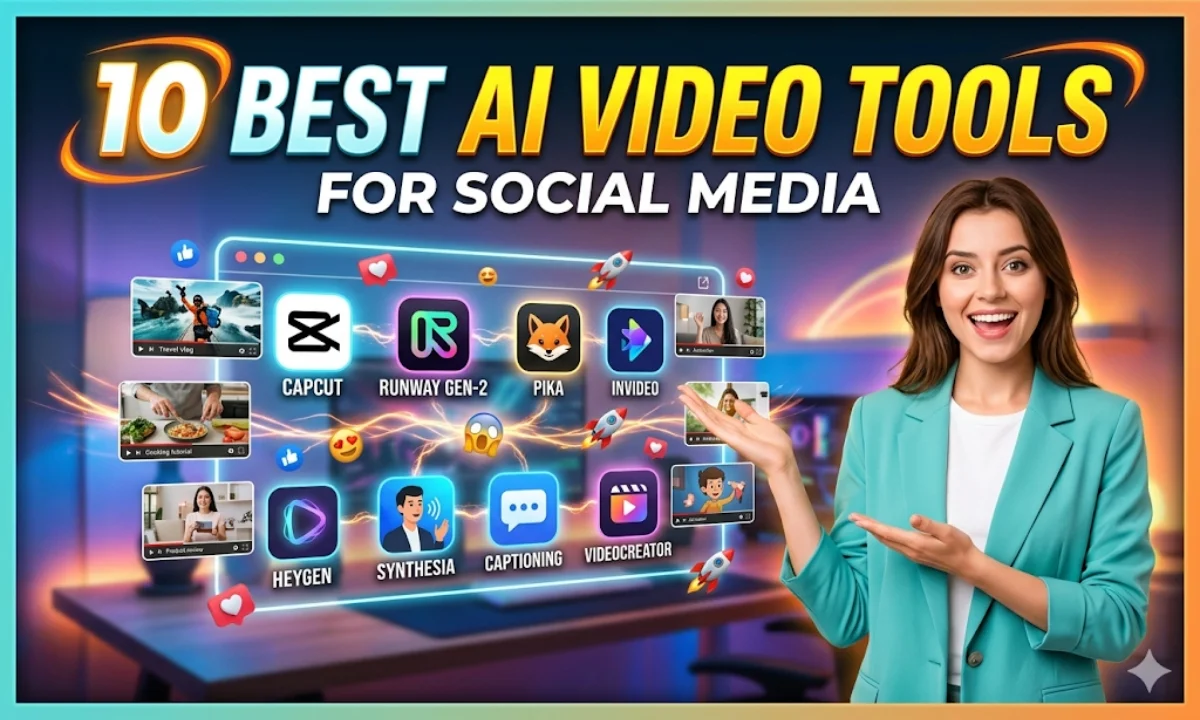
This post covers the 10 best AI video tools for social media right now — what each one does, who it’s for, and what it actually costs in rupees.
Quick Comparison: AI Video Tools for Social Media
| # | Tool | Best For | Free Tier | Starting Price |
|---|---|---|---|---|
| 1 | Runway | Text/image to video | Yes (limited) | ~₹1,275/mo |
| 2 | Pictory | Blog to video / repurposing | Yes (3 videos) | ~₹1,700/mo |
| 3 | CapCut AI | Reels & Shorts, mobile-first | Yes (generous) | Free / ₹840/mo |
| 4 | InVideo AI | Script to video, Indian use cases | Yes (watermark) | ~₹1,530/mo |
| 5 | HeyGen | AI avatar talking videos | Yes (1 min/mo) | ~₹2,125/mo |
| 6 | Synthesia | Corporate / training videos | Demo only | ~₹2,550/mo |
| 7 | Descript | Podcast-to-video, screen recording | Yes | ~₹1,275/mo |
| 8 | Fliki | Text to video with AI voiceover | Yes (watermark) | ~₹680/mo |
| 9 | Lumen5 | LinkedIn & blog repurposing | Yes (watermark) | ~₹1,275/mo |
| 10 | PixVerse | Short viral clips, motion effects | Yes | ~₹850/mo |
Buy AI Tools at Cheapest Price
1. Runway — Best for Text-to-Video Quality
Runway’s Gen-3 Alpha is probably the most talked-about text-to-video tool right now — and for good reason. I gave it a simple prompt (“a street food stall at night, cinematic, slow motion”) and the output genuinely looked like B-roll I’d shoot on a mirrorless camera. Not perfect, but client-ready with some trimming.
The free plan gives you 125 credits — enough to test maybe 8-10 short clips. The Standard plan is $15/month (roughly ₹1,275), which is fair for the quality. No Indian language support, but for visual storytelling, that barely matters. Export quality goes up to 4K on higher tiers.
One honest gripe: it’s slow at peak hours, and the watermark on free exports is prominent. If you’re selling video work on Fiverr, upgrade before sending anything to a client.
2. Pictory — Best for Repurposing Long Content
Pictory is the tool I recommend to every blogger or podcaster who wants to squeeze YouTube Shorts out of existing content. Paste a blog URL or transcript, and it automatically cuts it into scenes, adds stock footage, and even generates a voiceover. I tested the same 1,200-word article on three tools — Pictory’s output was the only one I’d actually post without heavy editing.
The Starter plan is $20/month (around ₹1,700) — about the same as Netflix Premium. Free tier gives you 3 projects with a watermark, which is enough to decide if it fits your workflow. No Hindi voiceover yet, which is a real gap for regional creators.
Where it shines: wedding recap videos, festival offer videos for small businesses, and turning client testimonials into shareable Reels. The auto-caption feature also works well — Hindi words in Latin script get picked up correctly most of the time.
3. CapCut AI — Best Free Option for Reels & Shorts
CapCut is everywhere in India already, and the AI features they’ve added — auto-captions, background removal, script-to-video — make it the most accessible AI video tool for social media if you’re on a tight budget. The free tier is genuinely generous. No watermark on most exports.
The AI script feature is basic, but the auto-reframe for different aspect ratios (16:9 to 9:16) saves real time when you’re posting the same video on YouTube and Instagram. The mobile app works on mid-range Android phones — I tested it on a ₹15,000 device, no lag.
Downside? The desktop version is still catching up, and some AI features are US-region-first. But for a freelancer doing social media content for local businesses, CapCut AI is paisa vasool.
4. InVideo AI — Best for Script-to-Video in Indian Context
InVideo AI has an Indian team behind it, and it shows. The prompt interface understands phrases like “Diwali sale video for a clothing brand” or “YouTube intro for a cooking channel” without you having to over-explain. The $18/month plan (around ₹1,530) removes the watermark and gives you 50 AI videos per week.
The voiceover quality in Hindi and regional languages is noticeably better than competitors. Not perfect, but usable for organic social content. Stock footage library is large, and the auto-sync to beat is a nice touch for Reels.
One limitation — the AI-generated scripts can be a bit generic. I always rewrite the hook before rendering. But the time saved on editing and assembly is still significant.
5. HeyGen — Best for AI Avatar Videos
HeyGen lets you create a digital avatar of yourself — or use one of their stock avatars — and generate talking-head videos just from a script. The output quality is eerily good now. I used it for a product explainer and three people asked me when I recorded it.
Free plan: 1 minute of video per month. Paid starts at $25/month (~₹2,125). Supports multiple languages including Hindi, though the lip-sync for Hindi isn’t as tight as English yet. Good for coaches, educators, or anyone who hates being on camera.
6. Synthesia — Best for Corporate & Training Videos
Synthesia is the enterprise pick here. If you’re making onboarding videos, HR training content, or product demos for a company, this is the most polished AI avatar tool available. Avatars look professional, backgrounds are clean, and multi-language dubbing works well.
It’s not cheap — plans start around $30/month (~₹2,550) — and there’s no real free tier beyond a demo. But for B2B video work on Upwork or for internal teams, the output justifies the price. Monetization-friendly, no watermarks, full HD export.
7. Descript — Best for Podcast & Screen Recording Workflows
Descript takes a different approach — you edit video by editing the text transcript. Delete a sentence from the transcript, it disappears from the video. It’s genuinely wild the first time you use it. Overdub (their AI voice cloning) lets you fix mispronounced words without re-recording.
Free plan exists but limits you to 1 hour of transcription. The Hobbyist plan is $15/month (~₹1,275). Best for YouTube tutorial creators, interview-based content, or anyone doing screen-recorded demos.
8. Fliki — Best Budget Text-to-Video with Voiceover
Fliki is the most affordable proper AI video tool for social media on this list — Basic plan at just $8/month (~₹680). You type a script, it generates a video with AI voiceover and stock footage. Output isn’t as polished as Pictory, but at this price point, hard to complain.
Hindi voice support is available. Export quality tops out at 1080p on paid plans. Watermark removed on paid tiers. Good for small business owners who want to post consistently without hiring a video editor.
9. Lumen5 — Best for LinkedIn & Blog-to-Video
Lumen5 is the OG blog-to-video tool. Still relevant in 2025, especially for LinkedIn content where polished, text-driven videos perform well. The AI pulls key sentences from your article and matches them with stock visuals automatically.
Free plan adds a watermark. Paid starts at $15/month (~₹1,275). Not great for Reels or fast-paced social content — but for thought leadership videos and brand storytelling, it works cleanly.
10. PixVerse — Best for Short Viral Motion Clips
PixVerse is newer and focuses on short, punchy AI-generated clips — think product reveals, animated logos, and eye-catching motion effects. The free plan is usable, and paid starts around $10/month (~₹850). Output resolution and style control are improving fast. Worth bookmarking if you make content for fashion, food, or lifestyle brands.
Real Use Cases by User Type for AI Video Tools for Social Media
- Freelancer on Fiverr/Upwork: HeyGen or Synthesia for avatar explainers, Pictory for repurposing client blogs into Reels.
- Small business owner: InVideo AI or CapCut AI — fast, affordable, Indian context built in.
- YouTuber: Descript for editing, Runway for B-roll, Fliki for voiceover-driven content.
- Content agency: Runway + Pictory combo — generation plus repurposing in one workflow.
- Educator/Coach: HeyGen for multilingual avatar videos, Synthesia for polished training modules.
If you want to compare some of these against writing tools that complement your video content workflow, check out our guide on the best AI writing tools for Indian creators.
My Personal Pick from These AI Video Tools for Social Media
Honestly, if I had to pick just two — it’s Pictory for repurposing existing content and CapCut AI for original short-form creation. That combo covers 80% of what most Indian social media creators actually need, without breaking the bank.
Runway is the one I’d add if a client budget allows — the visual quality is a tier above everything else. And if you’re camera-shy or doing multilingual content, HeyGen is worth the ₹2,125/month seriously.
For more context on how AI tools are being adopted across creative workflows in India, the India AI government initiative has some interesting ecosystem data worth reading. And if you’re curious about the underlying video generation research, Wikipedia’s page on generative AI gives a solid non-technical overview.
Also worth reading if you’re building a broader AI toolkit: our roundup of the best free AI tools available right now — several of the tools above have free tiers worth starting with.
FAQs About AI Video Tools for Social Media
Which AI video tool for social media is best for beginners?
CapCut AI — free, mobile-friendly, and no steep learning curve. InVideo AI is a close second if you want more script-to-video automation.
Do any of these AI video tools support Hindi?
InVideo AI, Fliki, and HeyGen offer Hindi voiceover support. CapCut’s auto-caption handles Hindi reasonably well too.
Can I monetize YouTube videos made with AI video tools?
Yes — as long as you have rights to the content and the tool allows commercial use on your plan. Always check the specific plan’s licensing. Most paid tiers explicitly allow monetization.
Which one has no watermark on the free plan?
CapCut AI is the most generous — most exports are watermark-free even on free. Runway and Descript free tiers do add watermarks on rendered videos.
Try the free plan on whichever tool matches your use case — most give you enough credits to produce 2-3 actual videos before you commit. Drop your experience in the comments if you’ve used any of these for Indian social media content. Would love to know what’s actually working for you.