

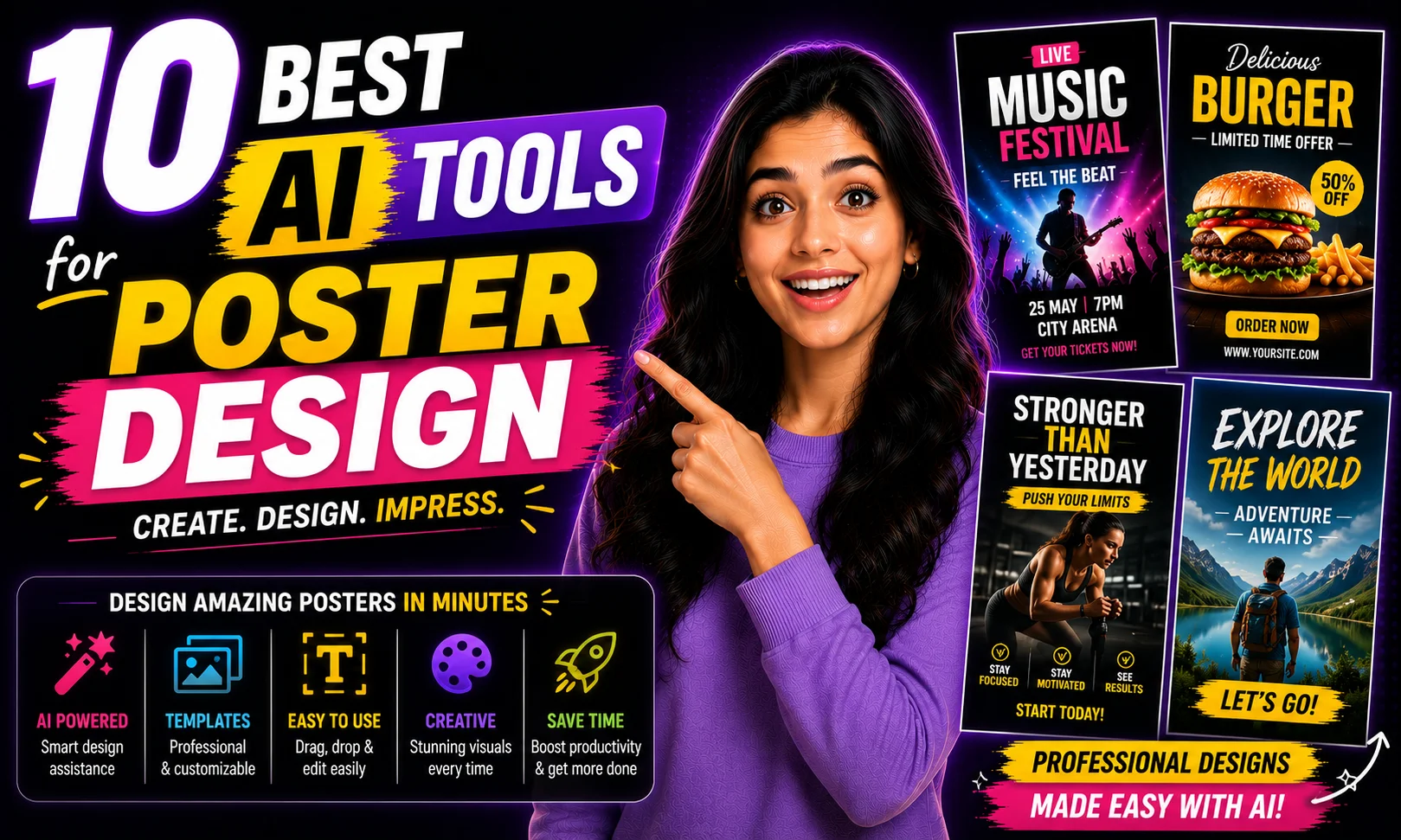
Is your current poster workflow still “open Canva, stare blankly, tweak for two hours”? Because honestly, the best AI tools for poster design have made that loop a lot shorter — and a lot less painful. I tested ten of them across real tasks: Diwali posters, wedding invitation graphics, Fiverr client work, Instagram creatives. This post breaks down exactly which tool does what, and who it’s actually for.
Quick Comparison: Best AI Tools for Poster Design
| # | Tool | Best For | Free Tier? | Starting Price |
|---|---|---|---|---|
| 1 | Canva AI | All-round poster creation | Yes | ~₹4,000/year |
| 2 | Adobe Firefly | Professional brand work | Yes (limited) | ~₹1,675/month |
| 3 | Microsoft Designer | Quick social posts | Yes | Free (with Copilot+) |
| 4 | Fotor AI | Budget freelancers | Yes | ~₹680/month |
| 5 | Picsart AI | Instagram-speed edits | Yes | ~₹850/month |
| 6 | Visme AI | Event & info posters | Yes | ~₹2,100/month |
| 7 | Kittl | Typography-heavy designs | Yes | ~₹1,700/month |
| 8 | Looka | Brand identity posters | No | ~₹1,275 one-time |
| 9 | NightCafe | Artistic / experimental | Yes | ~₹850/month |
| 10 | Bing Image Creator | Zero-budget quick drafts | Yes | Free |
Buy AI Tools at Cheapest Price
1. Canva AI — Best for All-Round Poster Creation
Canva’s AI features — Magic Design, Text to Image, and Magic Write — are baked right into the editor you already know. I typed “Diwali sale poster for a clothing brand, warm golds and reds” and got five usable layouts in under 30 seconds. That’s not hype. That’s what actually happened. For Indian wedding invitation posts, festive sale banners, and school event posters, nothing comes close to Canva’s template library plus AI combo.
The free tier is generous, but it watermarks downloaded files. The Pro plan at roughly ₹4,000/year (billed annually) is honestly worth it if you’re doing even 3-4 client projects a month. That’s less than one cup of coffee per day — and your clients won’t see a watermark.
One honest limitation: the AI image generation inside Canva is decent, not great. For photo-realistic backgrounds you’ll want Firefly or Midjourney. But for template-based poster design with AI assistance? Canva is still number one on my list of best AI tools for poster design.
2. Adobe Firefly — Best for Professional Brand Work
Adobe Firefly is the only AI image tool trained on licensed content — which matters a lot if you’re doing client work on Upwork or delivering to brands that worry about copyright. I tested the same product banner prompt on Firefly, Canva AI, and Midjourney. Firefly’s output was the only one I’d actually send to a paying client without second-guessing.
The standalone Firefly web app has a free tier with limited monthly credits. If you’re already on Creative Cloud, Firefly is included. The Express plan with Firefly access starts around ₹1,675/month — comparable to other mid-tier tools but with far better commercial safety.
Where it falls short: the layout and template engine isn’t as polished as Canva. You get stunning raw images, but you’ll need to take them somewhere else to finish the poster. Still, for anyone doing serious brand poster design, Firefly earns its spot among the best AI tools for poster design.
3. Microsoft Designer — Best for Quick Social Posts
Completely free if you have a Microsoft account. You describe a poster, it generates full layouts with text and images. I made a “Grand Opening” poster for a fictional chai stall in about 4 minutes. Not perfect, but shockingly usable for zero rupees. Great for small business owners who can’t justify a subscription right now.
The AI-suggested copy inside Designer is a nice bonus. It’s not a replacement for Canva Pro, but it’s a solid free option — and it pairs well with Copilot if you’re already in that ecosystem.
4. Fotor AI — Best for Budget Freelancers
Fotor has quietly improved its AI poster features. The AI background remover, one-tap color palette matching, and text layout suggestions all work well together. At roughly ₹680/month, it’s the most affordable paid option on this list. If you’re starting out on Fiverr doing poster gigs and want something beyond free-tier Canva, Fotor is a smart stepping stone.
The interface feels a bit 2019, honestly. But the output quality — especially for simple promotional posters — is clean enough for most client work.
5. Picsart AI — Best for Instagram-Speed Edits
Picsart’s AI tools are built for speed. The “AI Generate” feature lets you create backgrounds and visual elements from text prompts, then drop them straight into poster templates. I made five different Navratri celebration posts in under 15 minutes — different colors, different vibes, all usable. That’s the actual pitch here: volume and speed.
At around ₹850/month, it’s slightly pricier than Fotor but faster for social content. The mobile app is excellent — better than the web version, actually.
6. Visme AI — Best for Event and Info Posters
Visme is underrated for poster design. The AI presentation and poster tool generates structured layouts with data sections, event details, speaker cards — all the stuff that’s annoying to manually place. If you’re making posters for tech events, college fests, or corporate announcements, Visme’s structured AI output saves real time.
The starting price is around ₹2,100/month, which is on the higher side. But for B2B designers or agencies handling event collateral regularly, it pays off.
7. Kittl — Best for Typography-Heavy Designs
See, here’s the thing about Kittl — it’s the only tool in this list that gets typography right at the AI level. Vintage badges, retro concert posters, ornate wedding card borders. The AI style engine lets you describe an aesthetic and Kittl matches fonts, textures, and layout to it surprisingly well. I made a mock vintage Bollywood-style poster and it looked like something a paid designer would charge ₹2,000 for.
Free tier lets you export at lower resolution. Paid starts at around ₹1,700/month. Worth it for anyone doing decorative or print-first poster work.
8. Looka — Best for Brand Identity Posters
Looka isn’t a general poster tool — it’s specifically great when you need brand-consistent posters. You build your brand kit (logo, colors, fonts) once, and Looka generates marketing materials including posters that stay on-brand. For small business owners launching something new, this is paisa vasool. No monthly subscription — you pay around ₹1,275 one-time for brand kit access and can generate assets from there.
9. NightCafe — Best for Artistic and Experimental Posters
If you want poster art that looks like it came from a gallery, not a template, NightCafe is worth trying. The AI image generation is based on Stable Diffusion and DALL·E models — you get genuine creative weirdness. I’ve used NightCafe outputs as backgrounds for music event posters and they absolutely slap. The free credits are limited, but the paid plan at ~₹850/month gives you enough credits for serious output.
10. Bing Image Creator — Best for Zero-Budget Quick Drafts
It’s free. It runs on DALL·E. You describe a poster concept and it generates an image you can take into Canva or Photoshop to finish. Not a complete poster tool, but for generating reference visuals, mood board images, or rough draft backgrounds — completely free and actually good. Every Indian designer on a tight budget should have this in their toolkit.
Real Use Cases by User Type for Best AI Tools for Poster Design
Here’s how to actually choose based on what you do:
- Festival & wedding poster creators: Canva AI for templates + Firefly for custom image backgrounds
- Instagram content creators: Picsart AI for speed, Kittl for aesthetic variety
- Freelancers on Fiverr/Upwork: Canva Pro + Firefly for commercial-safe output
- Small business owners: Microsoft Designer (free) or Looka for brand-consistent work
- Event/college fest teams: Visme AI for structured layouts
- Zero-budget starters: Bing Image Creator + Canva free tier — powerful combo
If you want to go deeper on how these tools compare in broader AI design categories, check out our full guide to AI design tools for Indian creators.
My Personal Pick from These Best AI Tools for Poster Design
Honestly? Canva AI for 80% of work, Firefly for client deliverables where copyright matters. That combo covers almost everything — festival posts, wedding graphics, Upwork projects, Instagram reels thumbnails. If I had to pick just one, it’s still Canva. The AI features keep improving and the template ecosystem is unmatched for Indian contexts — I haven’t found any other tool with as many Diwali, Holi, or wedding-style templates built in.
For more on how to use AI for design workflows end to end, read our breakdown of AI tools for graphic design work.
The best AI tools for poster design aren’t always the most expensive. Match the tool to the job. A ₹0 Bing Image Creator output finished in Canva free can look better than a lazy ₹2,000/month tool used badly.
FAQs About Best AI Tools for Poster Design
Which AI tool is completely free for poster design?
Microsoft Designer and Bing Image Creator are fully free. Canva’s free tier is also quite usable, though it limits some AI features and watermarks downloads.
Can I use these tools for commercial poster work?
Firefly is the safest for commercial use because it’s trained on licensed content. Canva Pro also clears commercial rights. Always check individual tool licensing before sending to clients.
Which tool is best for Indian festival poster design?
Canva AI — hands down. The template library has the most India-specific festival content, and the AI suggestions actually understand Indian color palettes and layout styles better than the others I tested.
Is ₹4,000/year for Canva Pro worth it for a freelancer?
If you’re doing even two poster projects a month for clients, yes. The watermark removal alone justifies it. Think of it as less than ₹340/month — roughly the same as a single Swiggy order.
Try any of these free tiers for a week before committing. And drop in the comments which one worked for your last poster project — I’m genuinely curious what’s clicking for folks doing wedding and festival work.