

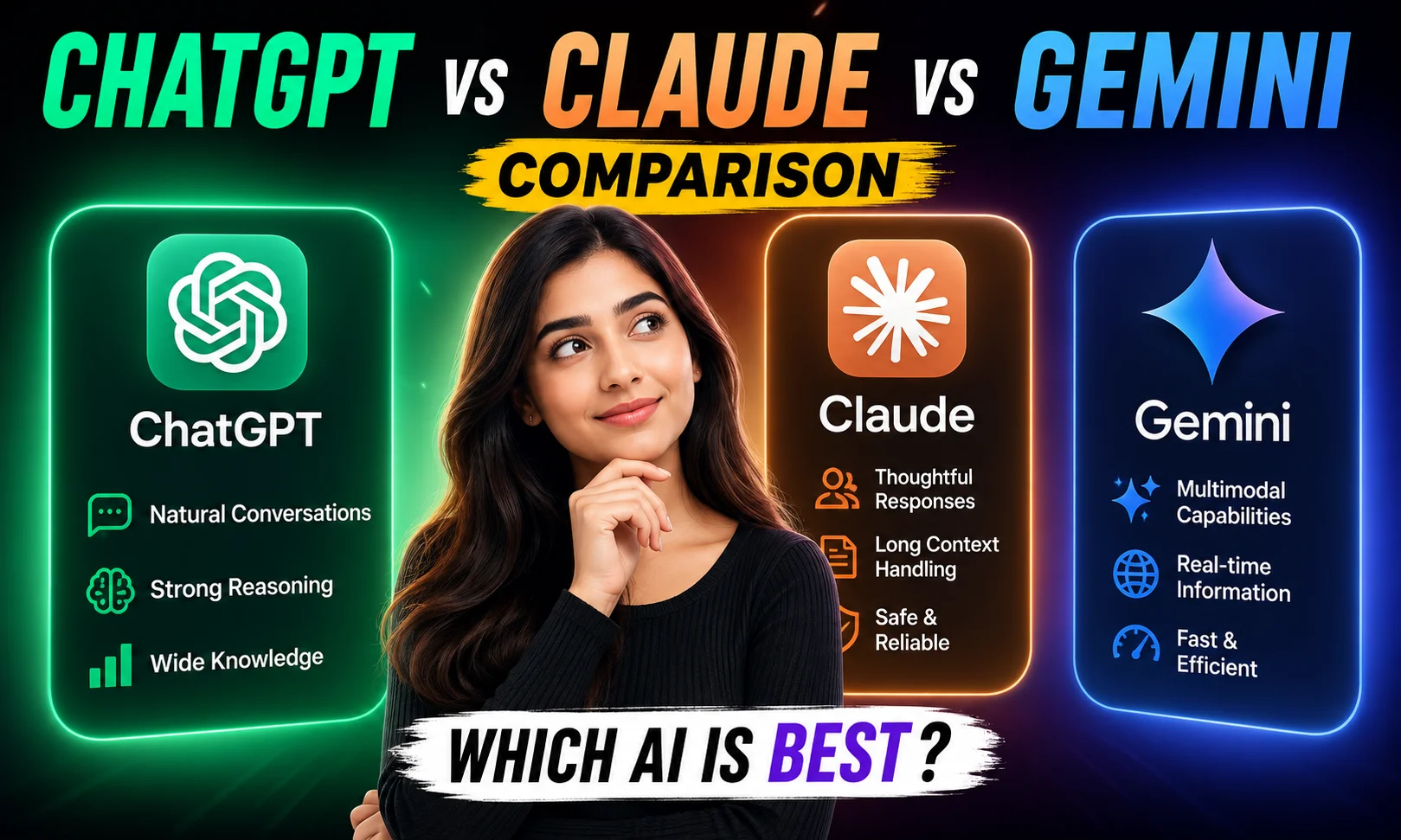
A client texted me last month asking which AI chatbot to buy for their small apparel business in Surat. They wanted to write product descriptions, reply to customer queries, and maybe handle some basic WhatsApp drafts. I spent three days testing all three tools with the same prompts before I could give a straight answer. This post is that answer — structured, honest, no fluff.
This ChatGPT vs Claude vs Gemini comparison covers real use cases, actual pricing in INR, and where each tool genuinely wins (and loses). Let’s get into it.
Quick Verdict Before We Go Deep
If you just want the short version: ChatGPT is the most versatile all-rounder. Claude is the best writer of the three — longer documents, better tone control. Gemini makes most sense if you’re already inside the Google ecosystem.
None of them is perfect. All three have a usable free tier. And the paid plans are priced similarly — which makes this ChatGPT vs Claude vs Gemini comparison genuinely tricky for anyone on a tight budget.
ChatGPT vs Claude vs Gemini Comparison At a Glance
| Feature | ChatGPT (GPT-4o) | Claude (Sonnet 3.5) | Gemini (1.5 Pro) |
|---|---|---|---|
| Best For | General tasks, coding, image gen | Long-form writing, documents | Google Workspace, search-linked tasks |
| Free Tier | Yes (limited GPT-4o) | Yes (limited messages) | Yes (fairly generous) |
| Paid Plan | $20/month (~₹1,700) | $20/month (~₹1,700) | $19.99/month (~₹1,700) |
| Hindi Support | Good | Decent | Best of three |
| Context Window | 128K tokens | 200K tokens | 1M tokens |
| Image Generation | Yes (DALL·E built-in) | No | Yes (Imagen) |
| WhatsApp Integration | Via API / third-party | Via API only | Limited / via Workspace |
Buy AI Tools at Cheapest Price
Real Use Cases for the ChatGPT vs Claude vs Gemini Comparison
I ran the same five prompts across all three tools. Same inputs, same device, same time of day. Here’s what I found — not in theory, but actually.
Writing a festival sale email for a clothing brand: Claude’s output was the most natural-sounding. It didn’t stuff in buzzwords. ChatGPT gave me a solid draft but slightly generic. Gemini was okay but kept suggesting I “leverage offers” — no thanks.
Summarising a 20-page PDF vendor agreement: Claude handled this best, no contest. Its 200K context window means you can paste the whole thing without chunking. ChatGPT struggled slightly with a long contract. Gemini’s 1M context is impressive but in practice, the summary quality was uneven.
Coding a basic WhatsApp chatbot flow: ChatGPT wins here. It gave me working JavaScript with comments, caught my logic error when I pointed it out, and suggested a Razorpay webhook structure without me asking. Claude gave clean code too but ChatGPT’s iteration speed was faster.
Replying to a customer complaint in Hinglish: Gemini did this the best. Its Indian language support — Hindi, Tamil, Bengali — is noticeably ahead of the other two. If you’re running a D2C brand with regional customers, this actually matters.
Generating product images for a saree brand: Only ChatGPT (DALL·E) and Gemini (Imagen) offer this. ChatGPT’s images looked more polished. Gemini’s felt slightly flat. Claude doesn’t do image generation at all.
For more on AI tools that handle Indian language content, check out our best AI writing tools for Indian creators breakdown.
Where ChatGPT Wins
Honestly, ChatGPT is still the Swiss Army knife of the three. The plugin ecosystem, the memory feature, the built-in image generation, the API that half the chatbot builders in India are already using — it adds up.
If your business needs a chatbot on your website or WhatsApp, you’ll find more no-code tools (like Tidio, Kommunicate, or WATI) that connect to the OpenAI API than to Claude or Gemini. For a small business owner in Pune or Hyderabad who just wants things to work without hiring a developer, that matters.
ChatGPT also handles multi-modal inputs well — voice, images, documents — all in one chat. The free tier got tighter in recent months, but the $20/month plan (~₹1,700, roughly the same as Netflix Premium India) gives you enough daily GPT-4o usage to run a small content operation.
Where Claude Wins
See, here’s the thing with Claude — it doesn’t try to do everything. And that restraint shows up in the output quality.
Long-form writing is where Claude is genuinely ahead. Blog posts, proposal documents, detailed email sequences — the tone is more natural, the structure is cleaner, and it rarely goes off-track mid-paragraph. I once tested the same 800-word blog brief on all three. Claude’s draft needed the fewest edits. I’d send it to a client with maybe 10 minutes of polish.
Claude’s 200K token context window is also practically useful. Upload a full pitch deck, a research report, a legal document — it holds the full context and references it accurately. For freelancers on Upwork or Fiverr doing content or research work, this is a real advantage.
The downside? No image generation. Fewer integrations. And the free tier message limit can feel tight if you’re using it all day.
Pricing — What You Actually Pay in India
All three paid plans are priced nearly identically — $20/month, which comes to roughly ₹1,700 at current rates (~₹85/USD). Here’s what’s different:
- ChatGPT Plus ($20/month): GPT-4o access, DALL·E image gen, memory, custom GPTs. Annual plan saves about 17% — not quite the 20% threshold where I’d call it a no-brainer, but close.
- Claude Pro ($20/month): Sonnet 3.5 with higher message limits, Projects feature for organised workflows. No annual discount publicly listed.
- Gemini Advanced ($19.99/month): Comes bundled with Google One 2TB storage — making it the most paisa vasool option if you’re already paying for Google storage. Also includes Gemini in Gmail, Docs, Sheets.
Free tiers are worth testing first. Gemini’s free tier is the most generous day-to-day. ChatGPT free is fine for occasional use. Claude free hits limits pretty fast if you’re pasting long documents.
Which Should You Pick?
Here’s my honest take after using all three regularly:
Pick ChatGPT if you need one tool that does everything — writing, coding, images, chatbot APIs, voice. It’s the safest all-around bet for most small business owners and freelancers in India.
Pick Claude if writing quality is your priority. Content creators, copywriters, proposal writers — you’ll feel the difference in the first week. Trust me on this one.
Pick Gemini if your workflow lives in Google — Gmail, Docs, Drive, Meet. The integration is smooth, Hindi support is ahead of the others, and if you need Google storage anyway, the pricing makes sense.
And if you’re still unsure, compare these against other options in our top free AI tools for Indian users guide before spending anything.
FAQs About ChatGPT vs Claude vs Gemini Comparison
Which is best for Hindi and Indian languages?
Gemini leads here. It handles Hindi, Tamil, Marathi, and Bengali noticeably better than the other two in my testing.
Can I use any of these for WhatsApp chatbots?
ChatGPT via OpenAI API is the easiest route — most WhatsApp chatbot builders in India (like WATI, AiSensy) support it. Claude and Gemini have APIs too but fewer ready-made integrations.
Which is cheapest for Indian users?
All three are ~₹1,700/month. Gemini Advanced wins on value because it bundles 2TB Google storage.
Is Claude safe for business data?
Anthropic has reasonably strong privacy policies. Don’t paste sensitive customer data into any of these tools without checking their enterprise data terms first.
Which has the best free plan?
Gemini’s free tier is the most usable for daily tasks. ChatGPT free is decent. Claude free is the most restricted in terms of message volume.
If you’ve been using any of these tools for your business, drop your experience in the comments — especially if you’re running something regional or using Indian language features. Always useful to hear what’s actually working on the ground.