

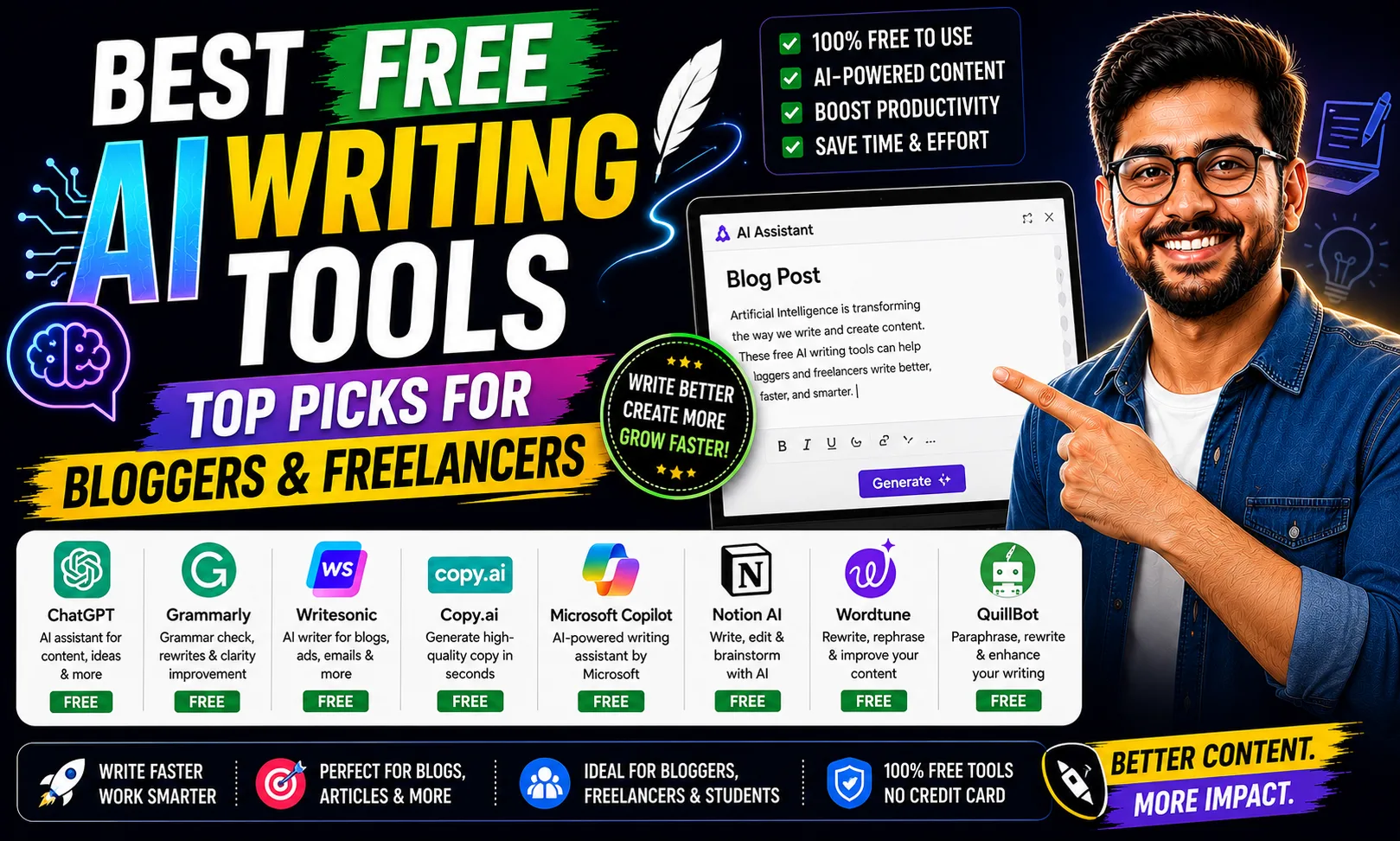
The best free AI writing tools can genuinely save you hours every week — whether you’re drafting blog posts, writing cold emails, or polishing client copy on Upwork. I’ve tested these tools extensively, and here’s what actually works at zero cost.
Table of Contents
- Quick Comparison: Best Free AI Writing Tools
- 1. Claude — Best Free AI Writing Tool for Long-Form Blogs
- 2. Gemini — Best Free AI Writing Tool for Google Workspace Users
- 3. Writesonic — Best Free AI Writing Tool for SEO Bloggers
- 4. Rytr — Best Free AI Writing Tool for Short Copy
- 5. QuillBot — Best Free AI Writing Tool for Paraphrasing Editing
- 6. Grammarly — Best Free AI Writing Tool for Polish Tone
- 7. Copy AI — Best Free AI Writing Tool for Marketing Copy
- How to Pick the Right Best Free AI Writing Tool
- My Personal Pick from These Best Free AI Writing Tools
- FAQs About Best Free AI Writing Tools
Quick Comparison: Best Free AI Writing Tools
| Tool | Free Plan | Best For | Free Limit | Paid Plan |
|---|---|---|---|---|
| Claude | Yes | Long-form blogs, nuanced tone | Daily message limit | [aitool id=”claude”] |
| Gemini | Yes | Google Docs users, research | Generous daily usage | [aitool id=”gemini”] |
| Writesonic | Limited | SEO articles, Chatsonic | ~10,000 words/month | [aitool id=”writesonic”] |
| Rytr | Yes | Short copy, social posts | 10,000 chars/month | [aitool id=”rytr”] |
| QuillBot | Yes | Paraphrasing, grammar | 125 words/paraphrase | [aitool id=”quillbot”] |
| Grammarly | Yes | Editing, tone suggestions | Basic grammar + GrammarlyGO prompts limited | [aitool id=”grammarly”] |
| Copy AI | Limited | Marketing copy, emails | 2,000 words/month | [aitool id=”copy-ai”] |
| Scalenut | Limited | SEO-focused blog drafts | Free trial only | [aitool id=”scalenut”] |
Buy AI Tools at Cheapest Price
1. Claude — Best Free AI Writing Tool for Long-Form Blogs
Best free AI writing tools start with Claude because of one simple reason: the output actually sounds like a person wrote it. Anthropic built Claude to follow instructions closely, which means if you tell it to write in a specific tone — casual, professional, or punchy — it actually does. The free tier gives you access to Claude Sonnet, which is good enough for most blog drafts, emails, and product descriptions.
I’ve used it to write 800-word blog intros in under two minutes. Compare that to spending 40 minutes staring at a blank screen. The free plan has a daily message cap, but for a solo blogger or a small agency doing 2–3 articles a week, it’s usually enough. Just don’t expect to run 20 long-form pieces in a single afternoon on the free tier — it’ll hit its limit.
One thing I genuinely appreciate: Claude rarely hallucinates statistics. It’s more likely to say “I’m not sure” than to make up a number. That matters a lot when you’re writing for clients who fact-check everything. Try Claude’s free plan here and test it against your current workflow.
2. Gemini — Best Free AI Writing Tool for Google Workspace Users
Gemini is one of the best free AI writing tools if your entire workflow runs on Google Docs, Sheets, or Gmail. The integration is tight — you can prompt Gemini directly inside a Google Doc, which means zero copy-pasting. For Indian freelancers who invoice via Google Docs templates or manage editorial calendars in Sheets, this alone is a big deal.
The free version (Gemini 1.5 Flash) is fast and handles decent-length outputs. It’s not as tonally sharp as Claude, but it’s excellent for research summaries, product descriptions, and first-draft blog posts. I tested it on a Diwali sale email campaign — gave it the brand brief, target audience, and three discount offers — and the output was usable in one edit.
Plagiarism risk is relatively low here because Gemini synthesizes rather than copies. But always run final drafts through a checker before sending to clients. Gemini’s free plan is tied to your Google account, so there’s no separate signup needed. Also check our full guide on AI tools for content writing if you want deeper comparisons.
3. Writesonic — Best Free AI Writing Tool for SEO Bloggers
Writesonic is among the best free AI writing tools specifically for SEO-focused content. It has a built-in “Article Writer” mode that structures posts with H2s, meta descriptions, and intro-body-conclusion flow — all from a single keyword input. The free tier gives you roughly 10,000 words per month, which is solid for testing.
Chatsonic — its chatbot feature — also pulls real-time data from the web, which is useful when you need current stats or recent news references in your posts. That’s something generic ChatGPT free tier doesn’t do as reliably.
The downside? Output can feel templated. You’ll need to rewrite sentences, especially if your brand has a specific voice. Still, for someone just starting out with freelance writing on Fiverr, it’s a genuinely useful free tool to get client drafts done faster. [aitool id=”writesonic”]
4. Rytr — Best Free AI Writing Tool for Short Copy
Rytr is one of the best free AI writing tools for short-form content — Instagram captions, product taglines, cold email subject lines, ad copy. The free plan gives 10,000 characters per month, which sounds small but goes a long way when you’re mostly writing 100–200 word pieces.
It has 40+ use case templates baked in: AIDA framework, PAS (Problem-Agitate-Solution), Quora answers, and more. For a content writer managing 10 social media clients, templates like these cut your daily output time by at least half. There’s also a built-in plagiarism checker, though it’s limited on the free plan. [aitool id=”rytr”]
5. QuillBot — Best Free AI Writing Tool for Paraphrasing & Editing
QuillBot is a top pick among the best free AI writing tools for anyone who paraphrases, summarizes, or edits existing content. The free plan lets you paraphrase up to 125 words at a time — yes, that’s frustratingly small. But the quality of rewrites is genuinely high. It changes sentence structure meaningfully, not just swaps synonyms.
The summarizer (free, no word limit cap) is excellent for condensing research articles into bullet points before you draft a post. Grammar checker is also free and catches awkward phrasing that Grammarly sometimes misses. For Indian writers working with clients in the US or UK, the tone-adjustment feature is handy — it can shift your writing from Indian English patterns to more neutral global style. [aitool id=”quillbot”]
6. Grammarly — Best Free AI Writing Tool for Polish & Tone
Grammarly remains one of the best free AI writing tools purely for editing. The free browser extension catches grammar errors, passive voice overuse, and unclear phrasing in real time — whether you’re on Gmail, WordPress, or Google Docs. GrammarlyGO (their AI generation feature) has a monthly prompt limit on free plans, so treat it as a bonus rather than a primary writer.
Where Grammarly really earns its place: tone detection. It tells you if your draft sounds “formal,” “direct,” or “confident,” which is useful when you’re calibrating for different clients. One underrated free feature — the clarity score. Low score means your sentences are too complex. Fixing that alone improves readability scores significantly. [aitool id=”grammarly”]
7. Copy AI — Best Free AI Writing Tool for Marketing Copy
Copy AI stands out among the best free AI writing tools for conversion-focused writing. Product descriptions, landing page headlines, email sequences — it handles these well. The free plan gives you 2,000 words per month, which is tight. But the workflows feature (automated multi-step copy generation) is available free and is genuinely powerful for running campaigns.
I’ve used it to generate 5 variations of a festival sale email — Navratri offers for a D2C clothing client — and had usable options in under five minutes. That said, if you need volume, the free limit will frustrate you fast. [aitool id=”copy-ai”]
How to Pick the Right Best Free AI Writing Tool
- Step 1: Define your primary use case
Long-form SEO blogs need Writesonic or Claude. Short social copy needs Rytr. Editing needs Grammarly or QuillBot. Don’t use a hammer when you need a scalpel. - Step 2: Check the actual free-tier word limit
Many “free” plans are actually time-limited trials. Rytr’s 10,000 chars/month is genuinely recurring free. Scalenut’s free access expires after a trial period. Know the difference. - Step 3: Test plagiarism risk before sending to clients
Run outputs through a free plagiarism checker. AI tools — even the best free AI writing tools — occasionally echo source material too closely. One caught plagiarism can cost you a Fiverr account. - Step 4: Stack tools for the best results
Use Claude or Gemini to draft. Use QuillBot to paraphrase and vary sentence structure. Use Grammarly to polish. Three best free AI writing tools working together beat any single paid plan. - Step 5: Upgrade only where the bottleneck actually hurts
If you hit Claude’s daily limit every single day, upgrade Claude. If you constantly need more Rytr characters, upgrade Rytr. Don’t pay for features you’re not using. See our picks for AI tools for freelancers for paid upgrade guidance.
My Personal Pick from These Best Free AI Writing Tools
Honestly, if I had to pick just one from this entire list — Claude. No contest. The writing quality on the free tier is better than most paid tools I’ve tested. It handles Indian context surprisingly well (asked it to write about a Raksha Bandhan gifting guide once — the output was culturally accurate, not generic). And it doesn’t feel like it’s spitting out templated filler.
My actual workflow: Claude for first draft → QuillBot to rephrase any repetitive sections → Grammarly for final polish. Total cost: ₹0. Three of the best free AI writing tools, stacked smart. For anyone building a content side income on Upwork or writing for their own blog, this stack will get you 80% of the way there without spending a rupee.
If SEO is your primary goal — not just good writing but ranked writing — then pair Claude with Writesonic’s SEO mode or check our guide to the best AI SEO tools for deeper optimization workflows.
FAQs About Best Free AI Writing Tools
Q: What are the best free AI writing tools for beginners?
A: The best free AI writing tools for beginners are Claude, Gemini, and Rytr. Claude produces natural-sounding long-form content. Gemini works directly inside Google Docs. Rytr has guided templates for 40+ content types. All three have free plans that don’t require a credit card to start.
Q: Are the best free AI writing tools safe from plagiarism issues?
A: Most of the best free AI writing tools generate original text by synthesizing training data, so direct copy-paste plagiarism is rare. But AI content can occasionally echo phrases too closely to source material. Always run final drafts through a plagiarism checker — tools like Grammarly or QuillBot have basic checkers built in — before submitting to clients.
Q: Which of the best free AI writing tools works best for SEO content?
A: Writesonic is the strongest among the best free AI writing tools for SEO. Its Article Writer mode structures content with proper headings and meta descriptions. Scalenut also has strong SEO features but its free access is trial-based, not recurring. For keyword-focused blogs, Writesonic’s free 10,000 words/month is a solid starting point.
Q: Do the best free AI writing tools have word limits?
A: Yes, all of the best free AI writing tools have some form of usage limit. Rytr caps at 10,000 characters per month. Copy AI allows 2,000 words per month on its free plan. QuillBot limits paraphrasing to 125 words per attempt. Claude and Gemini use daily message/session limits rather than hard word counts, making them more flexible for everyday use.
Q: Can I use the best free AI writing tools for client work on Fiverr or Upwork?
A: Yes, most of the best free AI writing tools allow commercial use on their free plans — Claude, Gemini, Rytr, and Copy AI all permit this. Just check each tool’s terms of service for client-facing or resale use. Always edit AI output before delivery: raw AI drafts rarely meet client expectations without human refinement, and platforms like Upwork expect original, quality-edited work.