

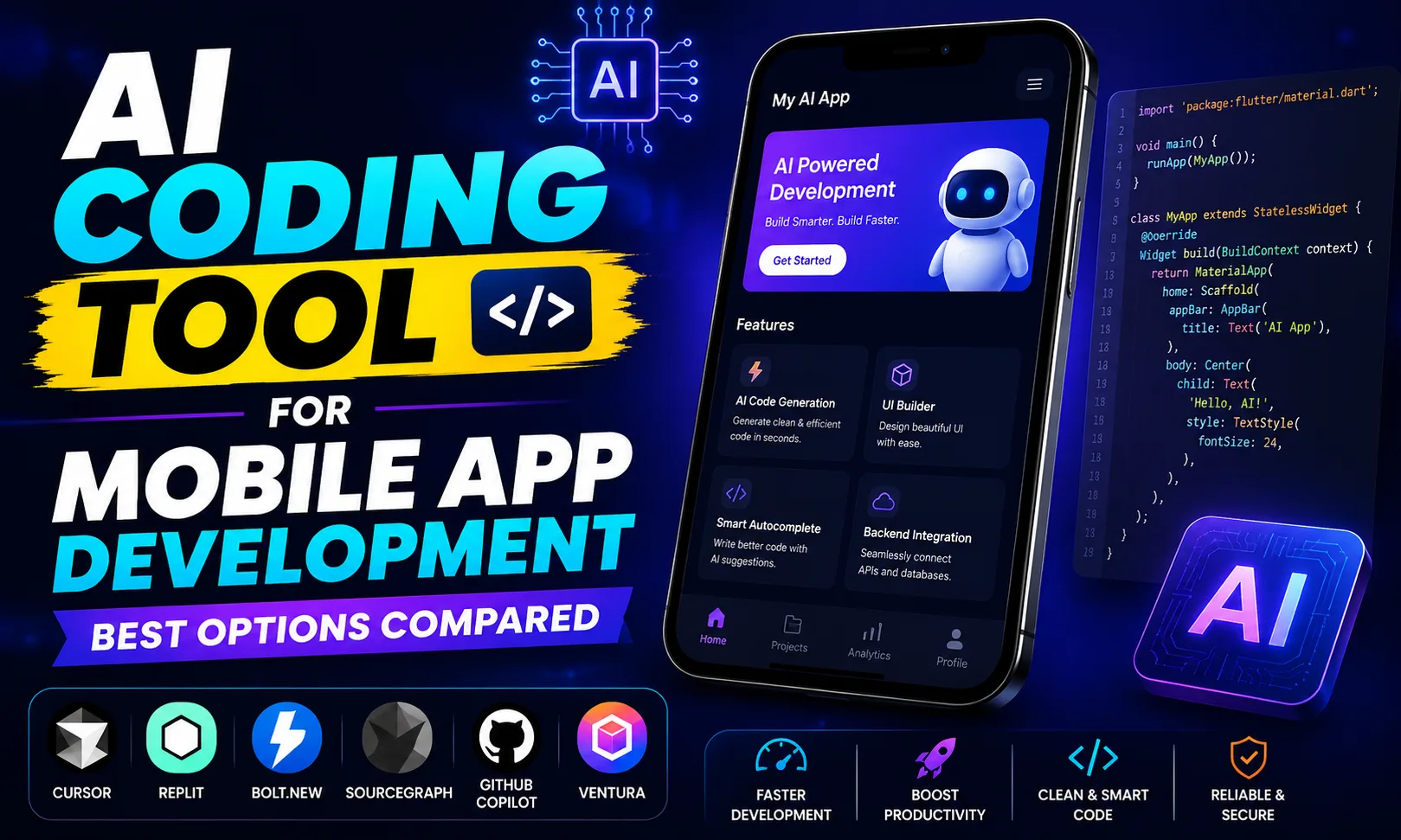
An AI coding tool for mobile app development has genuinely changed how fast freelancers and indie developers ship apps. Whether you’re building a React Native project for a client on Upwork or prototyping a Flutter side project, these tools can cut your coding time dramatically. I’ve tested several of them, and here’s what actually works.
Table of Contents
- What Is an AI Coding Tool for Mobile App Development?
- Who Is an AI Coding Tool for Mobile App Development For?
- How to Use an AI Coding Tool for Mobile App Development
- What I Liked About This Category of AI Coding Tool for Mobile App Development
- What an AI Coding Tool for Mobile App Development Doesn’t Do Well
- AI Coding Tool for Mobile App Development Pricing — Worth It in India?
- How AI Coding Tool for Mobile App Development Compares
- FAQs About AI Coding Tool for Mobile App Development
What Is an AI Coding Tool for Mobile App Development?
An AI coding tool for mobile app development is a software environment or IDE extension that uses large language models to generate, autocomplete, debug, and refactor mobile app code — covering frameworks like React Native, Flutter, Swift, and Kotlin.
This is different from a generic AI chatbot. These tools sit inside your workflow — inside your editor or browser — and understand your full codebase, not just a single file. They can suggest entire components, fix build errors, and even scaffold whole screens. Flutter’s own docs now acknowledge AI-assisted development as a standard workflow, which tells you how mainstream this has become.
For Indian freelancers billing clients on Fiverr or Upwork, the math is simple: if you finish a ₹40,000 project in 10 days instead of 20, your effective hourly rate doubles. That’s why every serious mobile dev I know has adopted at least one AI coding tool for mobile app development this year.
Who Is an AI Coding Tool for Mobile App Development For?
Honestly, the answer depends on which tool you pick. Let me break it down by persona.
Cursor AI is built for developers who already know how to code — it plugs into VS Code and understands your project structure. If you’re a React Native or Flutter dev shipping freelance work, this is your tool. It doesn’t dumb things down; it makes you faster.
Bolt and Lovable target the other end: founders, designers, or part-time developers who want a working app MVP without writing every line manually. You describe what you want, and these tools generate a full-stack app scaffold including basic mobile-responsive UI.
Replit sits in between — a browser-based IDE with AI features, great for students or developers who need a portable coding environment without installing anything locally. I’ve seen college students in Tier-2 Indian cities use Replit to build and demo apps on a borrowed laptop at hackathons.
v0.dev by Vercel is more focused on UI component generation, but it’s incredibly useful when building React Native Web or Expo apps where you need production-quality UI fast.
See, here’s the thing — none of these tools replace you. They amplify whatever skill level you’re already at. A senior dev using Cursor AI ships faster. A non-dev using Bolt ships something they couldn’t before.
How to Use an AI Coding Tool for Mobile App Development
Here’s how I’d approach starting with Cursor AI, my top pick for developers. The same logic applies to the others with minor tweaks.
- Step 1: Install and Connect Your Project
Download Cursor AI, open your existing React Native or Flutter project folder. It indexes your codebase automatically. This context-awareness is what separates it from pasting code into ChatGPT. - Step 2: Use the Chat Panel for Architecture Questions
Before writing a single line, ask Cursor to review your folder structure and suggest improvements. It’ll catch issues — like a missing navigation setup or incorrect state management pattern — before they become bugs. - Step 3: Generate Screen Components with Inline Prompts
Highlight an empty file, press Ctrl+K (or Cmd+K on Mac), and type: “Create a React Native login screen with email/password fields, error states, and UPI payment option.” It generates working code you can tweak. - Step 4: Debug With Context
When you hit a build error, paste the error into Cursor’s chat. Because it knows your entire codebase, it gives fixes that actually apply to your setup — not generic Stack Overflow answers. - Step 5: Review Before Committing
Always read generated code before pushing. AI coding tools occasionally produce outdated API calls or miss edge cases. Use AI code review tools as a second layer of checking.
If you’re on Bolt or Lovable instead, the process is even simpler — you describe your app in plain language, review the generated scaffold, and iterate. No terminal required.
What I Liked About This Category of AI Coding Tool for Mobile App Development
The speed gain is real. On a recent Upwork project — a React Native food delivery app — I used Cursor AI for about 60% of the component work. What would have taken me 3 days of writing boilerplate took under a day. The client got faster delivery, I got a better review. Win-win.
Cursor AI’s “Apply” feature is underrated. It doesn’t just suggest code in a chat — it directly edits your file with a diff view, so you can accept or reject specific lines. That’s actually useful in a real project, unlike tools that dump code in a chat window for you to copy-paste.
Bolt surprised me for prototyping. I described a simple Razorpay-integrated booking app concept, and within 20 minutes had a functional demo I could show a client. Not production-ready, but convincing enough to close the deal before writing real code. That’s huge for Indian freelancers who need to pitch fast.
Replit’s free tier is genuinely usable — and for someone learning mobile development on a budget, running a full development environment in a browser without a powerful laptop is a real advantage.
What an AI Coding Tool for Mobile App Development Doesn’t Do Well
Let’s be honest. These tools have real limitations.
Native performance issues are outside their scope. If you’re trying to optimize frame rates in a Flutter animation or reduce APK size, AI tools give generic advice. You still need platform-specific expertise for that.
Bolt and Lovable-generated code can get messy fast. Once you scale past the MVP stage and want to add complex features — custom native modules, push notifications with background sync, offline-first storage — the generated code often needs significant restructuring. Starting fresh sometimes beats patching AI output.
And context windows have limits. Cursor AI is impressive, but on very large codebases (50,000+ lines), it sometimes loses track of how files relate. It’s gotten better, but you’ll notice it on enterprise-scale mobile projects.
Also — and this is an important point for Indian freelancers — most of these tools are priced in USD. At ₹85/USD, a paid plan adds up. Factor that into your project pricing.
AI Coding Tool for Mobile App Development Pricing — Worth It in India?
| Tool | Free Plan | Paid Plan | Best For |
|---|---|---|---|
| Cursor AI | Yes (limited completions) |
[aitool id=”cursor-ai”]
|
Freelance devs, React Native, Flutter |
| Bolt | Limited |
[aitool id=”bolt”]
|
Rapid MVP prototyping |
| Replit | Yes (generous) |
[aitool id=”replit”]
|
Students, browser-based dev |
| Lovable | Limited |
[aitool id=”lovable”]
|
Non-devs building app MVPs |
| v0.dev | Yes |
[aitool id=”v0-dev”]
|
UI component generation, Expo apps |
For Indian freelancers, my take: start on the free tier of Cursor AI. If you’re landing projects worth ₹30,000+ per month, the paid plan pays for itself in hours saved. For students or beginners, Replit’s free tier is the most generous starting point in this category.
Buy AI Tools at Cheapest Price
How AI Coding Tool for Mobile App Development Compares
| Feature | Cursor AI | Bolt | Replit |
|---|---|---|---|
| Codebase context | Full project | Generated scaffold | Full project |
| No-code friendly | No | Yes | Partial |
| Works offline | Partial | No | No |
| Mobile framework support | React Native, Flutter, Swift | Web-first, React Native limited | React Native, Flutter |
If you want to go deeper on how these fit into a complete developer stack, check out this guide on best AI tools for developers — it covers backend, deployment, and testing tools that pair well with your mobile coding workflow. Also worth reading about AI tools for freelancers in India if you’re billing clients on Fiverr or Upwork.
The Android Studio team at Google has also been integrating Gemini-based AI assistance, so native Android development is getting its own AI coding tool improvements — worth watching if you’re building for the Play Store.
FAQs About AI Coding Tool for Mobile App Development
Q: Which AI coding tool for mobile app development is best for beginners?
A: Replit is the most beginner-friendly AI coding tool for mobile app development — it runs in the browser, has a free plan, and its AI assistant explains code as it writes it. Bolt and Lovable are better if you want an app without writing any code at all.
Q: Can an AI coding tool for mobile app development replace a developer?
A: Not for production apps. An AI coding tool for mobile app development handles boilerplate, component generation, and debugging assistance well — but complex features, performance optimization, and app store submission still need human judgment. Think of it as a fast junior developer, not a replacement.
Q: Does Cursor AI work with Flutter for mobile app development?
A: Yes. Cursor AI works with Flutter projects just like it works with any VS Code-compatible project. It understands Dart syntax, Flutter widget trees, and pubspec.yaml dependencies. Many Flutter freelancers use it daily. The paid plan starts at $20/month.
Q: Is an AI coding tool for mobile app development worth paying for in India?
A: If you’re earning ₹30,000+ per month from freelance mobile projects, yes — the time saved easily covers the cost. Cursor AI’s paid plan is $20/month (roughly ₹1,700), which is one hour of mid-tier freelance work. The ROI is clear if you’re billing actively.
Q: What’s the best free AI coding tool for mobile app development?
A: Replit has the most generous free tier for a full AI coding tool for mobile app development experience. Cursor AI’s free plan is also solid for light use — you get a set number of AI completions per month. v0.dev has a free tier great for UI generation specifically.
Try the free plan of Cursor AI or Replit this week — even one session will show you how much faster you can move on your next mobile project. Bookmark this page if you want to revisit the comparison as you grow.