

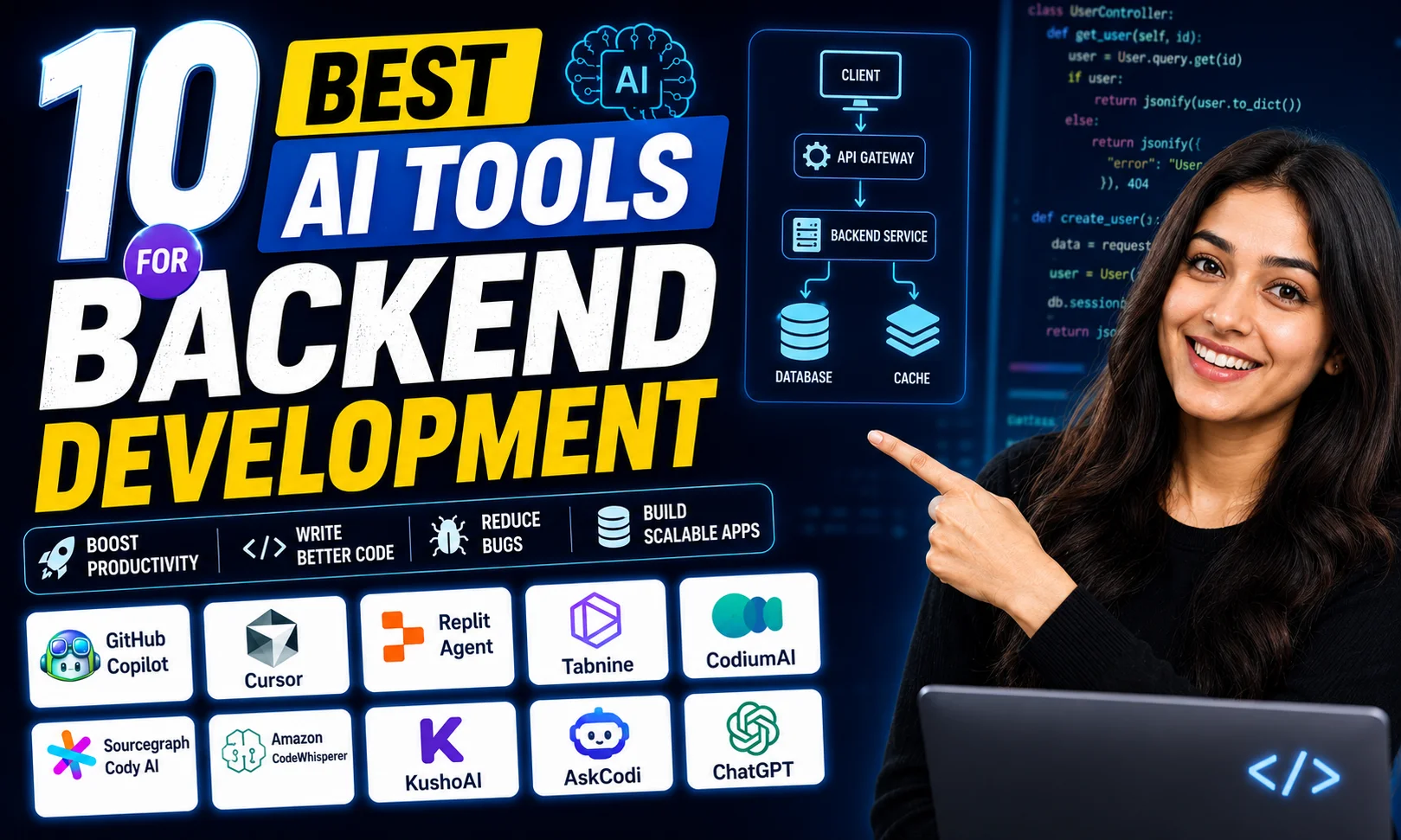
If you’ve ever spent three hours debugging a REST API endpoint only to find out it was a missing semicolon — this post is for you. I’ve been testing AI tools for backend development for the past several months across real projects, and here’s exactly what I found, no fluff.
This post covers 10 tools — what they do, who they’re for, and whether they’re worth your money.
Quick Comparison: AI Tools for Backend Development
| # | Tool | Best For | Free Tier | Starting Price |
|---|---|---|---|---|
| 1 | GitHub Copilot | Code generation | Yes (limited) | $10/mo (~₹850) |
| 2 | Tabnine | Privacy-first code completion | Yes | $12/mo (~₹1,020) |
| 3 | Amazon CodeWhisperer | AWS-heavy stacks | Yes | Free (individual) |
| 4 | Cursor | Full IDE AI workflows | Yes | $20/mo (~₹1,700) |
| 5 | Codeium | Budget devs | Yes (generous) | $12/mo (~₹1,020) |
| 6 | Mutable AI | Codebase documentation | No | $20/mo (~₹1,700) |
| 7 | Mintlify | Auto documentation | Yes | $150/mo (~₹12,750) |
| 8 | Datadog AI | Infra monitoring + AIOps | No | Custom pricing |
| 9 | Swimm | Team knowledge + code docs | Yes | $19/mo (~₹1,615) |
| 10 | Pieces for Developers | Code snippet management | Yes | Free (mostly) |
Buy AI Tools at the Cheapest Price
1. GitHub Copilot — Best for Everyday Code Generation
Honestly, this is the one tool I’d tell every backend dev to try first. GitHub Copilot sits inside VS Code or JetBrains and autocompletes everything — functions, SQL queries, boilerplate controllers, even test cases. I tested the same Node.js CRUD setup across three tools, and Copilot’s output was the only one I’d send directly to a client without heavy editing.
The free tier is limited now, but functional for students and hobbyists. The paid plan is $10/month — about ₹850 — which is honestly less than a Swiggy order. If you’re a professional writing backend code daily, it pays for itself in two hours of saved time. The GitHub Copilot official page has a 30-day free trial for new users.
One real concern: it suggests code confidently even when it’s wrong. You still need to review every output. But as a starting point for boilerplate, it’s hard to beat.
2. Tabnine — Best for Teams That Care About Code Privacy
Tabnine is the one I recommend to dev teams working on fintech or healthtech products — sectors where you cannot push your proprietary code to OpenAI’s servers. It can run fully on-premise or in your private cloud, which is a real differentiator among AI tools for backend development.
Code completion quality is slightly behind Copilot in my testing, but not by much. It learns from your own codebase over time, so suggestions get better the longer your team uses it. At $12/month (~₹1,020), it’s comparable to a Netflix Mobile plan. Tabnine’s website has a free forever tier that’s genuinely usable for solo devs.
The downside? The free tier context window is small. For longer files and complex logic, you’ll hit limits fast.
3. Amazon CodeWhisperer — Best for AWS-Heavy Stacks
If your backend lives on AWS — Lambda, DynamoDB, S3, the whole family — CodeWhisperer is a no-brainer. It’s deeply trained on AWS SDK patterns and its security scanning feature flags vulnerabilities in real-time. The individual plan is completely free, which is rare among serious AI tools for backend development.
I used it on a serverless project with Lambda functions and the suggestions were noticeably more accurate than Copilot for AWS-specific calls. Outside AWS though? Average at best. Don’t expect miracles on GCP or Azure setups.
4. Cursor — Best for Full AI-Assisted Dev Workflows
Cursor is an entire IDE built around AI. You can chat with your codebase, ask it to refactor a whole module, write tests, or explain legacy code that nobody documented. It uses GPT-4 under the hood and the experience feels genuinely different from plugins sitting on top of VS Code.
At $20/month (~₹1,700 — roughly the same as Netflix Premium), it’s not cheap. But for freelancers on Upwork or Fiverr billing backend projects at ₹50,000+ a pop, the time savings justify it. The free plan gives you 50 slow requests per month — enough to evaluate it seriously.
5. Codeium — Best for Developers on a Tight Budget
See, here’s the thing about Codeium — the free tier is shockingly good. Multi-language support, VS Code and JetBrains plugins, decent autocomplete, all free. I tested it on a Python FastAPI project and it handled route generation and Pydantic model suggestions cleanly.
It doesn’t match GitHub Copilot in depth or context awareness. But if you’re a fresher, a student, or a startup dev watching every rupee, Codeium is the most paisa vasool option among AI tools for backend development right now.
6. Mutable AI — Best for Understanding Legacy Codebases
This one is underrated. Mutable AI lets you chat with your entire codebase — ask questions like “where is the payment processing logic?” or “what does this 400-line utility file actually do?” It indexes your repo and gives you conversational answers.
For backend teams inheriting old Java or PHP monoliths — and there are a lot of those in Indian enterprises — this is genuinely useful. No free tier though, and $20/month (~₹1,700) is fair but you need to evaluate if your team will actually use it daily.
7. Mintlify — Best for Automating API Documentation
Nobody likes writing docs. Mintlify auto-generates documentation from your code and keeps it in sync as you push changes. It reads your functions, infers intent, and creates readable docs that don’t embarrass you in front of clients.
The $150/month (~₹12,750) team plan is expensive — this is squarely a B2B product for funded startups or agencies. The free tier covers basic usage for solo devs. Worth it if your team ships public APIs regularly.
8. Datadog AI — Best for Infrastructure Monitoring and AIOps
Datadog has been adding AI features aggressively — anomaly detection, root cause analysis, intelligent alerting that doesn’t spam you at 3am. For DevOps engineers and SREs managing production systems, these AI tools for backend development use cases extend beyond coding to include infra reliability.
The pricing is enterprise-level and custom, so you’ll need to talk to sales. But if your team is already on Datadog for monitoring, turning on the AI features is a logical next step. I’ve seen teams cut mean time to resolution for P1 incidents by nearly 40% after properly enabling anomaly detection.
9. Swimm — Best for Team Knowledge and Code Documentation
Swimm sits between documentation and onboarding. It lets teams write docs that are coupled to actual code — when the code changes, Swimm flags outdated docs automatically. For backend teams with high churn or remote developers, this solves a real problem.
The free plan works well for small teams. Paid is $19/user/month (~₹1,615). A small team of five would pay roughly ₹8,000/month — evaluate that against how many hours you spend onboarding every new backend dev.
10. Pieces for Developers — Best for Managing Code Snippets
This one flies under the radar. Pieces captures code snippets, tags them with context, and lets you search them later with natural language. “Find that Redis caching snippet I used in October” — and it actually finds it.
It also integrates with Copilot, Chrome, and VS Code. Mostly free, with a Pro tier for teams. For backend devs who copy-paste the same auth middleware or DB connection logic across projects, this is genuinely useful and low-effort to adopt.
Real Use Cases by User Type for AI Tools for Backend Development
Different people need different things from these tools. Here’s how I’d slice it:
- Freelancer on Upwork/Fiverr: GitHub Copilot + Cursor. Speeds up delivery, which means more projects per month.
- Startup backend engineer: Codeium (free) to start, CodeWhisperer if you’re on AWS.
- DevOps / SRE: Datadog AI for monitoring, Swimm for runbook documentation.
- Agency tech lead: Mintlify for client-facing API docs, Tabnine for team code privacy.
- Developer inheriting legacy code: Mutable AI, no contest.
If you want to go deeper on automating your entire dev workflow, check out our guide on AI tools for developers that actually save time.
My Personal Pick from These AI Tools for Backend Development
If I had to pick one — GitHub Copilot for paid, Codeium for free. That’s it. Both have practical daily value. Copilot has the edge on quality and context. Codeium wins purely on cost-to-value.
For teams managing production infra, add Datadog AI on top. The combination of Copilot for writing code and Datadog for monitoring it covers maybe 80% of what most backend devs actually need from AI on a day-to-day basis.
The tools I’d skip for most Indian developers right now: Mintlify (too expensive unless you ship public APIs constantly) and Mutable AI (very niche use case, needs a real legacy codebase to justify it).
Want to see how these compare to general-purpose AI assistants for coding? Read our breakdown of ChatGPT vs Claude for coding tasks.
FAQs About AI Tools for Backend Development
Are AI tools for backend development safe to use with proprietary code?
Depends on the tool. GitHub Copilot and Cursor send code to external servers by default. Tabnine has on-premise options. For sensitive fintech or enterprise code, check the data policy before you paste anything.
Can these tools replace a backend developer?
No. They speed up a developer. They still write wrong code, miss edge cases, and need human review. Think of them as a fast junior dev — useful, but you’re still responsible for the output.
Which free AI tool for backend development is the best?
Codeium for code completion. Amazon CodeWhisperer if you’re on AWS. Both are genuinely free and not just trial versions.
Do Indian developers use these tools professionally?
Yes — and adoption is growing fast, especially in product startups and freelance dev work. The India AI mission is actively pushing AI adoption across tech sectors, and developer tooling is a big part of that shift.
Try the free plan on two or three of these for a week and see which one actually fits your workflow. Drop your experience in the comments — I’m genuinely curious which one sticks for people doing backend work in India.