

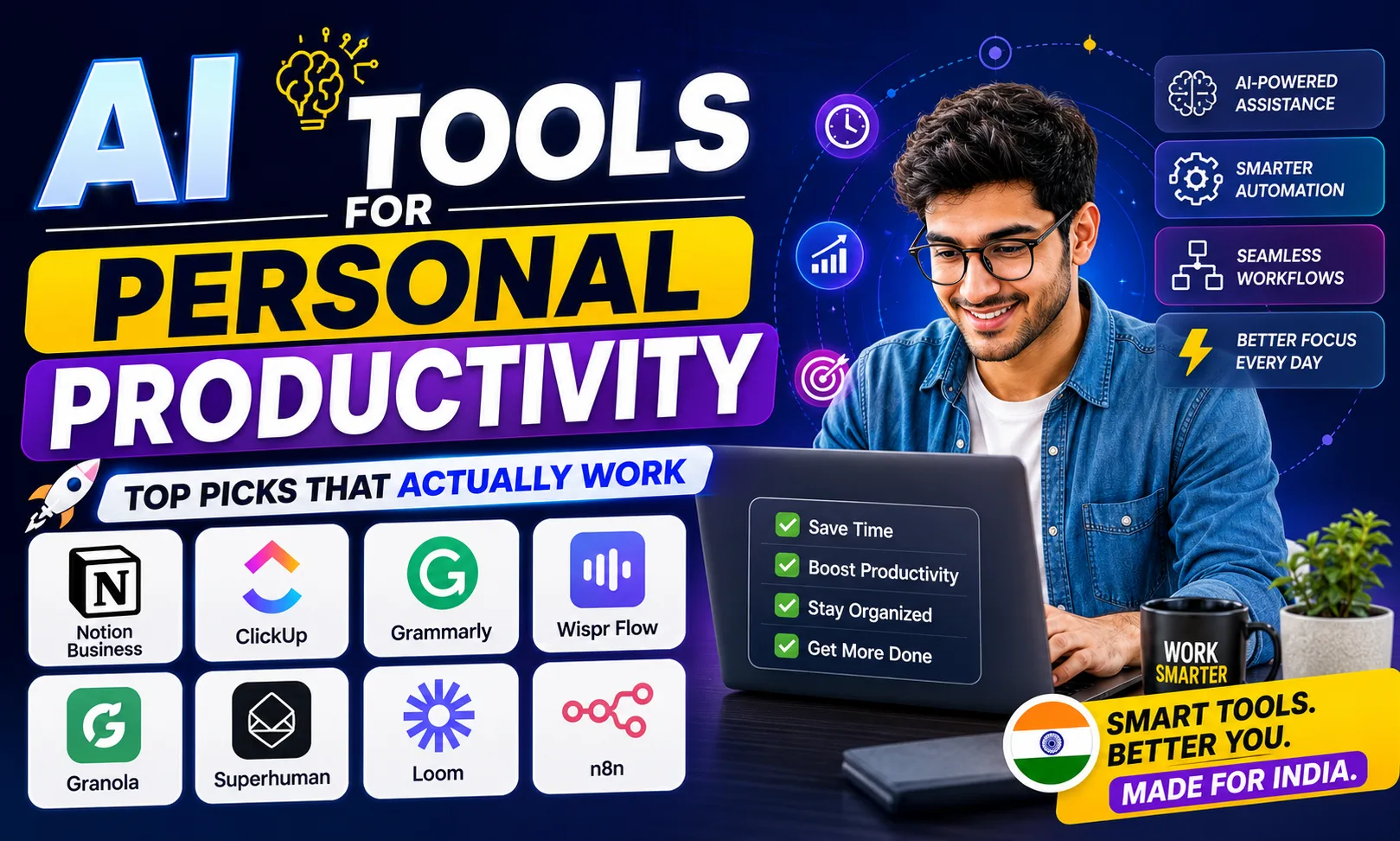
AI tools for personal productivity have genuinely changed how solo founders and freelancers in India run their day. I’ve tested dozens of them across my own workflow — writing, meetings, emails, automation — and most are overhyped. But a handful are worth every rupee.
Table of Contents
- Quick Comparison: AI Tools for Personal Productivity
- 1. Notion Business — Best AI Tools for Personal Productivity for All-in-One Workspace
- 2. ClickUp — Best AI Tools for Personal Productivity for Task Management
- 3. Grammarly — Best AI Tools for Personal Productivity for Writing
- 4. Wispr Flow — Best AI Tools for Personal Productivity for Voice Dictation
- 5. Granola — Best AI Tools for Personal Productivity for Meeting Notes
- 6. Superhuman — Best AI Tools for Personal Productivity for Email
- 7. Loom — Best AI Tools for Personal Productivity for Async Communication
- 8. n8n — Best AI Tools for Personal Productivity for Automation
- How to Pick the Right AI Tools for Personal Productivity
- My Personal Pick from These AI Tools for Personal Productivity
Quick Comparison: AI Tools for Personal Productivity
| Tool | Best For | Free Plan | Paid |
|---|---|---|---|
| Notion Business | Notes, docs, wikis, AI writing | Yes | [aitool id=”notion-business”] |
| ClickUp | Task & project management | Yes | [aitool id=”clickup”] |
| Grammarly | Writing, email, proposals | Yes | [aitool id=”grammarly”] |
| Wispr Flow | Voice-to-text dictation | Limited | [aitool id=”wispr-flow”] |
| Granola | AI meeting notes | Limited | [aitool id=”granola”] |
| Superhuman | AI email management | No | [aitool id=”superhuman”] |
| Loom | Async video updates | Yes | [aitool id=”loom”] |
| n8n | No-code AI automation | Yes (self-host) | [aitool id=”n8n”] |
Buy AI Tools at Cheapest Price
1. Notion Business — Best AI Tools for Personal Productivity for All-in-One Workspace
Notion Business is where I organize literally everything — client SOPs, content calendars, financial tracking, personal goals. The AI layer inside Notion can summarize a 2,000-word document in seconds, auto-fill database properties, and generate first drafts from a simple prompt. It’s not perfect, but it removes the blank-page problem completely.
The real win for solopreneurs is replacing three tools at once: Google Docs, Trello, and a basic CRM. Indian freelancers working with international clients on Upwork especially benefit — you can share a polished client portal built in Notion without paying for separate tools. Free plan is genuinely usable, though AI features are gated behind the paid tier.
One honest con: the learning curve is steep. I spent two full weekends setting up my workspace properly. But once it clicks, this becomes one of those AI tools for personal productivity that you can’t imagine living without. See how Notion AI compares to ChatGPT for writing tasks.
2. ClickUp — Best AI Tools for Personal Productivity for Task Management
ClickUp added a proper AI layer that can break down a project goal into subtasks, write task descriptions, and summarize comment threads. For a solo founder juggling five client projects, this is actually useful — not just a gimmick.
The free plan is surprisingly generous. You get unlimited tasks, and the AI is available as an add-on. I use it mostly for sprint planning and Diwali campaign scheduling — yes, it handles seasonal bursts well because you can build custom automation rules. The ClickUp AI assistant inside tasks can also draft email replies based on task context, which saves 10-15 minutes daily. That compounds hard over a month.
Con: ClickUp has too many features. The interface can feel overwhelming, and new users often get lost. Stick to 3-4 core views when you start — don’t try to use everything at once.
3. Grammarly — Best AI Tools for Personal Productivity for Writing
Every solopreneur writes more than they think — client proposals, cold emails, LinkedIn posts, WhatsApp follow-ups. Grammarly sits inside your browser and every text field, quietly fixing tone and grammar. The AI rewrite suggestions are sharp, especially for formal business writing in Indian English.
The free plan handles basic grammar. But the paid plan’s tone detector and full-sentence rewrites are genuinely worth it if client communication is a big part of your work. I’ve used it to clean up rough Hindi-English mixed drafts before sending to international clients — it works. Compare Grammarly vs QuillBot for Indian freelancers.
4. Wispr Flow — Best AI Tools for Personal Productivity for Voice Dictation
Wispr Flow is a voice dictation tool that works across your entire Mac — any text field, any app. You hold a key, speak, and it types. Sounds basic. But the AI layer cleans up filler words, fixes punctuation, and formats output. I dictated a 600-word client brief while walking on my terrace. Worked perfectly.
For personal productivity, this is underrated. Most people type when they could speak 3x faster. [aitool id=”wispr-flow”] is currently Mac-only, which is a real limitation. But if you’re on a MacBook, it’s one of the fastest AI tools for personal productivity you can add to your stack today.
5. Granola — Best AI Tools for Personal Productivity for Meeting Notes
Granola runs quietly in the background during any call — Google Meet, Zoom, even phone calls — and produces structured meeting notes automatically. No bot joining the call, no awkward “this call is being recorded” announcement. It just listens via your system audio.
The notes are actually good. It captures action items, decisions, and key points in a clean format you can paste into Notion or email directly. For solopreneurs doing 4-5 discovery calls a week, this alone saves 30 minutes daily. [aitool id=”granola”] has a free tier with limited meeting minutes per month — enough to test it properly before committing.
6. Superhuman — Best AI Tools for Personal Productivity for Email
Superhuman is expensive and worth discussing honestly. It’s a premium email client with AI that drafts replies in your tone, summarizes long threads, and helps you reach inbox zero in under 20 minutes. The keyboard shortcuts alone change how fast you move through email.
The catch: it’s priced at [aitool id=”superhuman”] per month, which is steep. I’d only recommend it if email is eating more than 2 hours of your day. Solopreneurs doing high-volume client communication or running newsletters will feel the ROI immediately. Others? Stick with Gmail + Grammarly.
7. Loom — Best AI Tools for Personal Productivity for Async Communication
Loom records your screen and face simultaneously, then uses AI to auto-generate a transcript, summary, and chapter markers. Instead of writing a long email explaining a client revision, you record a 3-minute Loom. It’s faster for you, clearer for them.
The AI summary feature means recipients can read the key points without watching the full video. [aitool id=”loom”] free plan gives 25 videos — enough for most freelancers. It integrates with Notion, ClickUp, and Gmail, so it slots right into your existing stack.
8. n8n — Best AI Tools for Personal Productivity for Automation
n8n is where things get powerful — and slightly technical. It’s an open-source automation platform where you connect tools together using visual workflows. Think: “When a new Razorpay payment comes in, create a Notion entry, send a WhatsApp thank-you, and add the contact to Airtable.” No code required for most workflows.
Self-hosting n8n is free. Cloud version is [aitool id=”n8n”]. For solopreneurs who’ve hit the ceiling of Zapier pricing (which in USD converts to ₹2,000-3,000/month at current rates), n8n is a serious alternative. The learning curve is real but the payoff — automating repetitive admin — is massive for personal productivity. Read how Indian solopreneurs use n8n to replace a part-time VA.
How to Pick the Right AI Tools for Personal Productivity
- Step 1: Audit where your time actually goes
Track one full week. Most people find 40% of time goes to email, meetings, or re-explaining things. Pick AI tools for personal productivity that attack your specific drain — not someone else’s. - Step 2: Start with free tiers only
Every tool above has a free or limited plan. Use it for 2 weeks before paying. Grammarly free, Notion free, Loom free — all usable enough to validate. - Step 3: Pick tools that connect
The best AI tools for personal productivity talk to each other. Notion + ClickUp + Loom is a stack. Three isolated tools that don’t integrate is chaos. - Step 4: Set a monthly budget cap
At ₹85/USD, even three paid tools can add up to ₹3,000-4,000/month. Decide upfront what you’ll spend — then stick to it. - Step 5: Revisit quarterly
AI tools update fast. A tool that was mediocre last quarter might now be excellent. Check release notes and re-test before cancelling.
My Personal Pick from These AI Tools for Personal Productivity
Honestly, if I had to start from zero? Notion Business first, then Grammarly, then Wispr Flow. That stack covers thinking, writing, and speaking — the three core things any knowledge worker does all day. Add Granola once you’re doing regular client calls.
n8n is my secret weapon for scaling without hiring. It’s not glamorous, but replacing even one VA task through automation at ₹0 extra cost is real leverage. The AI tools for personal productivity that win long-term are the quiet ones — the ones running in the background while you focus on actual work.
Q: What are the best free AI tools for personal productivity?
A: The best free AI tools for personal productivity include Notion (free plan with limited AI), ClickUp (free for unlimited tasks), Grammarly (free for basic writing), and Loom (free for up to 25 videos). n8n is also free if you self-host. These cover writing, task management, and communication without spending a rupee upfront.
Q: Which AI tools for personal productivity work best for Indian solopreneurs?
A: Indian solopreneurs get the most value from Notion (workspace + AI), Grammarly (client communication), and n8n (automation to replace VA tasks). These tools handle UPI/Razorpay integrations via n8n, work well in Indian English, and have pricing that’s reasonable even after USD-to-INR conversion at ₹85/USD.
Q: Are AI tools for personal productivity worth paying for?
A: Yes, if they save you more time than they cost. Grammarly Pro is around $12/month — if it saves you 1 hour on client writing per week, the ROI is clear. The rule is simple: test the free plan for two weeks, then pay only if you’d genuinely miss it. Don’t pay for tools you use twice a month.
Q: How many AI tools for personal productivity do I actually need?
A: Three to five is the sweet spot for most solopreneurs. One for writing (Grammarly), one for task/project management (Notion or ClickUp), one for meetings (Granola), and optionally one for automation (n8n). More than five tools usually means overlap and wasted money.
Q: Can AI tools for personal productivity replace a virtual assistant?
A: Partially, yes. n8n can automate repetitive admin like invoice logging, follow-up emails, and data entry — tasks that a basic VA on Fiverr or Upwork typically handles for $5-10/hour. Granola replaces a note-taking assistant in meetings. But for complex judgment tasks — research, creative work, relationship management — a human VA still wins.
Try the free plan on whichever tool solves your biggest daily bottleneck first — and bookmark this page when you’re ready to expand your stack.