

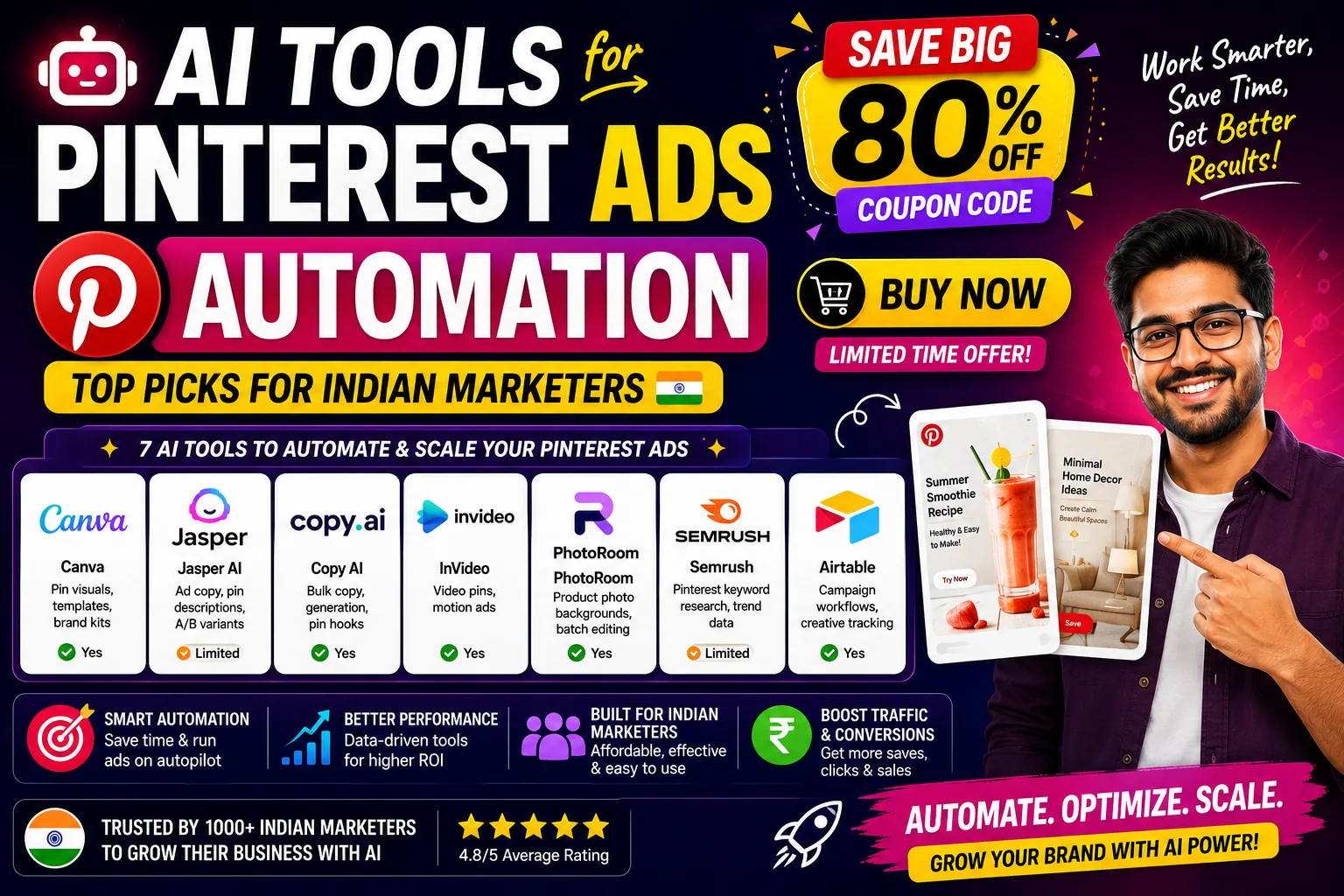
AI tools for Pinterest ads automation are changing how Indian D2C brands and agencies run campaigns — from Diwali sale pins to everyday product drops. Instead of paying ₹15,000–₹25,000 per creative batch to a designer, you can generate, test, and iterate ad visuals in hours. Here’s what actually works.
Table of Contents
- Quick Comparison: AI Tools for Pinterest Ads Automation
- 1. Canva — Best AI Tools for Pinterest Ads Automation for Visual Creatives
- 2. Jasper AI — Best AI Tools for Pinterest Ads Automation for Ad Copy
- 3. Copy AI — Best AI Tools for Pinterest Ads Automation for Bulk Copy
- 4. InVideo — Best AI Tools for Pinterest Ads Automation for Video Pins
- 5. PhotoRoom — Best AI Tools for Pinterest Ads Automation for Product Photos
- 6. Semrush — Best AI Tools for Pinterest Ads Automation for Keyword Research
- 7. Airtable — Best AI Tools for Pinterest Ads Automation for Workflow Management
- How to Pick the Right AI Tools for Pinterest Ads Automation
- My Personal Pick from These AI Tools for Pinterest Ads Automation
- FAQs About AI Tools for Pinterest Ads Automation
Quick Comparison: AI Tools for Pinterest Ads Automation
| Tool | Best For | Free Plan | Paid (USD) |
|---|---|---|---|
| Canva | Pin visuals, templates, brand kits | Yes |
[aitool id=”canva”]
|
| Jasper AI | Ad copy, pin descriptions, A/B variants | Limited |
[aitool id=”jasper-ai”]
|
| Copy AI | Bulk copy generation, pin hooks | Yes |
[aitool id=”copy-ai”]
|
| InVideo | Video pins, motion ads | Yes |
[aitool id=”invideo”]
|
| PhotoRoom | Product photo backgrounds, batch editing | Yes |
[aitool id=”photoroom”]
|
| Semrush | Pinterest keyword research, trend data | Limited |
[aitool id=”semrush”]
|
| Airtable | Campaign workflows, creative tracking | Yes |
[aitool id=”airtable”]
|
Buy AI Tools at Cheapest Price
1. Canva — Best AI Tools for Pinterest Ads Automation for Visual Creatives
Canva is honestly the starting point for most Indian marketers running Pinterest ads. The reason is simple: Pinterest is a visual-first platform, and Canva’s AI-powered Magic Design and text-to-image features let you produce pin-sized creatives (1000×1500px, portrait format) in minutes. Their brand kit feature means your colors, fonts, and logo stay consistent across 50 pins — something a Fiverr freelancer at ₹500/pin can’t guarantee at speed.
The AI background remover and “Magic Edit” work well for product-heavy ads. Think kurti brands or skincare D2C sellers — you can drop your product into a lifestyle background without a studio shoot. The free plan gives you decent access, but the paid plan unlocks bulk resizing and background removal without limits. If you’re running festival campaigns like Raksha Bandhan or Holi, the template library is genuinely useful for quick turnaround. Canva’s Pinterest pin templates are pre-sized and ready to go.
One honest downside: Canva AI image quality still lags behind Midjourney for lifestyle photography. But for text-overlay product pins? It’s hard to beat. For Pinterest ads automation specifically, pair it with their Content Planner for scheduled publishing. [aitool id=”canva”]
2. Jasper AI — Best AI Tools for Pinterest Ads Automation for Ad Copy
Pinterest ads need two things to work — a strong visual and a pin description that ranks in Pinterest’s own search. Jasper AI handles the second part really well. Its “AIDA” and “PAS” (Problem-Agitate-Solution) frameworks generate pin descriptions and ad headlines that are keyword-rich and conversion-focused. You can run 10 copy variants in under 5 minutes — something that matters a lot when you’re A/B testing.
For Indian brands targeting NRI audiences or premium shoppers, Jasper understands tone pretty well. You can set a brand voice — say, “warm and minimal, like FabIndia” — and it sticks to it. The Campaigns feature lets you generate an entire Pinterest ad set: headline, description, and call-to-action, all at once. That’s where the automation angle kicks in. Jasper’s marketing templates include a dedicated “Pinterest Pin Description” template which saves real time. [aitool id=”jasper-ai”]
The free trial is limited to a few thousand words, so test it on your next campaign before committing. It’s not cheap — but if you’re managing ads for 5+ clients, the time savings pay for themselves quickly.
3. Copy AI — Best AI Tools for Pinterest Ads Automation for Bulk Copy
Copy AI sits slightly below Jasper in output quality but has a genuinely useful free plan that gives you 2,000 words/month — enough to test it properly. Where it shines for Pinterest ads automation is bulk generation. You can feed in your product name, USP, and target audience, and it spits out 10 pin descriptions in one go. Great for agencies managing multiple SKUs or a client with a large product catalogue.
The “Workflows” feature (paid) is worth noting — you can chain prompts together, so “generate 5 hooks → write descriptions → format for Pinterest” becomes a one-click process. For small Indian agencies billing clients ₹8,000–₹15,000/month for social ads, this kind of efficiency is the difference between margin and loss. [aitool id=”copy-ai”]
4. InVideo — Best AI Tools for Pinterest Ads Automation for Video Pins
Video pins get 3x more engagement than static pins according to Pinterest’s own business data. InVideo lets you create video ads from a text prompt or a product URL. You type “showcase a handmade candle brand for Diwali, warm aesthetic, 15 seconds” and it gives you a usable draft. Not perfect, but 80% there — and that 80% is faster than briefing a video editor.
For Pinterest ads automation, InVideo’s template library has vertical video formats ready. The AI voiceover in Hindi and English is a bonus for brands targeting both metro and tier-2 audiences. The free plan adds a watermark, so you’ll need at least the base paid plan for client work. [aitool id=”invideo”]
5. PhotoRoom — Best AI Tools for Pinterest Ads Automation for Product Photos
PhotoRoom is a focused tool — it does one thing brilliantly: takes your product photo and replaces the background with something clean, lifestyle-appropriate, or branded. For Pinterest ads, product images with white or contextual backgrounds perform significantly better than cluttered ones. PhotoRoom’s batch mode processes 50 images at a time, which is gold for e-commerce sellers on Meesho, Myntra, or their own Shopify store.
The AI “Scenes” feature generates realistic backgrounds from text — “minimalist marble countertop” or “outdoor café in natural light.” For a ₹500 product that doesn’t have a studio shoot budget, this is genuinely useful. [aitool id=”photoroom”]
6. Semrush — Best AI Tools for Pinterest Ads Automation for Keyword Research
Pinterest is a search engine, not just a social platform. People search “boho bedroom decor ideas” or “wedding lehenga under 5000″ and your pin needs to show up. Semrush’s keyword research tools help you find high-volume, low-competition Pinterest-adjacent search terms. You can also use it to track which competitor pins are ranking and what keywords they’re targeting. [aitool id=”semrush”]
7. Airtable — Best AI Tools for Pinterest Ads Automation for Workflow Management
This one surprises people. But if you’re running Pinterest ads at scale — say, 30 pins/week across 4 clients — tracking creative status, copy versions, and A/B test results in a WhatsApp group or Google Sheet is a nightmare. Airtable’s AI features can auto-tag creatives, summarize performance notes, and even generate campaign briefs from a template. It’s the connective tissue that makes the whole AI tools for Pinterest ads automation workflow actually run. [aitool id=”airtable”]
How to Pick the Right AI Tools for Pinterest Ads Automation
- Step 1: Identify your biggest bottleneck
Is it creative production? Copy? Workflow chaos? Pick the tool that solves that first. Don’t buy everything at once. - Step 2: Check Pinterest ad format requirements
Static pins, video pins, carousel pins — each has different specs. Make sure your chosen AI tools for Pinterest ads automation support the formats you actually run. Canva and InVideo cover most. - Step 3: Start with free plans and test one real campaign
Run a live Pinterest ad campaign using the free tier before upgrading. Copy AI and Canva both have usable free plans. See if the output quality matches your brand standard. - Step 4: Calculate cost per creative
If a designer charges ₹800/pin and you need 20 pins/month, that’s ₹16,000. Compare that to the tool’s monthly cost. If the tool costs ₹2,000–₹4,000/month equivalent and produces the same output, the math is obvious. Check how AI cuts ad creative costs for a deeper breakdown. - Step 5: Integrate with your Pinterest Ads Manager workflow
Tools like Airtable can connect via Zapier to auto-push approved creatives to a shared drive. This saves 2–3 hours/week for an agency. Read about AI automation for social media ads for workflow templates.
My Personal Pick from These AI Tools for Pinterest Ads Automation
See, here’s the thing — if I had to pick just one starting point, it’s Canva. The learning curve is basically zero, the Pinterest templates are already sized correctly, and the free plan is actually functional. Once you’re generating creatives consistently, layer in Copy AI for descriptions and PhotoRoom for product photos.
For agencies doing serious volume, Airtable + Jasper AI is the combination that actually saves time at scale. And if video pins are part of your strategy (they should be), InVideo is worth the paid plan. You can also explore other AI tools for ad copy to expand your Pinterest creative toolkit further.
FAQs About AI Tools for Pinterest Ads Automation
Q: What are the best AI tools for Pinterest ads automation for beginners?
A: Canva and Copy AI are the best starting points. Canva has a free plan with Pinterest-specific templates, and Copy AI’s free tier gives 2,000 words/month — enough to write pin descriptions for a small campaign. Both require no technical setup and work immediately.
Q: Can AI tools for Pinterest ads automation replace a designer?
A: For standard product pins and templated creatives, yes — tools like Canva and PhotoRoom can replace a lot of basic design work. But for brand-defining hero campaigns or custom illustrations, a human designer still adds value. Think of AI tools as handling 80% of volume so your designer focuses on the 20% that matters most.
Q: How much do AI tools for Pinterest ads automation cost in India?
A: Costs range from free to roughly $139/month (about ₹11,800) for premium tools like Semrush. Most marketers can get started with Canva’s free plan + Copy AI’s free tier. A solid paid stack — Canva Pro + InVideo + PhotoRoom — runs around $53/month combined, or roughly ₹4,500/month at current exchange rates.
Q: Do AI tools for Pinterest ads automation support A/B testing?
A: Jasper AI and Copy AI both generate multiple copy variants in one go — ideal for A/B testing pin descriptions and headlines. For visual A/B testing, Canva lets you duplicate and modify templates quickly. You then run variants directly through Pinterest Ads Manager’s built-in A/B testing feature.
Q: Which AI tools for Pinterest ads automation work best for Indian D2C brands?
A: PhotoRoom is excellent for Indian product photography — most D2C brands shoot on phones against plain walls, and PhotoRoom makes those photos look professional. Canva handles the pin design, and Jasper AI writes descriptions in a tone that resonates with Indian premium shoppers. This trio covers most D2C use cases at a manageable cost.
Try the free plans of Canva and Copy AI before spending anything — most Indian marketers find they can run a full Pinterest ads automation workflow for their first month without paying a single rupee. Bookmark this for your next campaign planning session.