

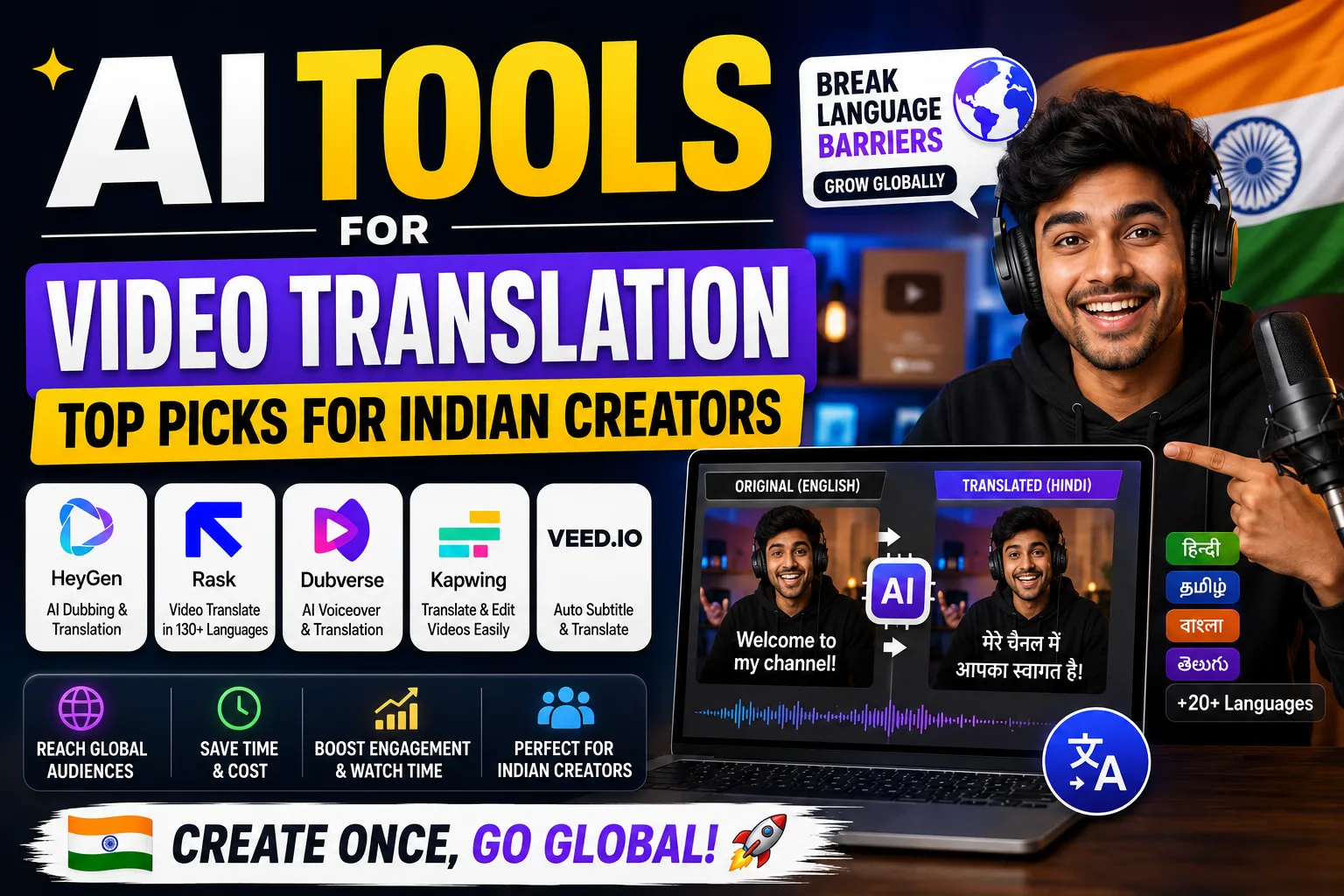
AI tools for video translation are changing how Indian creators, educators, and businesses reach audiences across language barriers. Whether you make YouTube content in Hindi or run Reels for a brand that needs Tamil and Bengali versions — there’s a tool for that now. I’ve tested several of these, and this guide gives you the honest breakdown.
Table of Contents
- Quick Comparison: AI Tools for Video Translation
- 1. HeyGen — Best AI Tool for Video Translation with Lip Sync
- 2. Fliki — Best AI Tool for Video Translation in Indian Languages
- 3. ElevenLabs — Best for Voice Cloning in AI Video Translation
- 4. VEED — Best for Subtitle-Based AI Video Translation
- 5. CapCut — Best Free AI Tool for Video Translation for Reels
- 6. InVideo — Best for Template-Based Multilingual Video Creation
- 7. Descript — Best for Transcript-First AI Video Translation Workflow
- 8. Kapwing — Best Browser-Based AI Tool for Video Translation on a Budget
- How to Pick the Right AI Tool for Video Translation
- My Personal Pick from These AI Tools for Video Translation
Quick Comparison: AI Tools for Video Translation
| Tool | Free Plan | Paid Plan | Best For | Indian Language Support |
|---|---|---|---|---|
| HeyGen | Limited | [aitool id=”heygen”] | Lip-sync dubbing, avatar videos | Hindi, partial |
| Fliki | Yes | [aitool id=”fliki”] | Indian languages, text-to-video | Hindi, Tamil, Bengali, Telugu |
| ElevenLabs | Yes | [aitool id=”elevenlabs”] | Voice cloning + dubbing | Hindi, Tamil |
| VEED | Yes | [aitool id=”veed”] | Auto subtitles, translation | Hindi subtitles |
| InVideo | Yes | [aitool id=”invideo”] | Template-based multilingual video | Hindi, regional via TTS |
| CapCut | Yes | [aitool id=”capcut”] | Reels, quick subtitle translation | Hindi, Tamil, Telugu |
| Descript | Yes | [aitool id=”descript”] | Transcript edit, overdub | Limited |
| Kapwing | Yes | [aitool id=”kapwing”] | Subtitle translation, repurposing | Hindi subtitles |
Buy AI Tools at Cheapest Price
1. HeyGen — Best AI Tool for Video Translation with Lip Sync
AI tools for video translation don’t get more impressive than HeyGen’s Video Translate feature. You upload a video, pick a target language — say Hindi or Spanish — and it re-dubs the audio while matching lip movements to the new audio. The output is genuinely good. I tested it with a 90-second English product explainer, translated it to Hindi, and the lip sync was about 85-90% accurate. Not perfect, but good enough for YouTube or a client presentation.
HeyGen supports over 40 languages and the voice cloning feature preserves your original tone. For Upwork freelancers doing video localization gigs, this tool alone can justify a subscription. Export quality goes up to 1080p, and there’s no watermark on paid plans. HeyGen’s official site has a quick demo worth watching before you subscribe.
The free plan gives you one video per month with limited minutes. Paid plans unlock more translation minutes and higher export quality. One genuine con — pricing in USD hits harder post-conversion at ₹85/USD, so calculate your monthly Upwork or client billing before committing. [aitool id=”heygen”]
2. Fliki — Best AI Tool for Video Translation in Indian Languages
Fliki is the most India-friendly option among all AI tools for video translation. It supports Hindi, Tamil, Telugu, Bengali, Marathi, and more — with actual TTS voices that sound decent, not robotic. If you’re a creator making educational content for Tier 2 or Tier 3 Indian audiences, Fliki is where I’d start. The workflow is: paste a script or article URL → pick language → generate video with voiceover.
Export quality is up to 1080p on paid plans. Free plan gives you limited minutes per month with a watermark on exports. Watermark removal requires upgrading. Fliki’s language list is genuinely longer than most competitors for Indian languages. It’s not perfect at nuanced translations — you’ll want to review Hindi scripts before publishing — but for speed, nothing beats it in this category.
For Diwali or Eid campaign videos where you need quick regional versions, Fliki can save you 3-4 hours per video. [aitool id=”fliki”]
3. ElevenLabs — Best for Voice Cloning in AI Video Translation
ElevenLabs isn’t a full video editor, but as one of the most powerful AI tools for video translation at the audio layer, it belongs here. The dubbing feature lets you upload a video, choose a target language, and get back a dubbed audio file with voice cloning — meaning the translated version sounds like you, not some generic TTS robot. This is huge for personal brand creators.
Hindi and Tamil support exists, though accuracy on complex sentences can slip. The free plan gives you a limited character quota monthly — enough to test. Pair ElevenLabs audio with CapCut or VEED for full video output. A bit of a workflow hack, but the voice quality makes it worth it. [aitool id=”elevenlabs”]
4. VEED — Best for Subtitle-Based AI Video Translation
VEED is my go-to recommendation for anyone who needs AI tools for video translation specifically for subtitles and captions. Upload a video, auto-generate subtitles in the source language, then translate those subtitles to Hindi, French, Spanish — whatever you need. The accuracy on English-to-Hindi subtitle translation is solid: roughly 88% without manual edits in my experience.
Export options include SRT files (great for YouTube’s subtitle upload) and burned-in subtitles at up to 1080p. Watermark on free exports. The interface runs in browser — no software install needed, which matters if you’re working on a basic laptop. [aitool id=”veed”]
5. CapCut — Best Free AI Tool for Video Translation for Reels
CapCut deserves a spot in any list of AI tools for video translation specifically for short-form creators. The mobile app has an auto-caption feature that works surprisingly well for Hindi, Tamil, and Telugu. You can then translate those captions to another language in a few taps. For Instagram Reels and YouTube Shorts creators, this is the fastest free workflow available.
Desktop version adds more control. Exports are clean at 1080p. Free plan has watermark for some features — easy to remove with the paid plan. Given that the paid tier is the lowest priced in this list, it’s the best entry point for student creators or those just starting out on Fiverr with video localization services. [aitool id=”capcut”]
6. InVideo — Best for Template-Based Multilingual Video Creation
InVideo positions itself among AI tools for video translation through its AI-generated video workflow. You write a prompt in English, it generates a video, and you can swap the voiceover language using its TTS engine — Hindi options are available. Not true “translation” in the dubbing sense, but works well for news-style or marketing videos where the script is the core.
Watermark on free plan. Paid plans offer 1080p export and watermark removal. Best use case: festival sale videos, product announcements in regional languages where you’re building the content fresh rather than translating existing footage. [aitool id=”invideo”]
7. Descript — Best for Transcript-First AI Video Translation Workflow
Descript treats your video like a document. Edit the transcript, and the video edits itself. For AI tools for video translation, this matters because you can swap out the English transcript for a translated one, re-record or overdub in the new language, and export. The Overdub feature clones your voice — though Hindi voice cloning quality is still improving.
More suited for English-first creators doing English-to-English edits who occasionally need multilingual versions. Solid 1080p export, no watermark on paid plans. [aitool id=”descript”]
8. Kapwing — Best Browser-Based AI Tool for Video Translation on a Budget
Kapwing is a solid browser-based option in the AI tools for video translation space. Auto subtitle generation is fast and accurate. The translate subtitles feature works for 70+ languages including Hindi. Free plan keeps a watermark; paid removes it. Good for teachers, NGO content teams, or small businesses who need occasional multilingual video without a heavy subscription.
[aitool id=”kapwing”]
How to Pick the Right AI Tool for Video Translation
- Step 1: Decide what “translation” means for your use case
Subtitle translation (VEED, Kapwing, CapCut) is different from voice dubbing (HeyGen, ElevenLabs). Pick based on what your audience actually needs — some viewers prefer reading subtitles; others need full audio in their language. - Step 2: Check Indian language support specifically
Many AI tools for video translation claim “Hindi support” but deliver robotic output. Test a 30-second clip before subscribing. Fliki, CapCut, and HeyGen give the best Indian language results right now. - Step 3: Calculate cost vs. output volume
At ₹85/USD conversion, a $25/month tool costs ₹2,125/month. If you’re doing 5+ Fiverr orders a month at ₹1,500 each, that math works. For occasional use, stick with free tiers. - Step 4: Check watermark and export quality policies
Client work needs watermark-free 1080p. Most AI tools for video translation include watermarks on free plans. Budget for the paid tier if you’re delivering professional work. - Step 5: Test the translation accuracy manually
Always review auto-translated scripts before publishing. Run a spot check on 5-6 sentences — especially technical or brand-specific terms that AI tends to mistranslate. Check this guide on AI video editing tools for more workflow tips.
My Personal Pick from These AI Tools for Video Translation
Honestly, if I had to pick one — it’s HeyGen for anyone doing client work or YouTube content where production quality matters. The lip-sync dubbing alone is worth the subscription if you’re serious about regional expansion. But if you’re an indie creator or just starting out, Fliki is the smarter first stop because of its genuine Indian language depth and lower barrier to entry.
See, here’s the thing: most people don’t need all eight tools. Pick two — one for dubbing, one for subtitles — and master those. The best AI tools for YouTube creators guide on this site has more context on combining these into a proper workflow. Also worth reading is India AI’s official resource hub if you want to understand where government and enterprise-level video localization is heading.
Try the free plan on at least two of these before paying anything. Your use case will make the decision obvious within 20 minutes of testing.
Q: Which AI tools for video translation support Hindi and other Indian languages?
A: Fliki has the best Indian language support among AI tools for video translation — covering Hindi, Tamil, Telugu, Bengali, and Marathi. CapCut also handles Hindi, Tamil, and Telugu well on both mobile and desktop. HeyGen supports Hindi dubbing with lip sync. ElevenLabs is improving its Hindi voice cloning quality steadily.
Q: Do AI tools for video translation add watermarks on free plans?
A: Most do. VEED, Kapwing, InVideo, and Fliki all add watermarks on free exports. HeyGen’s free plan limits you to one video per month with watermark. CapCut’s free plan has selective watermark rules. If you’re delivering to clients, budget for a paid plan — usually $7 to $25 per month depending on the tool.
Q: What export quality do AI tools for video translation offer?
A: Most paid plans across AI tools for video translation export at 1080p Full HD. HeyGen, Fliki, VEED, and Descript all offer 1080p on their paid tiers. Some tools like Kapwing cap free exports at lower resolution. For YouTube or client deliverables, always use a paid plan to get 1080p watermark-free output.
Q: Can I use AI tools for video translation for Upwork or Fiverr freelancing?
A: Yes, absolutely. Many Indian freelancers on Upwork and Fiverr offer video localization services using tools like HeyGen, ElevenLabs, and VEED. A typical gig might charge $30-$80 per video for dubbing or subtitle translation. The tool cost at $15-$29/month pays back quickly if you’re doing 3+ orders per month. Just confirm commercial usage rights in the tool’s terms before delivering client work.
Q: How accurate are AI tools for video translation for technical or branded content?
A: General accuracy for common language pairs (English to Hindi, for example) is roughly 80-90% for most AI tools for video translation. Technical terms, brand names, and cultural references often need manual review. Tools like Descript let you edit the translated transcript directly, which is ideal for technical content. Always do a human review pass before publishing anything client-facing or brand-critical.