

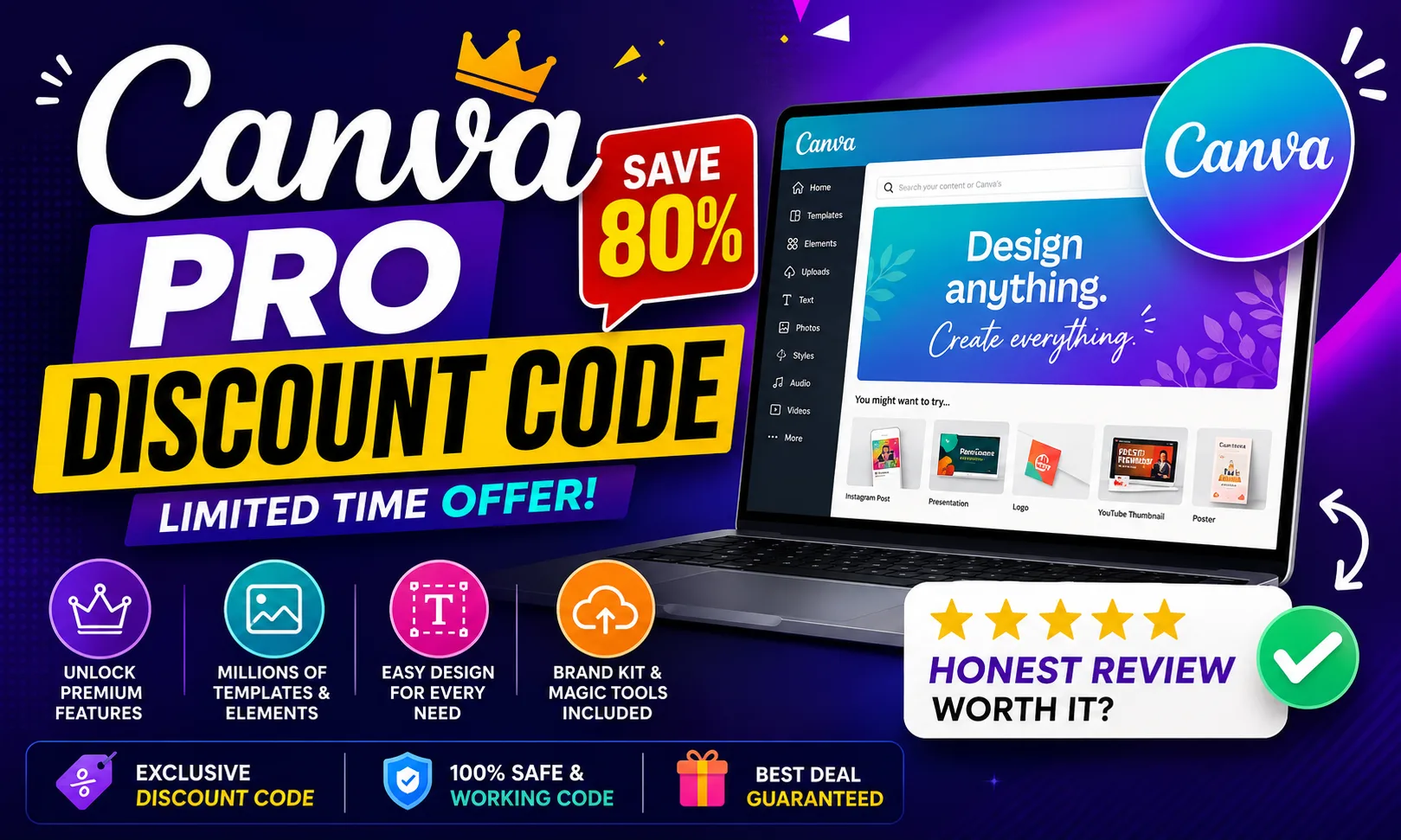
If you’ve been searching for a Canva Pro discount code, etoolkit.in has you covered — but honestly, the real story here is what Canva Pro can do for you. It’s one of the most popular graphic design tools in the world, used by students, solopreneurs, and design teams alike.
Table of Contents
- What Is Canva Pro?
- Canva Pro for Students
- Canva Pro for Working Professionals
- Canva Pro for Business & Freelancers
- Canva Pro Pricing & How to Get 50-80% Off
- FAQs About Canva Pro
What Is Canva Pro?
Canva Pro is a cloud-based graphic design platform that lets anyone — with zero design experience — create professional-quality visuals using drag-and-drop tools, smart templates, and AI-powered features.
The free version of Canva is already useful. But Pro unlocks the stuff that actually saves time: the Brand Kit (store your logo, fonts, and colour palette in one place), Magic Resize (resize any design to 50+ formats in one click), Background Remover, 100+ million premium stock photos, and access to 600,000+ templates. There’s also Magic Write — Canva’s built-in AI text generator — which is genuinely handy for caption writing and slide copy. See, here’s the thing: Canva Pro isn’t just a design tool. It’s a full creative workflow system. Explore Canva Pro officially here.
🔥 Get Canva Pro at the Cheapest Price — Up to 80% Off
Canva Pro for Students
Students are probably the biggest winners with Canva Pro — college assignments, presentations, and Instagram posts all become 10x faster to produce.
Making an economics presentation? There are research-specific infographic templates that already look clean. Need to design a college fest poster? Pick a template, swap the text, done in 15 minutes. The AI presentation maker even generates slide decks from a prompt — useful when you’re three hours before a deadline. Canva’s free education plan gives verified students a lot of Pro features at no cost, but if your institution isn’t listed, getting access via a discounted deal makes the upgrade worth it. Group projects also benefit from real-time collaboration — multiple people editing the same design simultaneously, no WhatsApp file-sharing chaos.
Canva Pro for Working Professionals
If your job involves any kind of communication — internal reports, client decks, LinkedIn posts, team newsletters — Canva Pro cuts your turnaround time significantly.
Marketing managers use it for social media content calendars (Canva has a built-in scheduler). HR teams design onboarding documents and policy PDFs without touching a single design agency. The Magic Resize feature is particularly useful here: design once for a LinkedIn post, resize for Instagram Stories, Twitter/X, and email header — all in under a minute. Brand Kit ensures every asset looks consistent without manually checking hex codes each time. And with Canva’s presentation mode, you can literally present slides without exporting to PowerPoint.
Canva Pro for Business & Freelancers
For freelancers on Upwork or Fiverr and small business owners, Canva Pro pays for itself fast — especially when you’re managing multiple client brands.
You can create separate Brand Kits for each client, which keeps their assets neatly organised. The content planner lets you schedule social posts directly — fewer third-party tools to pay for. Freelance designers often use Canva Pro’s template customisation to deliver polished work fast without starting from scratch every time. Teams (up to 5 members on the Teams plan) can share folders, leave comments, and approve designs without endless email chains. Honestly, if you’re billing clients for design work, the time saved by Canva Pro’s one-click background removal and premium asset library alone justifies the upgrade.
Canva Pro Pricing & How to Get 50-80% Off
Canva Pro offers multiple plans depending on whether you’re a solo user or part of a team — here’s the full breakdown.
| Plan | Price |
|---|---|
| Free | Free |
| Pro | $15/month |
| Teams | $10/user/month |
| Enterprise | Custom |
Through etoolkit.in, you can access a Canva Pro discount code that brings the cost down by 50-80% — tap the button below for the current discounted deal instead of paying full price directly.
🎟️ Grab Your Canva Pro Coupon — Save 50–80% Today
FAQs About Canva Pro
Q: Is there a free version of Canva before upgrading to Pro?
A: Yes, Canva has a genuinely useful free plan with thousands of templates, basic editing tools, and cloud storage. Canva Pro adds premium templates, Brand Kit, Magic Resize, Background Remover, and AI features like Magic Write — worth the upgrade if design is a regular part of your work.
Q: Can I use a Canva Pro discount code for a team plan?
A: Deals available through etoolkit.in typically apply to individual Pro subscriptions. For team plans, check the current offer on the etoolkit deal page — availability may vary. The individual Pro plan already covers most solo freelancer and professional needs.
Q: What is Canva Pro’s Brand Kit feature?
A: Brand Kit lets you store your brand’s logo, colour palette, and fonts in one place inside Canva. Every new design automatically pulls from these settings, so you maintain visual consistency across all materials without manually entering hex codes or re-uploading fonts each time.
Q: Is Canva Pro worth it for Indian freelancers and small businesses?
A: Absolutely. Indian freelancers on platforms like Fiverr and Upwork regularly use Canva Pro for client social media, pitch decks, and branding work. The premium stock photo library alone saves significant money compared to buying images separately. With a discount from etoolkit.in, the value-for-money becomes even stronger.
If you’re serious about design — whether it’s for college, your 9-to-5, or client projects — Canva Pro is one of those tools where the upgrade genuinely makes sense. Check the current deal on etoolkit.in and explore top Canva alternatives if you want to compare options, or read our AI design tools roundup before deciding. You can also check our graphic design software deals page for more savings.