

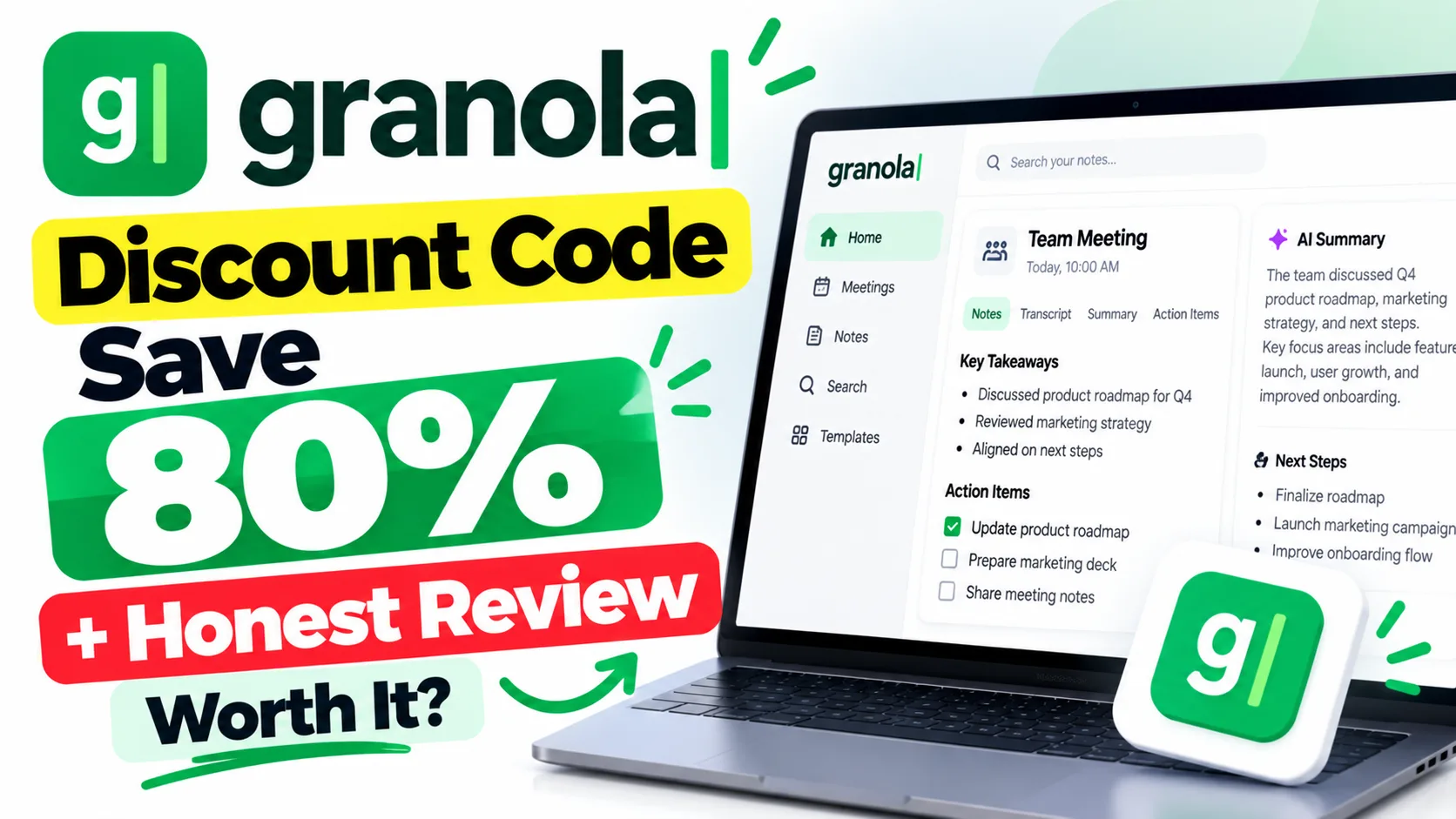
If you searched for a Granola discount code, you’re already one step ahead — but let me tell you why Granola itself deserves your attention first. It’s an AI-powered meeting notes app that quietly runs in the background while you actually focus on the conversation. No bots joining your call, no awkward “is that okay?” moments.
Table of Contents
- What Is Granola?
- Granola for Students
- Granola for Working Professionals
- Granola for Business & Freelancers
- Granola Pricing & How to Get 50-80% Off
- FAQs About Granola
What Is Granola?
Granola is an AI-powered meeting notes application that runs locally on your Mac, listens to your meetings, and automatically generates intelligent summaries using GPT-4 — with zero bots, zero third-party recording links, and zero meeting interruptions.
Unlike tools that send a clunky bot into your Zoom or Google Meet, Granola works differently. It captures audio directly from your device — so guests never know it’s running. After the meeting, it gives you a structured summary: action items, decisions made, follow-ups. You can also add your own rough notes mid-call, and Granola combines them with its transcript to produce something that actually makes sense. Granola’s official site explains the local-first approach in detail if you want to dig deeper.
It integrates with your calendar automatically. Open Granola, and all your upcoming meetings are already listed — ready to capture notes the moment you click “Start”.
🔥 Get Granola at the Cheapest Price — Up to 80% Off
Granola for Students
Students in online classes, college seminars, or project group calls will find Granola genuinely useful — especially since the free tier covers 25 full meetings before you pay anything.
Say you’re in a 90-minute lecture on corporate finance. You’re trying to take notes AND actually understand what the professor is explaining. Granola lets you just listen. After class, you get a clean summary with key concepts, examples the professor used, and anything written in the chat. For group project calls on Google Meet, it captures who said what action item — so “Rahul said he’ll do the slides by Friday” actually gets documented. Exam prep becomes easier too: you can ask Granola questions about past meeting content using its AI search feature, almost like querying your own class notes.
Granola for Working Professionals
If your workday involves back-to-back calls — client syncs, team standups, product reviews — Granola essentially becomes your second brain for meetings.
A product manager I know uses it for every sprint planning call. Instead of spending 20 minutes writing up meeting notes afterward, Granola’s automated transcription and summary feature cuts that to two minutes of editing. The tool even formats notes by template — you can set it up for “standup”, “one-on-one”, or “client review” formats. For professionals on Upwork or remote consulting gigs, this also means better documentation for clients. One well-formatted meeting summary can double as your project status update email.
Granola for Business & Freelancers
Teams and freelancers dealing with multiple clients benefit the most from Granola’s speed and accuracy.
Freelancers doing discovery calls with five different clients a week can’t afford to miss context. Granola’s AI meeting assistant captures everything — pricing discussions, deliverable deadlines, client preferences — and makes it searchable later. For small business teams, the Business plan supports multiple users sharing a workspace, so everyone sees the same meeting notes. No more “wait, what did we decide?” Slack threads. And because there’s no bot in the meeting, clients never feel like they’re being surveilled — a real trust advantage when you’re doing sensitive strategic work.
Granola Pricing & How to Get 50-80% Off
Granola has a free tier worth trying first, and paid plans that open up unlimited meetings, custom templates, and team features — finding a working Granola discount code through etoolkit.in is the smartest way to access those paid tiers cheaper.
| Plan | Price |
|---|---|
| Basic | Free |
| Business | $14/month |
| Enterprise | $35/month |
etoolkit.in lists verified deals on Granola where you can save 50-80% on paid plans — no fake codes, just tap the button below for the current discounted deal and grab it directly.
🎟️ Grab Your Granola Coupon — Save 50–80% Today
FAQs About Granola
Q: Is there a free version of Granola?
A: Yes, Granola has a free plan that includes 25 meetings — more than enough to test whether the AI meeting notes feature fits your workflow before committing to a paid plan.
Q: Does Granola work with Zoom and Google Meet?
A: Yes. Granola works with any meeting platform — Zoom, Google Meet, Microsoft Teams — because it captures audio locally from your Mac rather than joining calls as a bot. No app permissions needed on the meeting platform side.
Q: Can I use a Granola discount code to get the Pro plan cheaper?
A: Yes. etoolkit.in lists current Granola discount code deals where you can save 50-80% on Pro or Business plans. Tap the CTA button on this page to see the live deal — no fake promo codes.
Q: Is Granola available on Windows?
A: Currently, Granola is Mac-only. The local-first audio capture approach is built around macOS architecture. A Windows version has been discussed but is not yet available as of recent updates.
Granola is genuinely one of the cleaner AI notetaker tools out there — no bots, no drama, just useful meeting summaries. If you’re tired of missing context in calls or spending time writing up notes, it’s worth starting with the free tier. And if you decide to upgrade, check out the etoolkit deal to get the best price possible.
Also check out our guides on best AI productivity tools, AI meeting assistant tools compared, and free AI tools for freelancers in India.