
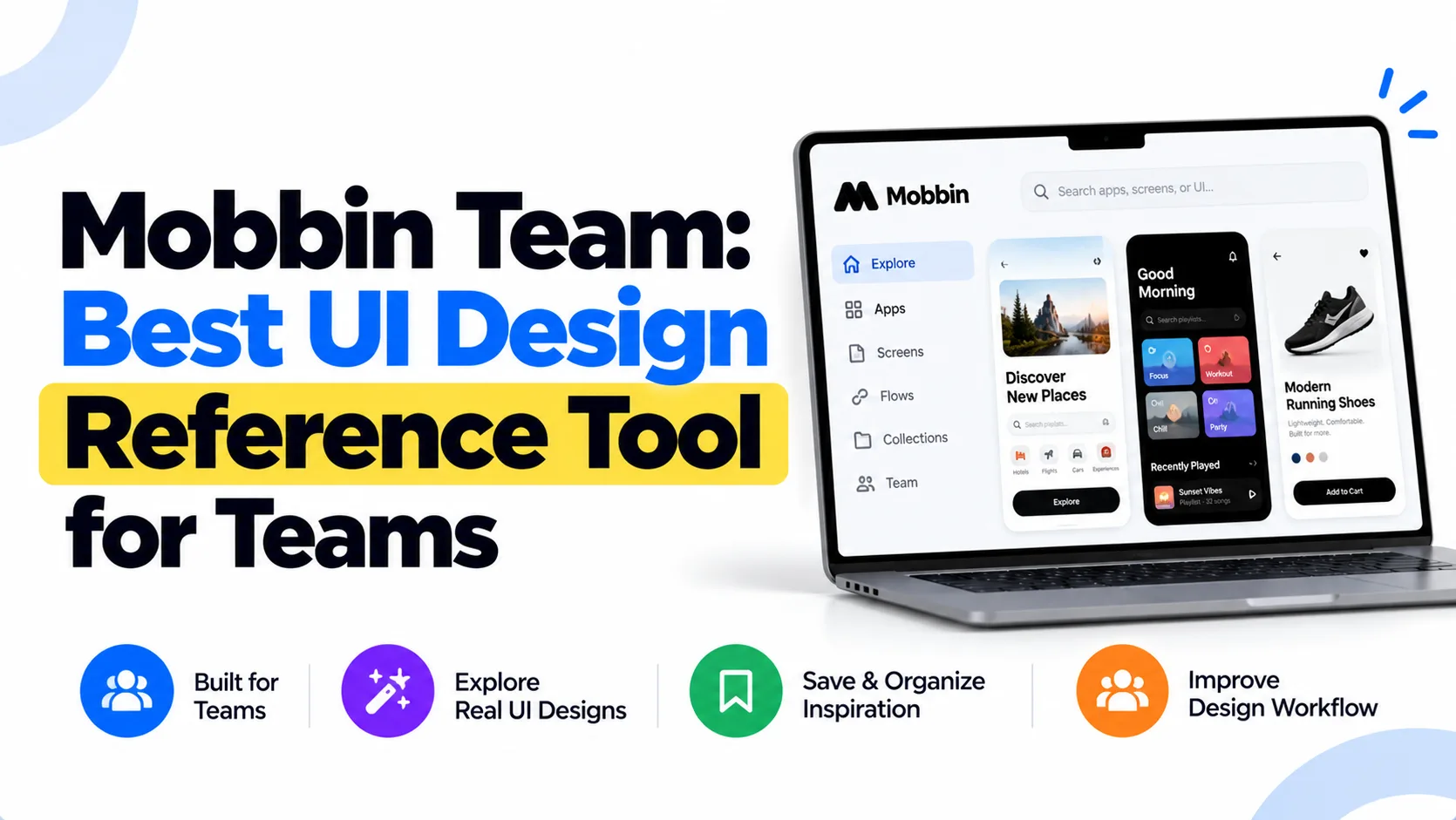
If your design team keeps reinventing the wheel, Mobbin Team is probably the tool you’ve been missing. It’s a curated library of real app screenshots and flows — and etoolkit.in gets you access at 50-80% off the regular price.
Table of Contents
- What Is Mobbin Team?
- Mobbin Team for Students
- Mobbin Team for Working Professionals
- Mobbin Team for Business & Freelancers
- Mobbin Team Pricing & How to Get 50-80% Off
- FAQs About Mobbin Team
What Is Mobbin Team?
Mobbin Team is a multi-seat design reference and inspiration platform that gives design teams searchable access to millions of real-world app UI screenshots, user flows, and interaction patterns from top products worldwide.
And this isn’t a random screenshot dump. Mobbin curates screens from apps like Swiggy, Airbnb, Notion, and hundreds more — tagged by component type (onboarding, checkout, empty states, etc.). The Team plan specifically adds collaborative features: shared workspaces, team collections, and annotation tools so your whole squad stays on the same page.
Honestly, if you’ve ever spent 40 minutes Googling “best onboarding screen examples” before a design review, you’ll immediately get why this exists. Check out the official product at mobbin.com.
🔥 Get Mobbin Team at the Cheapest Price — Up to 80% Off
Mobbin Team for Students
Design and UX students get a lot of value here — maybe more than they expect.
See, here’s the thing: most student projects fail not because of bad execution but because of poor reference. Mobbin Team lets you search for, say, “navigation patterns for food delivery apps” and instantly pull up 50+ real examples from actual products. That’s way more useful than copying a Dribbble shot that was never shipped to production.
The free tier gives individual access to a solid chunk of the library. For group assignments or design sprints in college teams, the Team plan means everyone works from the same saved collections. UI/UX case studies, app redesign projects, and interaction design coursework all become significantly less painful. You’re doing real competitive analysis — not just vibes-based inspiration.
Students preparing for jobs at product companies can also use Mobbin Team to study design patterns from category leaders and build that visual vocabulary before interviews.
Mobbin Team for Working Professionals
If you’re a product designer or UX researcher at a startup or mid-size company, your daily workflow probably involves a lot of “how does [competitor] handle this?” questions.
Mobbin Team answers those questions in seconds. You can filter screens by platform (iOS, Android, web), category, or specific UI element. The annotation feature means you can drop notes directly on a reference screen — useful when prepping for design critiques or handing off specs to developers.
For UX researchers, the app flows section is particularly handy. You can trace a complete user journey — say, a subscription cancellation flow — and see exactly how five different apps handle it. That’s competitive benchmarking you’d otherwise spend days doing manually.
Remote design teams (very common now with hybrid work setups) benefit from shared collections. Your PM in Delhi and your designer in Pune can reference the same curated board — no more “can you send me that screenshot you showed last week?” Slack messages.
Mobbin Team for Business & Freelancers
Freelance UI/UX designers on Upwork or Fiverr often juggle 3-4 clients at once. Mobbin Team lets you create separate collections per client project — organized, shareable, and easy to present during discovery calls.
For agencies or small design studios, the real ROI is speed. When a client asks for a redesigned checkout flow, you pull up 30 real checkout screens from comparable apps in under two minutes. That’s a confident, well-researched recommendation — not a “let me get back to you.”
The Team plan also works well for businesses building their own internal design systems. You can collect, annotate, and organize UI patterns that match your product’s direction, then share them with developers as living reference documents. No more scattered Pinterest boards or unsorted Google Drive folders.
Mobbin Team Pricing & How to Get 50-80% Off
Mobbin Team offers a free tier plus paid plans that scale with your team size — here’s a quick breakdown of what’s available.
| Plan | Price |
|---|---|
| Free | Free |
| Pro | $10/month |
| Team | $16/month |
| Enterprise | Custom |
Through etoolkit.in, you can grab a Mobbin Team subscription at 50-80% off — tap the button below for the current discounted deal (no fake promo codes, just a verified offer).
🎟️ Grab Your Mobbin Team Coupon — Save 50–80% Today
FAQs About Mobbin Team
Q: What does Mobbin Team include that the individual plan doesn’t?
A: Mobbin Team adds shared workspaces, collaborative collections, and multi-seat access so multiple designers can browse, save, and annotate UI references together in one organized place — not possible on individual plans.
Q: Is there a free version of Mobbin Team?
A: Yes, Mobbin has a free plan with limited access to its UI library. It’s good for individual exploration, but the Team plan unlocks full search, all platforms, and collaborative features.
Q: Can I use Mobbin Team for UX research and competitive analysis?
A: Absolutely. Mobbin Team is excellent for competitive UX research — you can study real app flows, filter by category or component, and annotate screens to compare how different products handle the same design problem.
Q: How do I get a discount on Mobbin Team through etoolkit.in?
A: etoolkit.in curates verified deals on tools like Mobbin Team, offering 50-80% off. Just visit the Mobbin Team page on etoolkit.in and tap the deal button — the discount is applied automatically, no manual code needed.
If your team is still hunting for UI inspiration across scattered bookmarks and random Dribbble tabs, give Mobbin Team a proper look — and check the etoolkit.in deal page to grab it at a price that actually makes sense for Indian teams and freelancers. Also worth reading: best UX research tools for Indian designers, top Figma alternatives for Indian startups, and design tools worth paying for as a freelancer.