

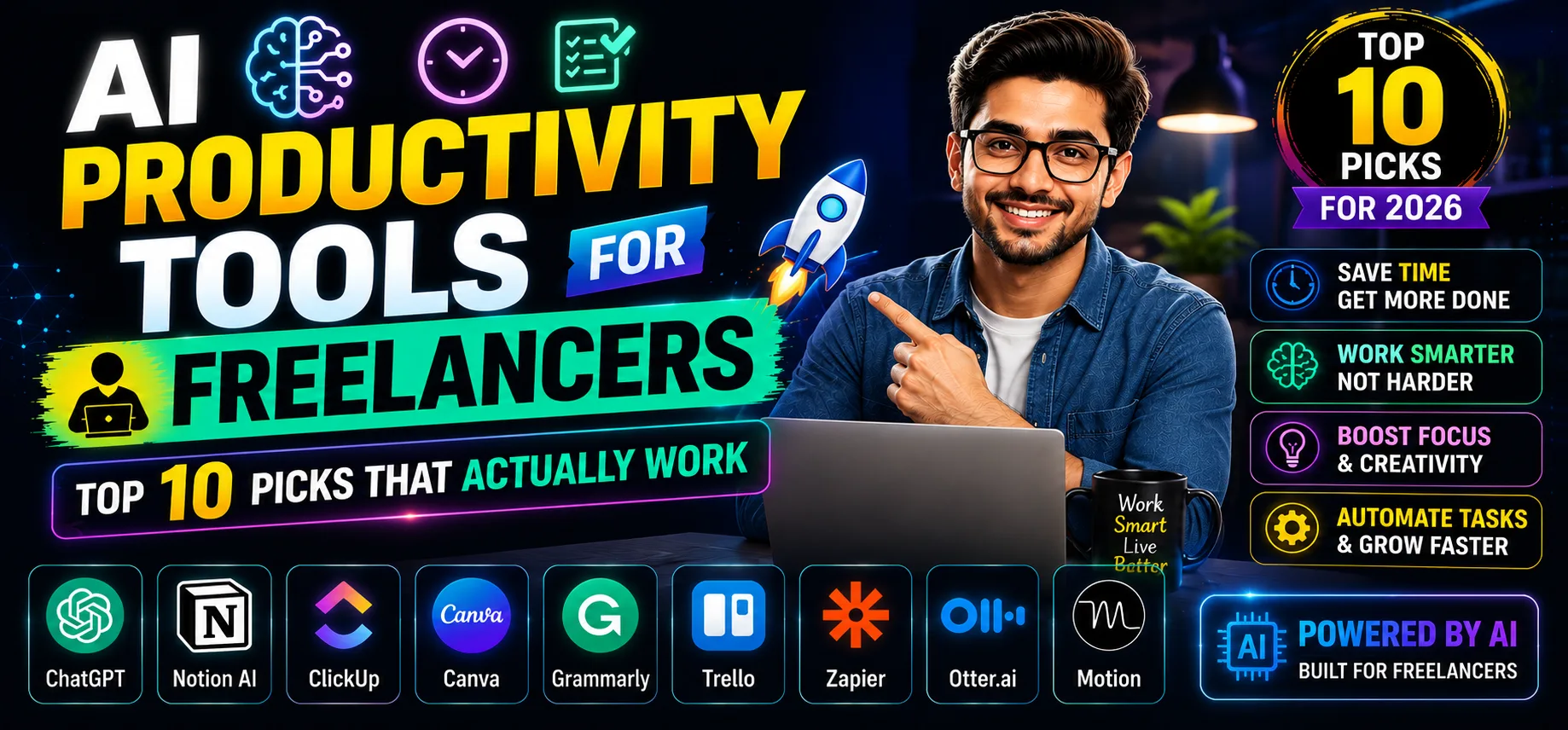
AI productivity tools for freelancers have genuinely changed how I run my solo business — from drafting proposals to transcribing client calls. If you’re juggling five clients, chasing invoices, and still trying to do actual work, these tools matter. Here are the ten best ones I’ve tested, with honest opinions.
Table of Contents
- Quick Comparison Table
- 1. ChatGPT
- 2. Notion AI
- 3. Otter.ai
- 4. Grammarly
- 5. Motion
- 6. Canva AI
- 7. Claude
- 8. Reclaim AI
- 9. Fireflies.ai
- 10. Jasper
- How to Pick the Right Tool
- My Personal Pick
- FAQs
Quick Comparison: AI Productivity Tools for Freelancers
| Tool | Best For | Free Plan | Paid Plan |
|---|---|---|---|
| ChatGPT | Writing, research, proposals | Yes | [aitool id=”chatgpt”] |
| Notion AI | Notes, docs, project management | Limited | [aitool id=”notion-ai”] |
| Otter.ai | Meeting transcription | Yes | [aitool id=”otter-ai”] |
| Grammarly | Writing polish, tone check | Yes | [aitool id=”grammarly”] |
| Motion | Auto-scheduling, task planning | No | [aitool id=”motion”] |
| Canva AI | Social graphics, pitch decks | Yes | [aitool id=”canva-ai”] |
| Claude | Long documents, analysis | Yes | [aitool id=”claude”] |
| Reclaim AI | Calendar blocking, habits | Yes | [aitool id=”reclaim-ai”] |
| Fireflies.ai | Call notes, action items | Limited | [aitool id=”fireflies-ai”] |
| Jasper | Content marketing at scale | No | [aitool id=”jasper”] |
Buy AI Tools at Cheapest Price
1. ChatGPT — Best AI Productivity Tool for Freelancers Who Write Anything
ChatGPT is probably the one AI productivity tool for freelancers that needs zero introduction. But I’ll say this — most people use maybe 20% of what it can do. I use it to draft Upwork proposals in under 3 minutes, write cold email sequences for clients, and generate entire content briefs from a single URL. The GPT-4o model handles long context well now.
The free tier is genuinely usable. GPT-3.5 is fast and handles most writing tasks. But if you’re billing clients ₹50,000+ a month, the Plus plan at [aitool id=”chatgpt”] is a no-brainer — you get GPT-4o, image generation, and file uploads. That’s basically a VA at a fraction of the cost.
Where it falls short: it hallucinates facts. Always verify stats before sending to clients. And it can’t browse the web in real time unless you use the paid tier. Still, as the foundation of any AI productivity setup for freelancers, nothing comes close. Try ChatGPT directly on OpenAI’s site.
2. Notion AI — Best AI Productivity Tool for Freelancers Managing Multiple Projects
Notion AI sits inside your existing workspace — that’s the whole point. If you’re already using Notion for client wikis, SOPs, or content calendars, the AI add-on feels natural. You can ask it to summarize a 10-page client brief, auto-fill a project template, or write a first-draft status update without switching tabs.
Honestly, the feature I use most is “Ask AI about this page.” I dump raw client notes in, then ask Notion AI to extract action items and deadlines. Saves me 20 minutes per client onboarding. The paid tier is [aitool id=”notion-ai”] — stacked on top of your Notion plan — so check the total cost before committing. See what Notion AI can do here.
For freelancers who already live in Notion, this is an easy upgrade. If you’re on Trello or Asana, the switching cost might not be worth it. Check our Notion AI vs ChatGPT comparison if you’re torn between the two.
3. Otter.ai — Best for Freelancers Who Do Client Calls
Otter.ai transcribes your Zoom, Google Meet, or Teams calls in real time. For freelancers, this is huge — you stop frantically typing notes during discovery calls and actually listen to the client. The transcript is searchable, and the AI highlights key points and action items automatically.
Free plan gives you 300 minutes per month of transcription. That’s roughly 10 thirty-minute calls — enough for most freelancers starting out. Paid starts at [aitool id=”otter-ai”]. The accuracy in Indian-accented English has improved a lot in the last year, which matters if your clients are domestic.
One honest con: it sometimes misses technical jargon specific to your industry. You’ll need to clean up the transcript before sharing. But compared to manually writing meeting notes, it’s still 80% less work.
4. Grammarly — Best AI Productivity Tool for Freelancers Who Write Client-Facing Content
Grammarly is the unglamorous workhorse of AI productivity tools for freelancers. It catches grammar mistakes, yes — but the AI features now do tone detection, clarity rewrites, and even plagiarism checks. For freelancers sending proposals and reports to international clients, this is your safety net.
Free plan covers basic grammar and spelling, which is fine for most use cases. The paid tier at [aitool id=”grammarly”] adds full-sentence rewrites and a plagiarism detector. If you write 5,000+ words a week for clients, it pays for itself in time saved and errors caught.
5. Motion — Best AI Productivity Tool for Freelancers Who Struggle With Scheduling
Motion is different from every other tool here. It auto-schedules your tasks into your calendar based on deadlines and priority. You add a task, set a due date, and Motion figures out when to do it. No manual time-blocking. For freelancers managing 4-5 clients simultaneously, this is the closest thing to having a project manager.
No free plan — Motion starts at [aitool id=”motion”]. That’s the main barrier. But users report saving 1-2 hours daily in planning overhead, which for a ₹5,000/hour freelancer adds up fast. It’s also replacing tools like Asana + Google Calendar for a lot of solopreneurs.
6. Canva AI — Best for Freelancers Doing Design Without a Designer
Canva’s AI features — Magic Design, text-to-image, and background remover — make it the go-to AI productivity tool for freelancers who need decent visuals without hiring a designer on Fiverr every time. You can generate a full pitch deck in 15 minutes from a text prompt. Free plan is genuinely generous — most AI features are accessible without paying.
Paid plan at [aitool id=”canva-ai”] adds brand kits, more AI image credits, and team features. If you’re a content or social media freelancer, this pays off immediately. See our guide to AI design tools for solopreneurs for alternatives.
7. Claude — Best for Freelancers Handling Long Documents
Claude, made by Anthropic, processes up to 200,000 tokens — meaning you can upload an entire contract, research report, or client SOP and ask it questions. For freelancers doing consulting, legal writing, or research, this context window is a genuine advantage over ChatGPT.
Free plan is available and surprisingly capable. Paid at [aitool id=”claude”]. Claude also tends to be more careful and less prone to confident wrong answers — which matters when your reputation is on the line with a client.
8. Reclaim AI — Best for Freelancers Who Need Work-Life Boundaries
Reclaim AI connects to Google Calendar and automatically protects time for habits, focus blocks, and breaks. As an AI productivity tool for freelancers, it’s underrated — most of us are terrible at protecting our own time. Set a “Deep Work” habit for 2 hours daily and Reclaim will find the slot automatically, even as meetings shift around it.
Free plan covers basic habit scheduling for one calendar. Paid at [aitool id=”reclaim-ai”]. Works beautifully if your clients book time through Calendly — Reclaim integrates and auto-adjusts your schedule.
9. Fireflies.ai — Best AI Meeting Tool for Freelancers on Multiple Platforms
Fireflies.ai is Otter’s main competitor and honestly beats it on integrations. It works across Zoom, Meet, Teams, Webex, and even phone calls via its dial-in number. For freelancers working with enterprise clients, Fireflies fits into corporate workflows more naturally.
Free plan gives limited storage and transcription credits. Paid at [aitool id=”fireflies-ai”]. The AI “Ask Fireflies” feature lets you query your past call transcripts — useful if a client disputes what was discussed three months ago.
10. Jasper — Best AI Productivity Tool for Freelancers Doing Content at Scale
Jasper is expensive — [aitool id=”jasper”] — and that’s intentional. It’s built for content teams and agencies, not individual freelancers starting out. But if you’re a content freelancer managing multiple brand voices for 8-10 clients, Jasper’s brand voice feature and campaign templates are genuinely worth it.
No free plan. This is the honest reason it sits at number 10. Most solo freelancers will be better served by ChatGPT Plus at a lower price point. But Jasper earns its place for high-volume content operations.
How to Pick the Right AI Productivity Tools for Freelancers
- Step 1: Audit where your time actually goes
Track one week — writing, scheduling, client calls, admin. Your biggest time drain determines which AI productivity tool you need first. - Step 2: Start with free plans only
Every tool here except Motion and Jasper has a free tier. Test two or three for two weeks before paying anything. Don’t stack subscriptions before you know what sticks. - Step 3: Match tool to your billing model
Hourly freelancers benefit most from scheduling tools like Motion or Reclaim. Project-based freelancers need writing and transcription tools more urgently. - Step 4: Check if it works with your existing stack
If you live in Notion, get Notion AI. If you’re on Google Workspace, Reclaim and Fireflies integrate natively. Don’t rebuild your workflow around a new tool. - Step 5: Calculate ROI before upgrading
Simple math: if a paid plan saves you 2 hours a week and you bill ₹2,000/hour, that’s ₹16,000/month saved. Most tools cost well under that. Check our AI tools ROI guide for freelancers for the full breakdown.
My Personal Pick from These AI Productivity Tools for Freelancers
If I had to keep just two from this list, it would be ChatGPT Plus and Reclaim AI. ChatGPT handles 60% of my actual work output — proposals, briefs, first drafts, email responses. Reclaim makes sure I actually have time to do that work without burning out. Together they cover both the output side and the scheduling side of freelance life.
For Indian freelancers specifically: the INR-to-USD conversion (roughly ₹85/USD) makes even the paid tiers feel steep. That’s why I always say start with free plans and only pay when you’ve felt the pain of the limitation. These AI productivity tools for freelancers work best as genuine workflow upgrades — not subscriptions you forget about. Also worth reading: our full guide to AI tools for Indian solopreneurs.
Try the free plan on whichever tool matches your biggest bottleneck. Bookmark this page to revisit when you’re ready to upgrade.
FAQs About AI Productivity Tools for Freelancers
Q: Which AI productivity tools for freelancers are actually free to use?
A: ChatGPT (GPT-3.5), Grammarly (basic), Otter.ai (300 min/month), Canva AI (limited credits), Claude (free tier), and Reclaim AI (single calendar) all have genuinely usable free plans. Motion and Jasper do not offer free tiers. Start with the free versions before committing to any paid subscription.
Q: What are the best AI productivity tools for freelancers on a tight budget in India?
A: For Indian freelancers managing USD-to-INR conversion, the best starting stack is: ChatGPT free + Grammarly free + Otter.ai free. Together they cover writing, editing, and meeting notes at zero cost. If you can spend ₹1,700/month (~$20 USD), upgrade ChatGPT to Plus — that single upgrade will cover most of your AI productivity needs as a freelancer.
Q: Can AI productivity tools for freelancers fully replace a virtual assistant?
A: Partially, yes. AI productivity tools for freelancers can handle writing, scheduling, transcription, and basic research — tasks that make up 60-70% of what most VAs do. But human VAs still win on relationship management, complex judgment calls, and tasks requiring real-world action. Most solopreneurs find that the right AI stack reduces their VA hours by half rather than eliminating the need entirely.