

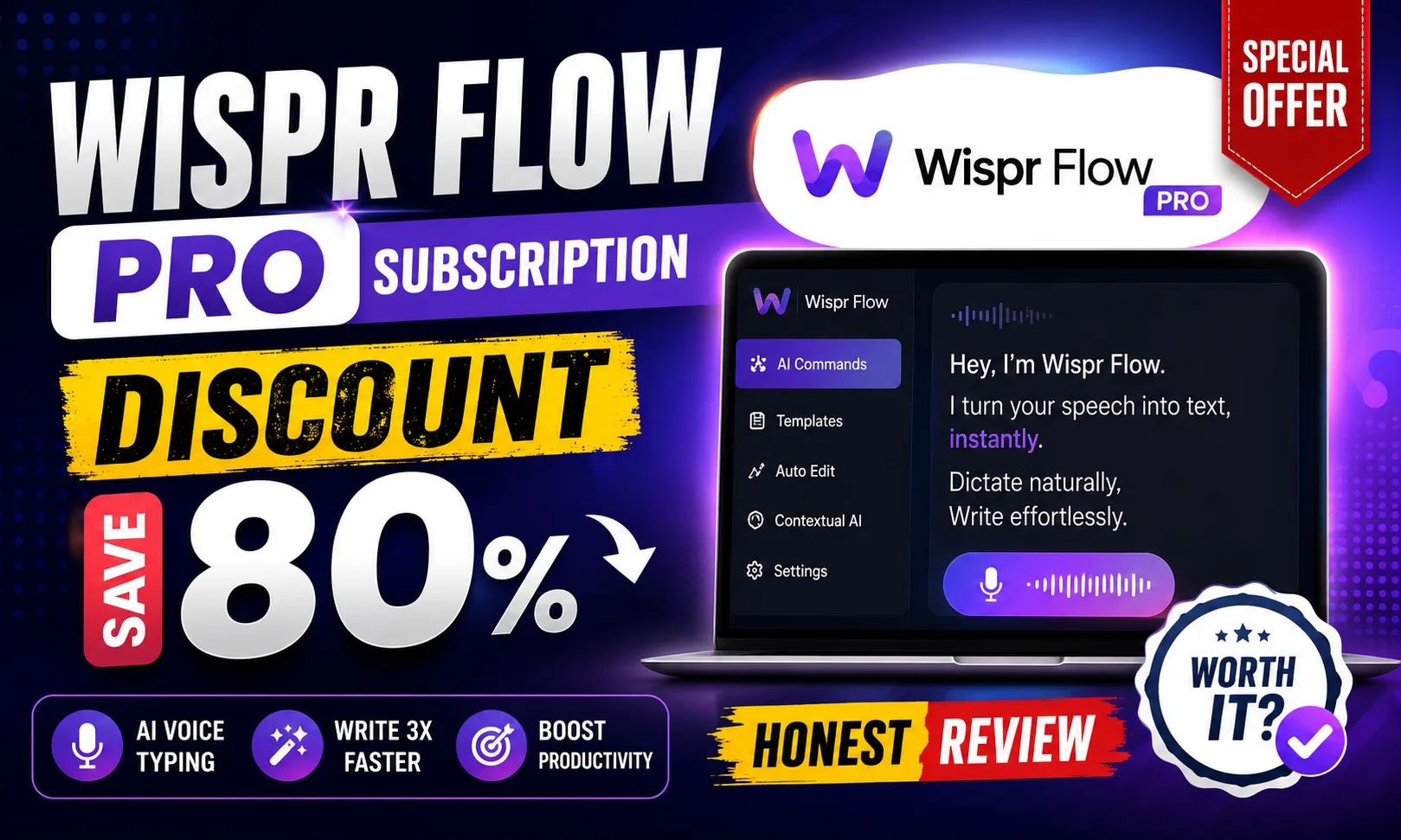
If you landed here looking for a Wispr Flow Pro subscription discount, you’re in the right place — etoolkit.in gets you in at up to 80% off. But first, let me tell you what Wispr Flow Pro actually is and why it’s worth your attention in the first place.
Table of Contents
- What Is Wispr Flow Pro?
- Wispr Flow Pro for Students
- Wispr Flow Pro for Working Professionals
- Wispr Flow Pro for Business & Freelancers
- Wispr Flow Pro Pricing & How to Get 50-80% Off
- FAQs About Wispr Flow Pro
What Is Wispr Flow Pro?
Wispr Flow Pro is an AI dictation and voice-to-text tool that works system-wide on Mac, letting you speak naturally into any app — Gmail, Notion, Slack, Google Docs — and get clean, punctuated text in real time.
Most voice tools need a dedicated window. Wispr Flow doesn’t. You press a hotkey, speak, and your words appear wherever your cursor is. It supports over 100 languages, including Hindi, and uses AI to automatically fix filler words like “umm” and “uh” before they hit the screen. That last bit alone saves serious editing time.
The Pro tier unlocks unlimited dictation minutes, custom vocabulary (great for technical or niche terms), and priority processing speed. The free plan gives you limited monthly minutes — enough to try it, not enough to rely on it daily. You can check the full feature breakdown on the Wispr Flow official site.
Honestly, the killer use case is long-form writing. Speaking a 500-word email draft takes under 2 minutes. Typing it takes 8-10. That math adds up fast across a workday.
🔥 Get Wispr Flow Pro at the Cheapest Price — Up to 80% Off
Wispr Flow Pro for Students
Wispr Flow Pro is genuinely useful for students who need to move thoughts to text fast — whether that’s during research, note-taking, or writing assignments.
Imagine you’re reading a paper and want to dump your analysis into Notion. Instead of switching focus to type, you just talk. Wispr Flow Pro captures it cleanly. For exam prep, you can verbally summarize chapters and let the tool write them out — a classic spaced repetition trick that suddenly becomes effortless.
Engineering and MBA students drafting project reports will love the custom vocabulary feature. Add subject-specific jargon once — “microcontroller”, “EBITDA”, “regression analysis” — and Wispr Flow Pro stops mangling them. The free tier works for occasional use, but if you’re writing 1,500+ words a day, Pro is worth it.
Also worth noting: it works inside Google Docs natively. No copy-pasting from a separate app. That alone removes a lot of friction from academic writing.
Wispr Flow Pro for Working Professionals
For anyone in a corporate job, Wispr Flow Pro is essentially a productivity multiplier for written communication — which takes up roughly 30-40% of most office workers’ days.
Writing performance review summaries, status updates, client-facing emails — these tasks feel tedious because typing slows your thinking down. With Wispr Flow Pro, you speak at your natural pace and the text keeps up. I tested it for Slack replies and the difference in response time was immediate.
Professionals who attend lots of meetings can dictate quick follow-up action points right after a call while context is fresh. The AI cleanup means you don’t sound rushed even when you are. For presentations, drafting speaker notes verbally inside PowerPoint or Google Slides works without switching apps.
See how this compares to other productivity tools in our best AI productivity tools roundup.
Wispr Flow Pro for Business & Freelancers
Freelancers on Upwork or Fiverr who charge per deliverable — not per hour — benefit most from tools that cut production time. Wispr Flow Pro fits exactly here.
Content writers can dictate first drafts, then edit. A 1,000-word draft that takes 45 minutes to type takes maybe 12 minutes to speak. At ₹2/word freelance rates, that’s a direct income multiplier. Copywriters drafting ad copy or email sequences can churn out variations faster than ever.
Small business owners writing product descriptions, Instagram captions, or WhatsApp broadcast messages can speak them on the go — Wispr Flow Pro works even when you’re walking around the office. Teams using shared docs in Notion or Confluence can have each member contribute faster without scheduling writing blocks.
Custom vocabulary is especially valuable for agencies — add client brand names, product names, and tone-specific phrases once, and every team member’s dictation reflects that consistently. Pair it with tools from our AI tools for freelancers guide and you’ve got a seriously lean content operation.
Wispr Flow Pro Pricing & How to Get 50-80% Off
The Wispr Flow Pro subscription discount available through etoolkit.in is the most affordable way to access the Pro tier. Here’s a breakdown of what each plan offers:
| Plan | Free Tier | Regular Price | etoolkit Price |
|---|---|---|---|
| Wispr Flow Free | Yes (limited minutes) | ₹0 / $0 | ₹0 / $0 |
| Wispr Flow Pro | No | [aitool id=”wispr-flow-pro”] | [aitool id=”wispr-flow-pro”] |
Through etoolkit.in, you get the Wispr Flow Pro subscription at 50-80% off the standard rate. No fake promo codes here — just tap the button below for the current discounted deal. Prices shown above are approximate in USD; at ₹85/USD the savings are significant for Indian users, especially students and early-career freelancers.
For more deals like this, check our AI tool deals page or browse the India AI initiative resources for government-backed AI adoption programs.
🎟️ Grab Your Wispr Flow Pro Coupon — Save 50–80% Today
FAQs About Wispr Flow Pro
Q: Where can I find a Wispr Flow Pro subscription discount?
A: etoolkit.in offers the Wispr Flow Pro subscription discount at 50-80% off the regular price. Tap the deal button on this page for the current offer — no code needed, the discount is applied automatically.
Q: Does Wispr Flow Pro work on Windows?
A: As of now, Wispr Flow Pro is Mac-only. There is no official Windows version. If you’re on Windows, you’ll need to wait for a future release or use an alternative like Windows built-in voice typing.
Q: How accurate is Wispr Flow Pro for Indian accents and Hindi words?
A: Wispr Flow Pro performs well with Indian English accents — noticeably better than standard OS dictation tools. It supports Hindi as a language too. For mixed Hindi-English (Hinglish), results vary; sticking to one language at a time gives cleaner output.
Q: Is the Wispr Flow Pro free plan worth using?
A: The free plan gives you a limited number of dictation minutes per month — roughly enough to test the core experience. If you write more than 500-600 words a day via voice, you’ll hit the cap quickly. Pro is the plan that makes Wispr Flow genuinely useful as a daily driver.
Start with the free plan to see if voice-first writing clicks for you — most people are surprised by how natural it feels within a day. If you’re already convinced, tap the deal button above to grab Wispr Flow Pro at the lowest available price through etoolkit.in.