

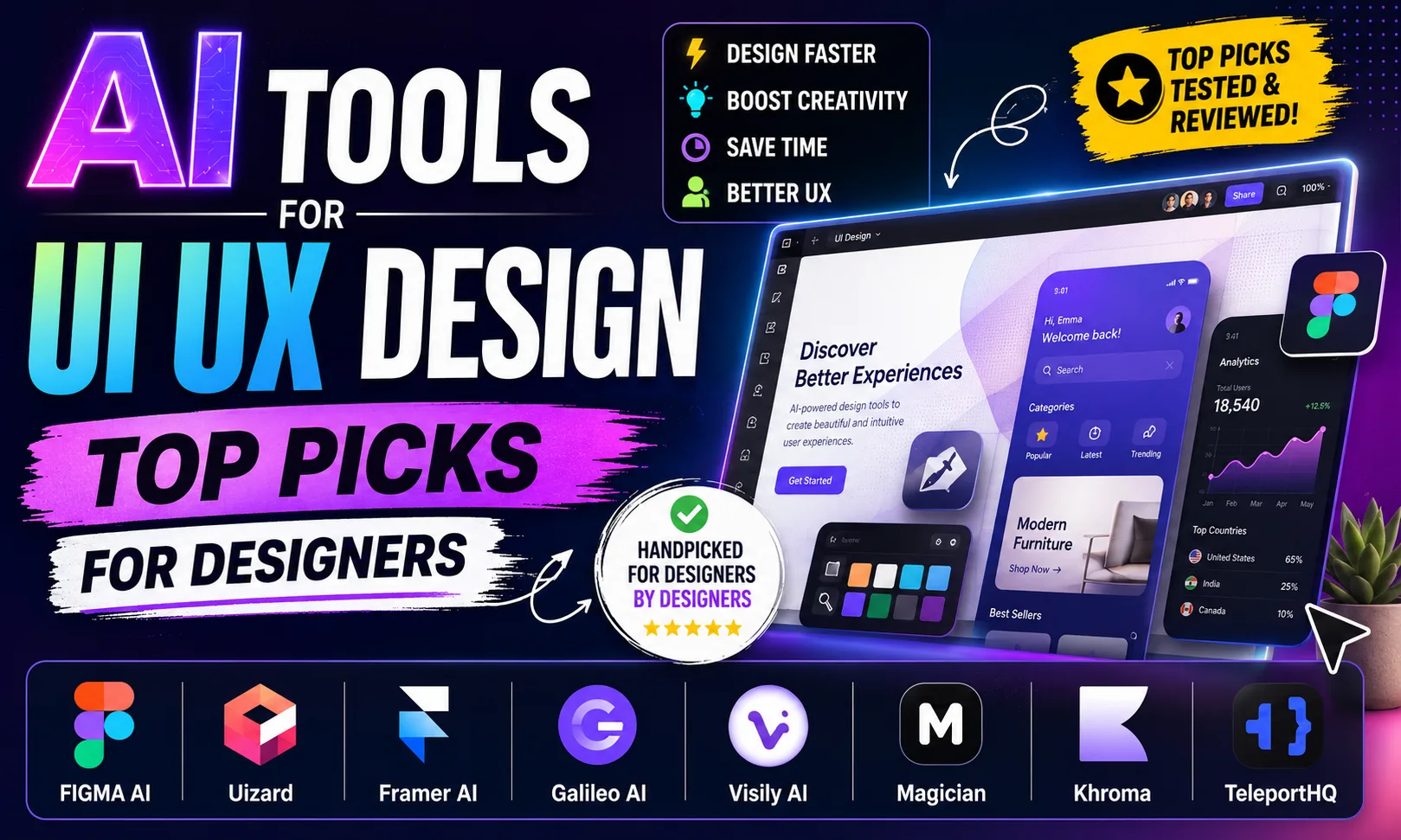
AI tools for UI UX design have completely changed how fast I can go from a rough idea to a polished prototype. Whether you’re a freelancer on Fiverr quoting ₹15,000 for a landing page or a product designer inside a Bangalore startup, these tools cut your turnaround time by half — sometimes more. Let me walk you through the ones actually worth your time.
Table of Contents
- Quick Comparison: AI Tools for UI UX Design
- 1. Figma — Best AI Tools for UI UX Design for Teams and Freelancers
- 2. Framer — Best AI Tools for UI UX Design for Website Prototyping
- 3. Canva — Best AI Tools for UI UX Design for Speed and Social Formats
- 4. Mobbin — Best AI Tools for UI UX Design for Research and Inspiration
- 5. Magic Pattern — Best AI Tools for UI UX Design for Background Assets
- 6. Midjourney, Krea AI, and Ideogram — Best AI Tools for UI UX Design for Visual Concepts
- How to Pick the Right AI Tools for UI UX Design
- My Personal Pick from These AI Tools for UI UX Design
- FAQs About AI Tools for UI UX Design
Quick Comparison: AI Tools for UI UX Design
| Tool | Best For | Free Plan | Paid Plan |
|---|---|---|---|
| Figma | Collaborative prototyping + AI layout | Yes (3 files) | [aitool id=”figma”] |
| Framer | AI-generated websites from text | Yes (1 project) | [aitool id=”framer”] |
| Canva | Quick UI mockups + social design | Yes | [aitool id=”canva”] |
| Mobbin | Real app UI reference library | Limited | [aitool id=”mobbin”] |
| Magic Pattern | AI background patterns for UX | Limited | [aitool id=”magic-pattern”] |
| Midjourney | Mood boards + visual direction | No | [aitool id=”midjourney”] |
| Krea AI | Real-time AI visual generation | Yes | [aitool id=”krea-ai”] |
| Ideogram | Typography + logo concept art | Yes | [aitool id=”ideogram”] |
Buy AI Tools at Cheapest Price
1. Figma — Best AI Tools for UI UX Design for Teams and Freelancers
Figma is the gold standard among AI tools for UI UX design, combining collaborative prototyping with an AI layer that suggests auto-layouts, rewrites component names, and generates first-draft wireframes from a text prompt. The new AI features inside Figma — specifically “Make Design” — let you describe a screen like “a fintech dashboard with a sidebar nav” and get a rough layout in seconds. It’s not pixel-perfect. But it gives you 60% of the skeleton, which is the boring part anyway.
Honestly, Figma’s real power is still the community. Hundreds of free Indian startup UI kits, Material Design 3 files, and government app references are available. If you work with a team on Razorpay payment flow design or a UPI checkout screen, Figma’s shared components mean everyone stays consistent. The free plan gives you 3 files — enough to test properly before committing.
The downside? It can feel slow on lower-end laptops. And the AI suggestions sometimes feel generic. But for most UI UX design workflows — handoff, prototyping, client presentations — nothing else comes close. Try Figma’s free starter plan before deciding on a paid tier.
2. Framer — Best AI Tools for UI UX Design for Website Prototyping
Framer is an AI-powered design and website builder that lets you go from a text description to a fully interactive, publishable site — making it one of the fastest AI tools for UI UX design when the output is a live product. Type “a SaaS landing page for a HR tool targeting Indian SMEs” and Framer builds the page, animations, and responsive layout. It’s genuinely impressive how production-ready the output feels.
Framer sits in a unique spot. It’s more than a design tool — it’s almost a no-code builder. So if you’re doing freelance projects on Upwork and you want to hand the client a live URL instead of a static PDF, Framer is your tool. The AI CMS and component logic are powerful enough for real product pages. Framer’s official site has good examples of what the AI can generate from scratch.
Where Framer falls short: it’s not ideal for complex multi-screen app flows. And if your client only needs editable Figma files for their in-house dev team, Framer’s output format creates friction. But for portfolio sites, SaaS landing pages, and agency deliverables — it’s among the top AI tools for UI UX design right now.
3. Canva — Best AI Tools for UI UX Design for Speed and Social Formats
Canva is what most Indian creators and small business owners already use. But in the context of AI tools for UI UX design, Canva’s AI features — Magic Design, AI image generation, and Brand Hub — make it genuinely useful for fast mockups. Type a prompt, pick a style, and you’ve got a starting point for an app onboarding screen or a festival sale banner in under two minutes.
See, here’s the thing — Canva is not a Figma replacement. You can’t do real prototyping or developer handoff. But for early-stage client presentations, social media UI mockups, or Diwali campaign design assets, Canva is faster than anything else. [aitool id=”canva”]
4. Mobbin — Best AI Tools for UI UX Design for Research and Inspiration
Mobbin is a massive, searchable library of real screenshots from iOS and Android apps — curated and tagged by screen type (onboarding, checkout, settings, empty states). For UI UX design research, it saves hours of manually screenshotting apps on your phone. You can filter by industry, component type, and even color palette. It’s not a generation tool, but it makes your design decisions smarter and faster. [aitool id=”mobbin”]
5. Magic Pattern — Best AI Tools for UI UX Design for Background Assets
Magic Pattern generates SVG and CSS background patterns using AI. Sounds niche — and it is — but for UI UX designers building landing pages, app backgrounds, or brand visual systems, having a one-click pattern generator is genuinely useful. The output is clean, scalable, and developer-friendly. [aitool id=”magic-pattern”]
6. Midjourney, Krea AI, and Ideogram — Best AI Tools for UI UX Design for Visual Concepts
These three belong together because they serve the same phase: visual ideation before you open Figma. Midjourney is still the best for generating mood board images and lifestyle visuals — great when you’re defining the visual direction for a brand or app. Krea AI is better for real-time generation and upscaling existing UI elements. Ideogram specifically handles text-in-image better than almost anything else, which matters for logo concepts and typographic mockups. All three are useful AI tools for UI UX design in the early discovery phase. [aitool id=”midjourney”] [aitool id=”krea-ai”] [aitool id=”ideogram”]
How to Pick the Right AI Tools for UI UX Design
- Step 1: Define your output
Do you need a clickable prototype, a static mockup, or a live website? Figma handles prototypes, Framer handles live sites, Canva handles static visuals. Pick based on what the client or team actually needs. - Step 2: Check your workflow phase
Early research? Use Mobbin. Visual ideation? Use Midjourney or Krea AI. Wireframing and layout? Figma. Final visual polish? Canva or Ideogram for assets. AI tools for UI UX design work best when matched to the right phase. - Step 3: Test the free plan seriously
Almost every tool here has a free tier. Spend two real work sessions on it before paying. ₹1,000–₹2,000/month (roughly $12–$24) adds up if you’re paying for five tools you barely use. - Step 4: Consider client handoff format
If your client’s dev team uses Figma tokens and design system exports, Framer won’t help them. If they just need a URL to share with investors, Framer beats everything. Always ask before choosing your stack. Read more in our guide on best AI design tools for professionals. - Step 5: Build a two-tool core stack
Don’t use eight tools. Pick one for structure (Figma or Framer) and one for assets (Canva or Midjourney). Add Mobbin for research. That’s enough for most AI tools for UI UX design workflows.
My Personal Pick from These AI Tools for UI UX Design
If I had to keep only two: Figma and Framer. Figma for everything that needs collaboration, components, and handoff. Framer when the deliverable is a live, interactive website the client can actually open in a browser. I use Midjourney for mood boards when a client is still figuring out their visual identity — a quick image grid communicates direction faster than any word document.
For freelancers just starting on Upwork or handling local business clients in India, start with Canva’s free plan. It’s already surprisingly capable for UI mockups, and you won’t need to justify a software budget to yourself in month one. Once you’re billing regularly, move to Figma. Check out our breakdown of AI tools for graphic design if you want to extend your toolkit further. And if you’re specifically doing product design for startups, AI tools for startups covers the full product stack.
Honestly, the best AI tools for UI UX design aren’t the ones with the most features. They’re the ones you actually open every morning. Try the free plan, do a real project, and then decide.
FAQs About AI Tools for UI UX Design
Q: Which AI tools for UI UX design are best for beginners?
A: Canva is the easiest starting point — free plan, no learning curve, and the AI features like Magic Design work well for basic UI mockups. Once comfortable, move to Figma which has a steeper curve but is the industry standard for serious UI UX design work.
Q: Can AI tools for UI UX design replace a designer?
A: Not yet. AI tools for UI UX design automate repetitive tasks — generating layout options, creating pattern assets, suggesting color palettes — but the thinking behind user flows, accessibility decisions, and client communication still needs a human. Think of them as a very fast junior assistant.
Q: Is Figma still the top AI tool for UI UX design compared to newer tools?
A: Yes. Figma’s AI features are improving fast, and its ecosystem — plugins, community files, developer handoff — is unmatched. Framer is a genuine competitor for website design specifically. But for full-stack UI UX design including apps, Figma is still the industry default. Figma’s paid plan starts at $15/month.
Q: What AI tools for UI UX design work well for Indian freelancers on tight budgets?
A: Start with Figma free (3 files), Canva free, and Ideogram free (limited daily generations). That’s a fully functional AI tools for UI UX design stack at zero cost. When billing crosses ₹30,000/month consistently, upgrade Figma to the professional plan at roughly ₹1,275/month ($15/month at ₹85/USD).
Q: How do AI tools for UI UX design help with client presentations?
A: Significantly. Framer lets you share a live URL instead of a PDF. Figma prototypes can be clicked through in a browser. Midjourney mood boards make visual direction tangible before any design work starts. These AI tools for UI UX design reduce client confusion and cut revision rounds by making concepts visual very early.