

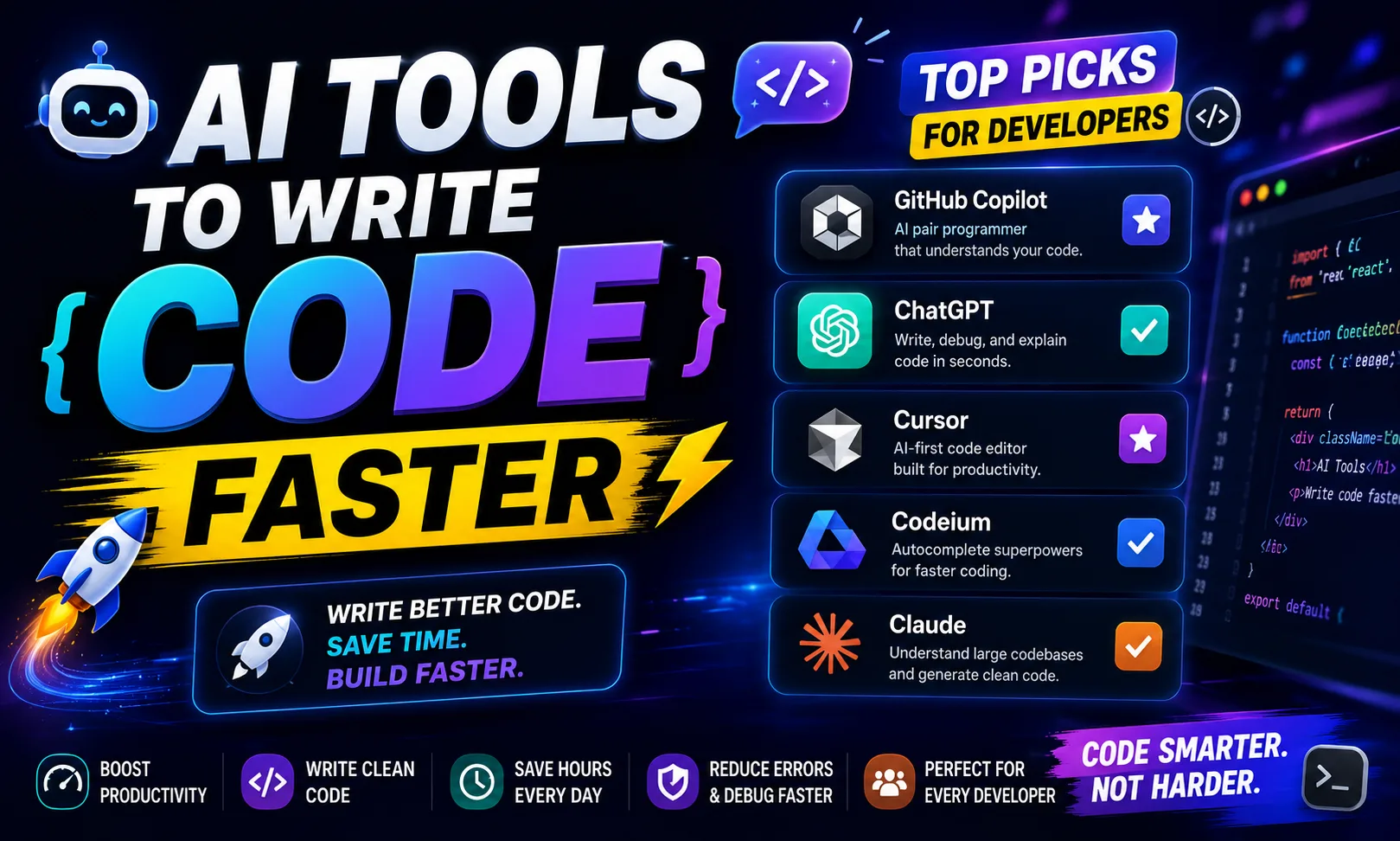
The best AI tools to write code faster are genuinely changing how developers work — from solo freelancers on Upwork to teams shipping SaaS products. I’ve tested most of these personally, and the time savings are real, not marketing copy.
Table of Contents
- Quick Comparison: AI Tools to Write Code Faster
- 1. Cursor AI — Best AI Tools to Write Code Faster in Your Own IDE
- 2. Replit — Best AI Tools to Write Code Faster Without a Local Setup
- 3. Claude — Best AI Tools to Write Code Faster for Debugging and Logic
- 4. v0.dev — Best AI Tools to Write Code Faster for Frontend UI
- 5. Bolt — Best AI Tools to Write Code Faster for Full-Stack MVPs
- 6. CodeRabbit — Best AI Tools to Write Code Faster by Catching Bugs Early
- 7. Warp — Best AI Tools to Write Code Faster for Terminal-Heavy Workflows
- How to Pick the Right AI Tools to Write Code Faster
- My Personal Pick from These AI Tools to Write Code Faster
Quick Comparison: AI Tools to Write Code Faster
| Tool | Best For | Free Plan | Paid Plan |
|---|---|---|---|
| Cursor AI | Full IDE with AI autocomplete | Yes |
[aitool id=”cursor-ai”]
|
| Replit | Browser-based coding + AI agent | Yes |
[aitool id=”replit”]
|
| Claude | Complex logic, debugging, refactoring | Yes |
[aitool id=”claude”]
|
| Google AI Pro | Gemini in Workspace + long context | Limited |
[aitool id=”google-ai-pro”]
|
| v0.dev | UI component generation from prompts | Yes |
[aitool id=”v0-dev”]
|
| Bolt | Full-stack app from one prompt | Yes |
[aitool id=”bolt”]
|
| CodeRabbit | AI code review on pull requests | Yes |
[aitool id=”coderabbit”]
|
| Warp | AI-powered terminal for devs | Yes |
[aitool id=”warp”]
|
Buy AI Tools at Cheapest Price
1. Cursor AI — Best AI Tools to Write Code Faster in Your Own IDE
Cursor AI is a fork of VS Code that puts an AI pair programmer directly inside your editor. You get tab autocomplete, a chat panel that can read your entire codebase, and a Composer mode where you describe a feature and it writes across multiple files at once. It supports GPT-4o and Claude models under the hood, so the output quality is genuinely strong.
I switched from GitHub Copilot to Cursor about eight months ago, and honestly, there’s no comparison for project-level context. Copilot completes lines. Cursor understands that your auth.js already uses JWT and will write the middleware accordingly without you explaining. For a freelancer billing ₹2,000–₹5,000 per hour, finishing a Razorpay integration in 40 minutes instead of 3 hours is actual money saved. Check the Cursor AI official site for the latest model access details.
The free tier gives you 2,000 completions and 50 slow premium requests per month — enough to seriously evaluate it. The main downside: it can hallucinate API calls for newer libraries. Always verify against docs.
2. Replit — Best AI Tools to Write Code Faster Without a Local Setup
Replit is a browser-based IDE with an AI agent that can scaffold, run, and deploy apps in one place. The Replit Agent feature is where things get interesting — you describe an app (“a Flask backend with a SQLite database and a login system”), and it builds the file structure, writes the code, and runs it live. All inside the browser.
For developers on low-spec machines or those teaching others, this is a big deal. No local environment setup. No “works on my machine” issues. The Replit platform also lets you share a live coding link — useful when collaborating with a client remotely.
The free plan has usage limits on the AI agent, and the editor can feel laggy on slow internet connections — which matters if you’re coding from a Tier-2 city on a 4G connection. But for quick MVPs or Fiverr projects with tight deadlines, nothing matches Replit’s speed-to-demo ratio.
3. Claude — Best AI Tools to Write Code Faster for Debugging and Logic
Claude by Anthropic is an AI assistant that particularly excels at reading large chunks of code and explaining or fixing them clearly. Paste 500 lines of messy legacy PHP into Claude and ask it to refactor — it actually does it, with comments explaining what changed and why. That’s rare.
I use Claude specifically when Cursor’s suggestions feel off, or when I need to understand someone else’s codebase fast. It’s also excellent for writing test cases — give it a function, ask for Jest tests covering edge cases, and you get something genuinely usable.
The free tier has conversation limits and doesn’t support file uploads on the basic plan. But for pure text-based code work — debugging, explaining, writing — Claude is one of the strongest AI tools to write code faster without paying anything upfront.
4. v0.dev — Best AI Tools to Write Code Faster for Frontend UI
v0.dev by Vercel generates React components with Tailwind CSS from a plain English description. Type “a pricing table with three tiers and a highlighted popular column” and you get clean, copy-paste-ready JSX in seconds. It’s specifically built for UI work, which is where a lot of freelance web projects spend 30–40% of their time.
This tool is best paired with Cursor or Replit. Use v0.dev to generate your UI shell, then drop it into your main project and wire up the logic. It’s fast, the output follows modern React patterns, and Vercel keeps updating it with new component types.
5. Bolt — Best AI Tools to Write Code Faster for Full-Stack MVPs
Bolt takes the “generate a full app from one prompt” approach even further than Replit’s agent. It’s designed for spinning up working full-stack apps — with routing, database connections, and basic auth — directly in the browser. Think of it as a no-local-setup alternative for when a client asks for a quick demo or proof-of-concept.
6. CodeRabbit — Best AI Tools to Write Code Faster by Catching Bugs Early
See, here’s the thing — writing faster doesn’t just mean typing faster. It means not spending two hours debugging a PR you reviewed in 10 minutes. CodeRabbit plugs into GitHub and GitLab and reviews your pull requests automatically, pointing out logic errors, missing error handling, and security issues before they merge. For small teams shipping fast, this is quietly one of the most useful AI tools to write code faster in the long run.
7. Warp — Best AI Tools to Write Code Faster for Terminal-Heavy Workflows
Warp is a terminal that has AI built in. You can type what you want to do in plain English (“find all files modified in the last 3 days and zip them”) and it gives you the shell command. It also explains command output, remembers your past commands, and lets you run blocks of commands together. If you spend serious time in the terminal — deploying, running scripts, SSH-ing into servers — Warp will save you real time every day.
How to Pick the Right AI Tools to Write Code Faster
- Step 1: Identify your biggest time sink
Is it writing boilerplate? Debugging? UI work? Reviewing PRs? Different AI tools to write code faster solve different bottlenecks. Don’t buy everything at once. - Step 2: Start with free tiers
Cursor AI, Claude, v0.dev, Replit, and CodeRabbit all have free plans. Test with a real project for a week before paying anything. - Step 3: Match the tool to your stack
v0.dev is React/Tailwind-specific. Replit works with Python and JS best. Cursor supports any language but shines most with TypeScript and Python projects. Check our guide to the best AI coding tools for stack-specific picks. - Step 4: Calculate the ROI honestly
If you bill ₹3,000/hour on Upwork, and a tool saves you 5 hours a month, that’s ₹15,000 saved — often more than the subscription cost even at current USD/INR rates. - Step 5: Layer tools, don’t replace
Cursor + v0.dev + CodeRabbit is a powerful combo. Use AI productivity tools together rather than switching between single silver-bullet solutions.
My Personal Pick from These AI Tools to Write Code Faster
Honestly, if you can only pick one: start with Cursor AI. It fits inside the editor you already use, the free tier is genuinely useful, and the codebase-context awareness is what separates it from GitHub Copilot’s line-by-line suggestions. For UI-heavy Fiverr projects, add v0.dev on the side — it’s free to start and the component quality is solid.
If you’re a beginner or want to ship an MVP without touching local setup, go with Replit. And if you work on a team, CodeRabbit pays for itself by catching bugs before they become support tickets. There’s no single best AI tool to write code faster for everyone — but there’s definitely a right one for your situation. Check out our roundup of AI tools for freelance developers for more context-specific picks.
Q: Which AI tools to write code faster are best for beginners?
A: Replit is the easiest starting point for beginners — no local setup needed, and the AI agent can scaffold a full project from a description. Claude is also great for beginners who want explanations alongside the code, not just autocomplete. Both have free tiers.
Q: Is Cursor AI better than GitHub Copilot for writing code faster?
A: For most developers, yes. Cursor AI understands your full codebase context, not just the current file. GitHub Copilot is better at single-line autocomplete speed, but Cursor’s multi-file editing and chat-with-codebase features make it more powerful for complex projects. Cursor’s Pro plan costs $20/month, similar to Copilot.
Q: Can AI tools to write code faster actually replace a developer?
A: No — not yet. These tools are fast at generating boilerplate and suggesting patterns, but they still hallucinate APIs, miss business logic requirements, and produce code that needs review. They make good developers faster, not unnecessary. Think of them as a senior developer you can ask anything, who sometimes gets things wrong.
Q: Are there free AI tools to write code faster that are actually good?
A: Yes. Cursor AI’s free tier gives 2,000 completions/month. Claude’s free plan handles long code conversations. v0.dev has a free tier for UI components. CodeRabbit offers free AI code review for open-source repos. Warp’s terminal AI is free on the basic plan. You can meaningfully speed up your workflow before spending a single rupee.
Q: Which AI tools to write code faster work best for Indian freelancers on Upwork or Fiverr?
A: Cursor AI for backend/full-stack projects, v0.dev for React UI gigs, and Replit when you need to demo something to a client quickly without a deployed server. At ₹85/USD, paid plans cost ₹1,700–₹2,100/month — usually recovered within the first extra project you can take on because you’re working faster.