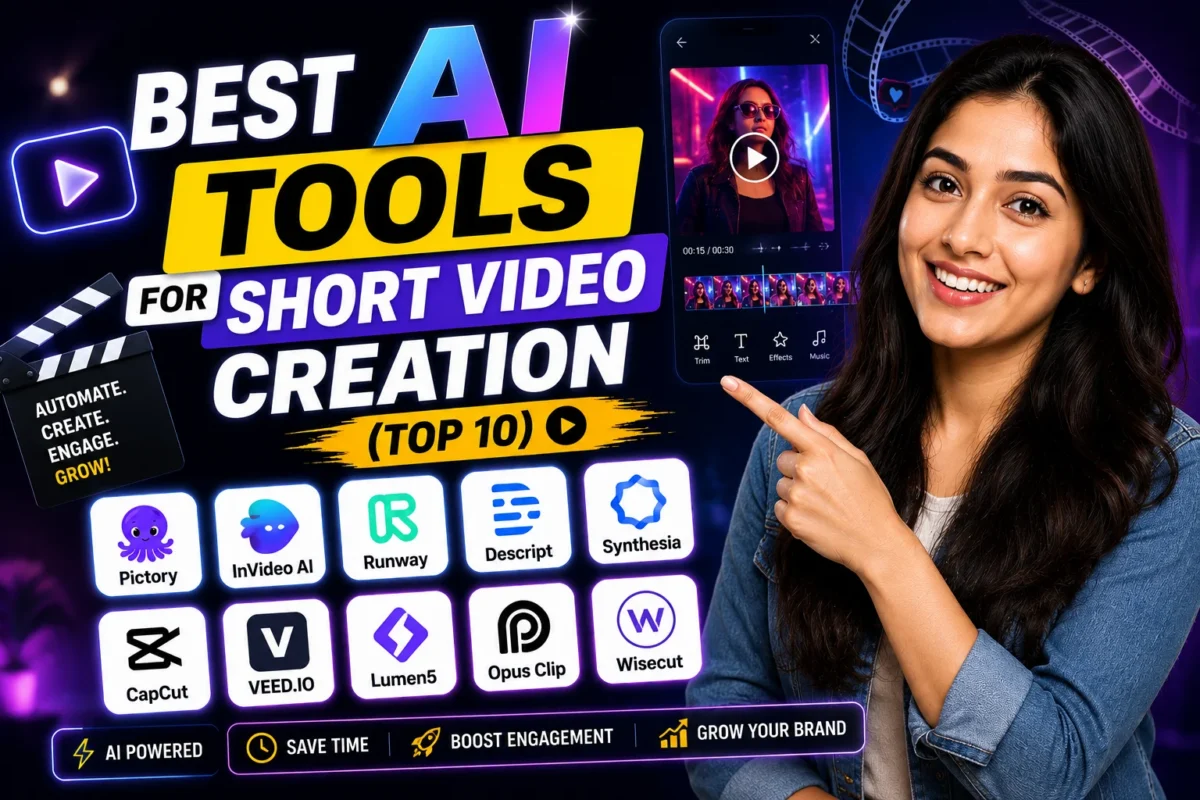
I avoided AI video tools for almost a year because I assumed they’d produce that robotic, stock-footage-heavy garbage I kept seeing on random YouTube channels. That was a mistake. Once I actually sat down and tested them, a few genuinely surprised me. This post covers the top 10 AI video tools I think are worth your time — with pricing in INR, honest watermark notes, and who each one is actually for. These are the top 10 AI video tools I’d recommend if someone asked me right now, today.
Quick Comparison: Top 10 AI Video Tools at a Glance
| # | Tool | Free Plan | Starting Price | Watermark (Free) | Best For |
|---|---|---|---|---|---|
| 1 | Runway ML | Yes | ~₹1,275/mo ($15) | Yes | Creative/cinematic video |
| 2 | Pictory | Yes | ~₹1,700/mo ($20) | Yes | Blog-to-video, YouTube |
| 3 | InVideo AI | Yes | ~₹1,530/mo ($18) | Yes | Reels, ads, faceless channels |
| 4 | Synthesia | No | ~₹2,380/mo ($28) | No | Corporate training, explainers |
| 5 | HeyGen | Limited | ~₹2,125/mo ($25) | Yes | Avatar-based videos |
| 6 | Kapwing | Yes | ~₹1,445/mo ($17) | Yes | Short-form editing, subtitles |
| 7 | Steve.ai | Yes | ~₹1,700/mo ($20) | Yes | Text-to-video, Indian use cases |
| 8 | Lumen5 | Yes | ~₹1,275/mo ($15) | Yes | Social media clips |
| 9 | Descript | Yes | ~₹1,275/mo ($15) | No | Podcast-to-video, editing |
| 10 | Kling AI | Yes | ~₹850/mo ($10) | Yes | Budget-friendly generation |
Buy AI Tools at Cheapest Price
The Top 10 AI Video Tools, Reviewed One by One
1. Runway ML — Best of the Top 10 AI Video Tools for Cinematic Output
Runway is the one I open when I need something that actually looks good. The Gen-3 Alpha model can take a text prompt or image and turn it into a 10-second clip that doesn’t look like a PowerPoint slide. I tested the same “golden hour Mumbai street” prompt on three tools — Runway was the only output I’d send to a client without apologising first.
Free plan gives you 125 credits, which is enough to experiment. Paid starts at $15/month (around ₹1,275). Watermark on free. Annual plan saves you around 33%, which is worth it if you’re producing consistently. Check Runway ML here.
Honest catch: 10-second clips feel short. And if your internet is patchy, rendering queues get annoying. But for quality? Nothing in this list beats it right now.
2. Pictory — Best of the Top 10 AI Video Tools for Blog-to-Video
If you write long-form content and want to repurpose it into YouTube videos without showing your face, Pictory is genuinely useful. Paste your blog URL or script, it pulls relevant stock footage, adds captions, and gives you a ready-to-upload video. I used it to turn a 1,500-word article into a 4-minute video in about 20 minutes flat.
Free plan lets you create 3 video projects — enough to evaluate. Paid is $20/month (around ₹1,700). Watermark removed on paid. Try Pictory here. The stock library leans heavily Western, so Indian-specific visuals sometimes need manual replacement. That’s the one real friction point.
For faceless YouTube channels in education, finance, or news commentary — this is honestly one of the most paisa vasool picks in this list.
3. InVideo AI — Best of the Top 10 AI Video Tools for Reels and Ads
InVideo has been around for a while, but the AI-powered version is a proper upgrade. Type a prompt like “create a 60-second Diwali sale ad for a clothing brand” and it builds a script, picks footage, adds voiceover, and drops in text overlays. Not perfect, but shockingly close for the price.
Free plan exists but has watermarks and export limits. Paid starts at $18/month (around ₹1,530). The interface is browser-based so no heavy software downloads. Good for small business owners running their own Instagram and YouTube without a video team.
4. Synthesia — Best of the Top 10 AI Video Tools for Corporate Use
Synthesia is the tool corporates use for training videos and internal communications. You pick an AI avatar, type your script, and get a talking-head video — no camera, no studio. The avatars look convincing enough that most viewers don’t immediately clock it as AI.
No free plan. Starts at $28/month (roughly ₹2,380). Expensive, but if you’re billing clients on Upwork or Fiverr for corporate video production, you recover that cost on the first project. No watermark on paid. Supports multiple languages, including Hindi — which is a real differentiator here.
5. HeyGen — Best of the Top 10 AI Video Tools for Avatar Videos
HeyGen is Synthesia’s closest competitor. The avatar quality is excellent, and you can even clone your own face and voice — which opens up a lot of possibilities for content creators who want to scale output without being on camera every day. Free plan gives you one minute of video per month, which is barely a test drive. Paid is $25/month (around ₹2,125).
The lip-sync on Hindi content is still a bit off at times. Worth watching their updates though — they’re improving fast.
6. Kapwing — Best of the Top 10 AI Video Tools for Short-Form Editing
Kapwing sits in a different lane — it’s less about generating video from scratch and more about editing and enhancing what you already have. Auto-subtitles, smart cut (removes silences), background removal, resizing for different aspect ratios. All in-browser. I use it specifically for clipping long YouTube videos into Reels-ready shorts.
Free plan is usable but watermarks exports. Paid at $17/month (around ₹1,445) removes that. Good tool for solo creators who don’t want to deal with Premiere Pro.
7. Steve.ai — Best of the Top 10 AI Video Tools for Indian Creators
Steve.ai has a decently large stock library that includes Indian-context visuals — something most competitors completely ignore. Text-to-video, blog-to-video, and a live video editor. Free plan available. Paid at $20/month (around ₹1,700). It’s not the flashiest tool here, but it works, it’s priced fairly, and it doesn’t feel like it was built only for the US market.
8. Lumen5 — Best of the Top 10 AI Video Tools for Social Media Clips
Lumen5 is simple. Drop in a URL or script, it auto-selects scenes and music, you tweak and export. If you need a steady stream of social media content without spending hours editing, it handles that job. Free plan available. Paid from $15/month (around ₹1,275). Watermark on free tier. Not the most advanced, but very beginner-friendly.
9. Descript — Best of the Top 10 AI Video Tools for Podcast-First Creators
Descript works like a word processor for video. Edit the transcript and the video edits itself. Remove filler words in one click. Overdub your voice if you made a mistake. For people who do talking-head or podcast content, this is a workflow changer. Free plan available with limited exports, no watermark on paid. Paid at $15/month (around ₹1,275). One of the best tools in this list for Indian English-speaking educators and podcasters.
10. Kling AI — Most Affordable in the Top 10 AI Video Tools List
Kling AI is the budget option that still produces surprisingly decent video generation output. If Runway feels expensive for your stage right now, Kling gives you a similar text-to-video experience at a lower price point — around $10/month (roughly ₹850). Free tier available. Output quality isn’t Runway-level, but it’s not embarrassing either. Good starting point if you’re just exploring.
Real Use Cases by User Type for Top 10 AI Video Tools
Here’s who should pick what from this top 10 AI video tools list — based on actual use, not marketing copy. See our full guide on AI tools for content creators for more context.
- Faceless YouTube channel: Pictory or InVideo AI
- Instagram Reels for a small business: InVideo AI or Kapwing
- Corporate explainer / training video: Synthesia or HeyGen
- Cinematic/creative video: Runway ML
- Podcast or talking-head content: Descript
- Budget-conscious first-timer: Kling AI or Lumen5
- Freelancer billing clients on Fiverr: Synthesia + Pictory combo
My Personal Pick from These Top 10 AI Video Tools
If I had to keep only two from this top 10 AI video tools list? Runway ML for visual quality and Descript for editing speed. That combination covers 80% of what I actually produce. Check out our AI video generators comparison if you want a deeper feature-by-feature breakdown.
Honestly, the mistake most people make is signing up for the most-hyped tool instead of the most useful one for their specific workflow. Try one free plan this week. Just one. See if it fits before committing.
FAQs About Top 10 AI Video Tools
Are the top 10 AI video tools good enough for monetised YouTube channels?
Yes — several are. Pictory and InVideo AI output 1080p video without watermarks on paid plans, which is what YouTube requires. The top 10 AI video tools on this list all support HD export on their paid tiers. Just double-check YouTube’s AI-disclosure policy before publishing heavily AI-generated content.
Do any of the top 10 AI video tools support Indian languages?
Synthesia and HeyGen both support Hindi voiceover. Steve.ai has better Indian stock footage. For multilingual content, these are your best bets within the top 10 AI video tools covered here. IndiaAI.gov.in also tracks Indian-language AI developments if you want to stay updated on that front.
Which of the top 10 AI video tools is completely free?
None are fully free forever with no limits — but Runway, Pictory, InVideo, Kapwing, Lumen5, Descript, Steve.ai, and Kling all have usable free tiers. Good enough to test before you pay anything. See what the OpenAI research team says about AI video generation capabilities evolving rapidly — worth reading before you lock into an annual plan.
Try the free plan of whichever tool fits your use case best. Drop your experience in the comments — I read every one.