

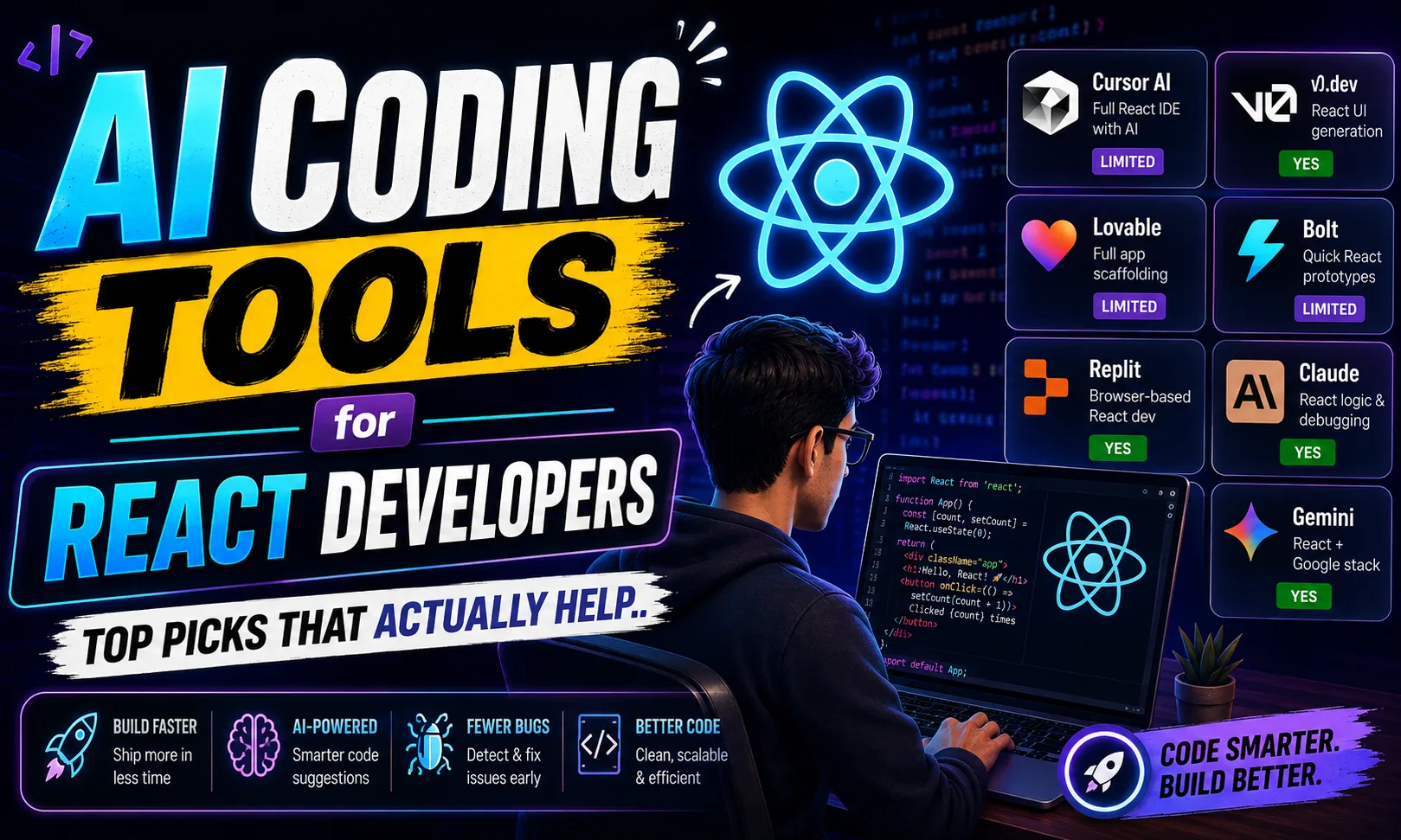
AI coding tools for React developers have gone from “nice to have” to “how did I survive without this” in a very short time. Whether you’re building component libraries for an Upwork client or shipping a side project over the weekend, the right tool cuts your dev time by half — sometimes more. Here are the eight that actually matter.
Table of Contents
- Quick Comparison: AI Coding Tools for React Developers
- 1. Cursor AI — Best AI Coding Tools for React Developers Who Want a Full IDE
- 2. v0.dev — Best AI Coding Tools for React Developers Building UI Fast
- 3. Lovable — Best AI Coding Tools for React Developers Starting From Scratch
- 4. Bolt — Best AI Coding Tools for React Developers Who Need Fast Prototypes
- 5. Replit — Best AI Coding Tools for React Developers Who Code Anywhere
- 6. Claude — Best AI Coding Tools for React Developers Debugging Complex Logic
- 7. CodeRabbit — Best AI Coding Tools for React Developers Working in Teams
- 8. Gemini — Best AI Coding Tools for React Developers on the Google Stack
- How to Pick the Right AI Coding Tool for React Development
- My Personal Pick from These AI Coding Tools for React Developers
Quick Comparison: AI Coding Tools for React Developers
| Tool | Best For | Free Plan | Paid |
|---|---|---|---|
| Cursor AI | Full React IDE with AI | Limited | [aitool id=”cursor-ai”] |
| v0.dev | React UI generation | Yes | [aitool id=”v0-dev”] |
| Lovable | Full app scaffolding | Limited | [aitool id=”lovable”] |
| Bolt | Quick React prototypes | Limited | [aitool id=”bolt”] |
| Replit | Browser-based React dev | Yes | [aitool id=”replit”] |
| Claude | React logic & debugging | Yes | [aitool id=”claude”] |
| CodeRabbit | AI PR reviews | Yes | [aitool id=”coderabbit”] |
| Gemini | React + Google stack | Yes | [aitool id=”gemini”] |
Buy AI Tools at Cheapest Price
1. Cursor AI — Best AI Coding Tools for React Developers Who Want a Full IDE
Cursor AI is VS Code fork with AI baked into every layer. You get autocomplete, multi-file edits, and a chat panel that actually understands your whole codebase — not just one file at a time. For React work specifically, this matters. When you ask it to refactor a context provider or update prop types across ten components, it handles all of it together. Cursor’s official docs show how the “Composer” feature handles multi-file React refactors that would take you thirty minutes manually.
The free tier gives you limited completions per month — enough to evaluate, not enough for daily professional use. Paid unlocks unlimited usage with GPT-4 and Claude models. For Indian freelancers billing clients ₹15,000–₹40,000 per project on Upwork, recovering that cost takes maybe two projects. Honestly, the ROI math is easy.
The one real downside? It’s a separate app, not a plugin. If your team uses a specific internal IDE setup, onboarding Cursor needs a bit of adjustment. But for solo developers and small teams, this is the strongest AI coding tool for React developers available right now.
2. v0.dev — Best AI Coding Tools for React Developers Building UI Fast
v0.dev is Vercel’s text-to-React-component tool. You describe a UI — “a dashboard card with a chart and a badge showing percentage change” — and it generates clean React code using Tailwind and shadcn/ui. Try v0.dev here and you’ll see why front-end developers in particular have fallen for it. The output is production-quality, not boilerplate garbage.
Free plan gives you a handful of generations per day. That’s enough for exploration. The paid plan removes the cap. For React UI work — landing pages, dashboards, component libraries — this tool is almost unfairly useful. I’ve used it to generate an entire admin panel layout in under ten minutes for a Fiverr client needing a React + Next.js dashboard.
It won’t write business logic. It won’t touch your API calls or state management. Think of it as a junior UI developer who’s very good at Tailwind but doesn’t know what Redux is. Combine v0.dev with Cursor AI and you have a seriously fast workflow for React projects.
3. Lovable — Best AI Coding Tools for React Developers Starting From Scratch
Lovable is a full-stack app builder that generates React frontends with Supabase backends from a plain English description. It’s wild how much it handles — auth, database schema, UI components, routing. For React developers taking on MVP projects for clients, this cuts the initial scaffold time from days to hours.
The free tier is limited on the number of prompts. Paid plan opens it up properly. [aitool id=”lovable”] is worth it if you regularly build new projects rather than maintaining existing codebases. That’s its context — greenfield work, not maintenance.
4. Bolt — Best AI Coding Tools for React Developers Who Need Fast Prototypes
Bolt from StackBlitz runs entirely in the browser and generates full React apps from prompts. No local setup needed. For React developers who want to quickly demo something to a client — say, a festival-themed landing page with Razorpay integration mock — Bolt is the fastest path from idea to “here’s a preview link.” The output is real React code you can export and continue in your own editor. [aitool id=”bolt”] for the paid tier if you prototype regularly.
5. Replit — Best AI Coding Tools for React Developers Who Code Anywhere
Replit gives you a full browser-based development environment with an AI assistant built in. For React work, it’s particularly useful if you don’t always have your dev machine — traveling, at a client’s office, or helping a junior dev who doesn’t have a configured setup. The free plan is genuinely usable. [aitool id=”replit”] unlocks more compute and private repls. It’s not as powerful as Cursor for advanced React work, but the zero-setup factor is real.
6. Claude — Best AI Coding Tools for React Developers Debugging Complex Logic
Claude from Anthropic handles long, complex code conversations better than most. Paste an entire React component tree with context issues or a tricky useEffect dependency problem, and Claude actually reasons through it carefully. The free tier (claude.ai) is generous enough for occasional use. [aitool id=”claude”] on paid removes limits. It doesn’t have IDE integration out of the box, but as a side-panel reasoning partner, it’s excellent for React developers stuck on hard problems.
7. CodeRabbit — Best AI Coding Tools for React Developers Working in Teams
CodeRabbit connects to your GitHub or GitLab and automatically reviews every pull request. For React codebases, it catches things like missing dependency arrays in useEffect, improper key props in lists, and accessibility issues in JSX. The free plan covers public repos. [aitool id=”coderabbit”] for private repos. If you’re working with a client team or contributing to a larger React project, this is genuinely useful — it’s like having a senior dev review every PR at no extra labor cost.
8. Gemini — Best AI Coding Tools for React Developers on the Google Stack
Gemini works well for React developers who are also using Firebase, Google Cloud, or Android-adjacent projects. The free tier on gemini.google.com is solid. [aitool id=”gemini”] on the paid plan adds higher context windows and Gemini Advanced access. It’s not my first pick for pure React work, but if your project touches Google APIs — Maps, Firebase Auth, Analytics — Gemini gives more contextually relevant suggestions than generic models.
How to Pick the Right AI Coding Tool for React Development
- Step 1: Define your primary use case
Building new UIs fast? Go v0.dev or Lovable. Maintaining and refactoring existing React codebases? Cursor AI wins. Team code reviews? CodeRabbit. Debugging complex logic? Claude. - Step 2: Check your budget honestly
At ₹85/USD, paid plans add up. Start with every tool’s free tier before committing. Cursor and v0.dev both let you evaluate meaningfully on free. - Step 3: Match tool to project type
Freelance MVP projects → Lovable or Bolt. Ongoing client React codebases → Cursor AI. Solo side projects → Replit or Claude alongside your existing editor. - Step 4: Check internal links for workflow tutorials
See how to set up Cursor AI for freelance React projects and AI coding tools for beginners for step-by-step guides. - Step 5: Run a real project test
Pick one current React task — a component refactor, a new page, a bug — and solve it with your shortlisted AI coding tool. Evaluate on actual time saved, not demos.
My Personal Pick from These AI Coding Tools for React Developers
Honestly, if I had to pick just one AI coding tool for React developers starting today, it’s Cursor AI. The multi-file awareness is what sets it apart — React projects are never one file. Components talk to contexts, hooks pull from APIs, styles reference tokens. Cursor understands all of that together. v0.dev is a close second and works brilliantly as a companion for the UI generation part.
For Indian freelancers on Upwork or Fiverr, the combination of Cursor AI (for writing and refactoring) and v0.dev (for initial UI builds) is the most effective pairing. Check out best AI tools for freelancers in India for the broader picture beyond just coding.
If budget is tight, start with Claude’s free plan plus v0.dev’s free tier. That combination costs nothing and still meaningfully speeds up React development. Try the free plan on each before deciding where to spend.
Q: What are the best AI coding tools for React developers who are beginners?
A: For beginners, Replit and Bolt are the most accessible AI coding tools for React developers. Both require zero local setup and have AI assistance built in. Replit’s free plan is genuinely usable for learning React, and Bolt lets you see working React apps generated from prompts — which is great for understanding project structure.
Q: Is GitHub Copilot still worth it compared to newer AI coding tools for React developers?
A: GitHub Copilot is still solid for inline autocomplete inside VS Code or JetBrains. But newer AI coding tools for React developers — especially Cursor AI — have surpassed it for multi-file edits and codebase-aware chat. Copilot Individual costs $10/month (about ₹850/month). Cursor costs more but does significantly more. For serious React work, Cursor is the better investment now.
Q: Which AI coding tools for React developers have the best free plans?
A: Claude (claude.ai), Gemini, and Replit all have genuinely free tiers that are usable for real React development work — not just trial features. v0.dev’s free plan gives enough daily generations for exploration. CodeRabbit is free for public repositories. Cursor and Lovable free tiers are more restricted but still enough to evaluate the tools properly.
Q: Can AI coding tools for React developers fully replace writing code manually?
A: Not fully. AI coding tools for React developers are excellent at generating boilerplate, suggesting patterns, catching bugs, and speeding up repetitive tasks. But complex state logic, performance optimization, and architecture decisions still need a developer who understands what the app actually needs to do. Think of these tools as multipliers — they make good developers faster, not unnecessary.
Q: How much do AI coding tools for React developers typically cost in India?
A: Most paid plans range from $10 to $25 per month. At the current exchange rate of around ₹85 per dollar, that’s roughly ₹850 to ₹2,100 per month. Many tools allow payment via international cards or Razorpay-linked services. For Indian freelancers, even recovering one paid plan cost usually requires just one or two extra Upwork or Fiverr hours saved per month — which these AI coding tools for React developers easily deliver.