

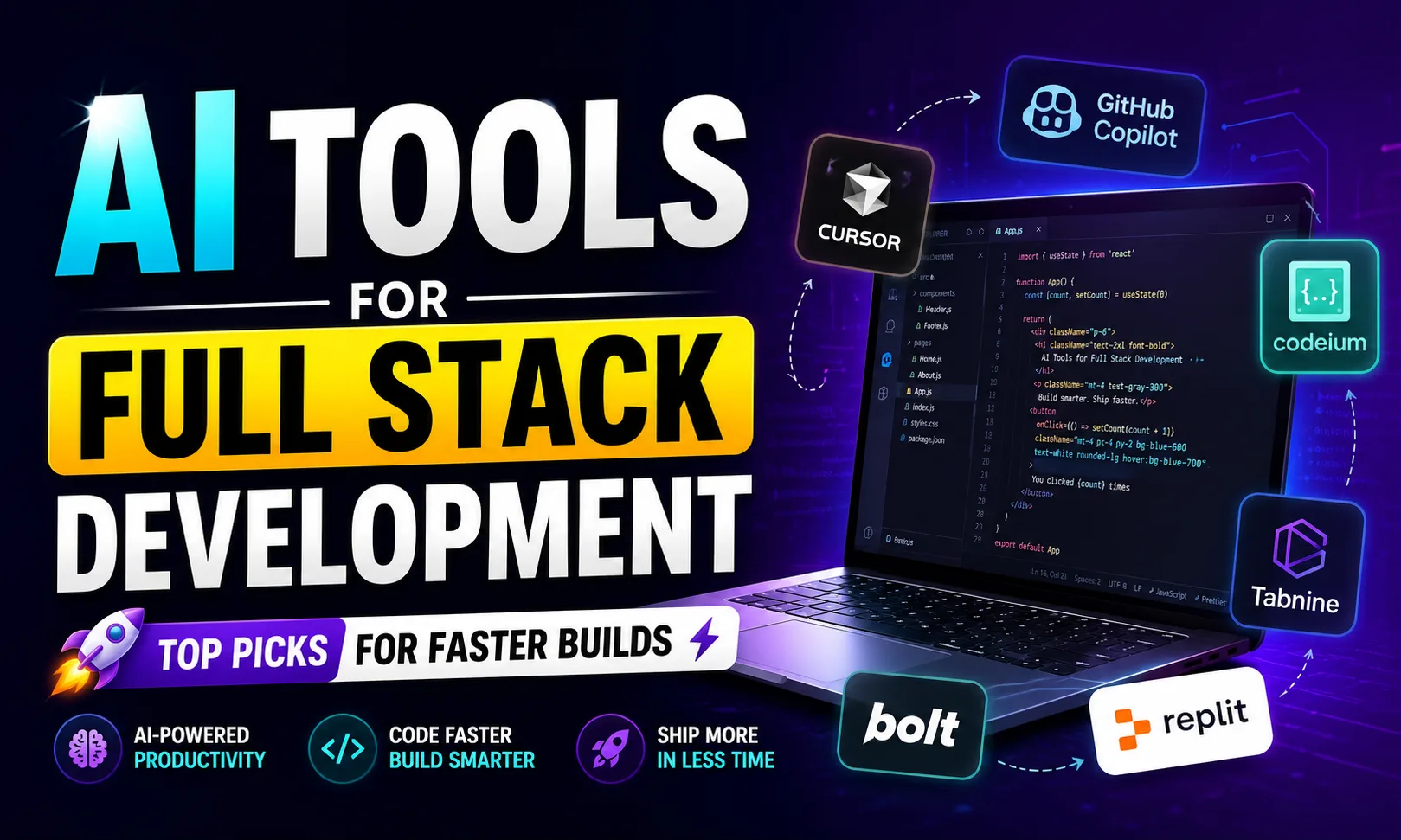
AI tools for full stack development have changed how fast you can ship a working product — from UI to database to deployment, everything is faster now. I’ve been using several of these on real freelance projects, and the difference is measurable. Whether you’re building on Upwork or for a local client, this list will save you serious time.
Table of Contents
- Quick Comparison: AI Tools for Full Stack Development
- 1. Cursor AI — Best AI Tools for Full Stack Development for Daily Coding
- 2. Lovable — Best AI Tools for Full Stack Development for Non-Technical Founders
- 3. Replit — Best AI Tools for Full Stack Development in the Browser
- 4. Supabase — Best AI Tools for Full Stack Development for Backend
- 5. Bolt — Best AI Tools for Full Stack Development for Quick Prototypes
- 6. v0.dev — Best AI Tools for Full Stack Development for UI Components
- 7. Claude — Best AI Tools for Full Stack Development for Complex Logic
- 8. Railway — Best AI Tools for Full Stack Development for Deployment
- 9. CodeRabbit — Best AI Tools for Full Stack Development for Code Review
- How to Pick the Right AI Tools for Full Stack Development
- My Personal Pick from These AI Tools for Full Stack Development
- FAQs About AI Tools for Full Stack Development
Quick Comparison: AI Tools for Full Stack Development
| Tool | Best For | Free Plan | Paid Plan |
|---|---|---|---|
| Cursor AI | AI-native code editor, autocomplete | Yes (limited) | [aitool id=”cursor-ai”] |
| Lovable | Full app generation from prompt | Yes (limited) | [aitool id=”lovable”] |
| Replit | Browser-based full stack coding | Yes | [aitool id=”replit”] |
| Supabase | Backend, auth, Postgres DB | Yes | [aitool id=”supabase”] |
| Bolt | Rapid MVP prototyping | Yes (limited) | [aitool id=”bolt”] |
| v0.dev | UI component generation | Yes | [aitool id=”v0-dev”] |
| Claude | Code explanation, logic, debugging | Yes | [aitool id=”claude”] |
| Railway | One-click deployment | Yes (trial credits) | [aitool id=”railway”] |
| CodeRabbit | AI code review on PRs | Yes (open source) | [aitool id=”coderabbit”] |
Buy AI Tools at Cheapest Price
1. Cursor AI — Best AI Tools for Full Stack Development for Daily Coding
Cursor AI is an AI-native fork of VS Code that suggests, writes, and explains code directly inside your editor. It’s the one I use the most. You get tab-completion that actually understands your whole codebase — not just the open file. Ask it to “add a Razorpay webhook handler” and it reads your existing Express setup before writing anything.
For full stack development, Cursor shines at connecting the dots. It can refactor your React component and update the corresponding API route in one shot. That kind of context-awareness is what separates it from older tools. Cursor’s official site has a good breakdown of how the codebase indexing works.
Honestly, the free tier has a usage cap, and you’ll hit it fast if you’re working on a serious project. The paid plan is worth it — especially if you’re billing clients ₹50,000+ per project on Upwork or Fiverr. Pricing: [aitool id=”cursor-ai”].
2. Lovable — Best AI Tools for Full Stack Development for Non-Technical Founders
Lovable generates full stack apps — React frontend, Supabase backend, authentication — from a plain English prompt. I tested it by typing “build a task manager with user login and a dashboard.” It gave me a working app in under 10 minutes. Not perfect, but shippable with light editing.
See, here’s the thing — Lovable is not just for non-coders. Even experienced developers use it to skip boilerplate. Festival season landing page for a client? Describe it, tweak the output, deploy. That’s a 2-hour job, not a 2-day one. Lovable’s website shows real app examples worth checking out.
The free plan has a limited number of generation credits per month. For freelancers doing multiple projects, the paid plan makes more sense. Check current pricing: [aitool id=”lovable”].
3. Replit — Best AI Tools for Full Stack Development in the Browser
Replit lets you write, run, and deploy full stack apps entirely in a browser. No local setup. No “works on my machine” issues. It has its own AI agent — Replit Agent — that can scaffold an entire Node + React project from a single prompt.
For students or developers on low-spec laptops (common in smaller Indian cities), this is huge. Everything runs on Replit’s servers. And deployment is built-in — your app is live with one click. Pricing: [aitool id=”replit”].
4. Supabase — Best AI Tools for Full Stack Development for Backend
Supabase is your open-source Firebase alternative — Postgres database, auth, storage, and edge functions, all with a clean dashboard and auto-generated APIs. The AI tools for full stack development story here is its AI SQL editor: describe what data you want and it writes the query.
I’ve used Supabase for UPI payment tracking dashboards where I needed real-time data. Row-level security is easy to set up, and the free tier is genuinely useful — 500MB storage, 2 projects. For production, pricing is at [aitool id=”supabase”].
5. Bolt — Best AI Tools for Full Stack Development for Quick Prototypes
Bolt (by StackBlitz) generates full stack web apps in seconds using WebContainers — everything runs in the browser, no server needed. It’s slightly more opinionated than Lovable but faster for pure frontend-heavy apps. Great for quickly demoing an idea to a client before quoting. [aitool id=”bolt”].
6. v0.dev — Best AI Tools for Full Stack Development for UI Components
v0.dev by Vercel generates React + Tailwind components from text descriptions. Describe a dashboard layout or a pricing card, and it spits out clean, production-ready code. It’s not a full stack tool on its own, but paired with Supabase or a custom backend, it handles the frontend layer beautifully. Pricing: [aitool id=”v0-dev”].
7. Claude — Best AI Tools for Full Stack Development for Complex Logic
Claude (by Anthropic) handles long, complex codebases better than most AI chatbots. Paste an entire file, ask it to refactor, explain a bug, or write tests — it keeps context across 200,000 tokens. When I’m stuck on a gnarly async bug, Claude is my first stop. It also explains code in simple language, which helps when handing off work. [aitool id=”claude”].
8. Railway — Best AI Tools for Full Stack Development for Deployment
Railway is a deployment platform with smart defaults — connect your GitHub repo, it detects your stack (Node, Django, Next.js), and deploys automatically. No DevOps knowledge needed. It even manages environment variables through a clean UI. For freelancers who don’t want to deal with AWS or GCP, Railway is a lifesaver. [aitool id=”railway”].
9. CodeRabbit — Best AI Tools for Full Stack Development for Code Review
CodeRabbit integrates with GitHub and GitLab to auto-review every pull request using AI. It catches security issues, suggests refactors, and even summarizes what changed in plain English. For solo developers or small teams shipping fast, it’s like having a senior dev review your code without the wait. [aitool id=”coderabbit”].
How to Pick the Right AI Tools for Full Stack Development
- Step 1: Map your bottleneck
Are you slow at writing code (Cursor AI), slow at building UIs (v0.dev), or slow at setting up backends (Supabase)? Pick the tool that solves your biggest time sink first. - Step 2: Check the free tier honestly
Almost all these AI tools for full stack development have free plans. Test them on a small real project — not a tutorial — before paying. You’ll know within a week if it’s worth it. - Step 3: Match the tool to your stack
Using Next.js? Cursor + v0.dev + Supabase is a natural trio. Pure prototyping? Lovable or Bolt gets you there faster. Django backend? Claude + Railway works well. - Step 4: Think about client projects specifically
If you’re freelancing on Fiverr or Upwork, tools that reduce delivery time directly increase your hourly rate. A tool paying for itself on one project is the right benchmark. - Step 5: Don’t over-stack
Using 6 AI tools for full stack development at once is overwhelming. Start with 2-3, get comfortable, then add more. See how other freelancers stack AI coding tools for a practical template.
My Personal Pick from These AI Tools for Full Stack Development
If I had to pick just three, it’s Cursor AI for daily coding, Supabase for backend, and Railway for deployment. That stack covers 90% of what a typical freelance full stack project needs. Lovable or Bolt come in when I need to build something fast for a client demo — think Diwali sale landing page with a leads form, done in an afternoon.
But honestly, your pick should depend on what stage you’re at. Beginners benefit most from Replit — zero setup friction. Intermediate devs get the biggest ROI from Cursor AI. And if you’re already shipping projects regularly, adding CodeRabbit improves quality without slowing you down. Check out this Cursor AI vs GitHub Copilot comparison if you’re on the fence about your editor switch. Also worth reading: AI tools specifically for freelance developers in India — has some INR-focused breakdowns.
Try the free plans of at least two of these before committing. Bookmark this page to revisit when your project needs change.
FAQs About AI Tools for Full Stack Development
Q: Which AI tools for full stack development are best for beginners?
A: Replit is the best starting point — no local setup, built-in AI agent, and one-click deployment. Lovable is also beginner-friendly since you describe the app in plain English and it generates the full stack code. Both have free tiers.
Q: Are AI tools for full stack development worth paying for as a freelancer?
A: Yes, if you’re billing clients regularly. Cursor AI costs around $20/month and can save 5–10 hours per project. If a project earns you ₹40,000–₹80,000, that’s an easy ROI. Start with free plans and upgrade when you feel the limits.
Q: Can AI tools for full stack development replace a developer?
A: Not yet. They replace repetitive tasks — boilerplate, CRUD setup, basic UI components. Complex business logic, integrations (like custom Razorpay flows), and debugging still need a developer who understands the codebase deeply.
Q: What is the best free AI tool for full stack development?
A: Supabase has the most generous free tier for backend work — 2 free projects, 500MB storage. Replit and Claude both have useful free plans for coding and debugging. v0.dev also gives free UI generation credits monthly.
Q: How do AI tools for full stack development help with deployment?
A: Tools like Railway auto-detect your stack from the GitHub repo and handle environment variables, scaling, and CI/CD automatically. Replit has built-in hosting. These remove the DevOps overhead that slows down solo developers and small freelance teams.