

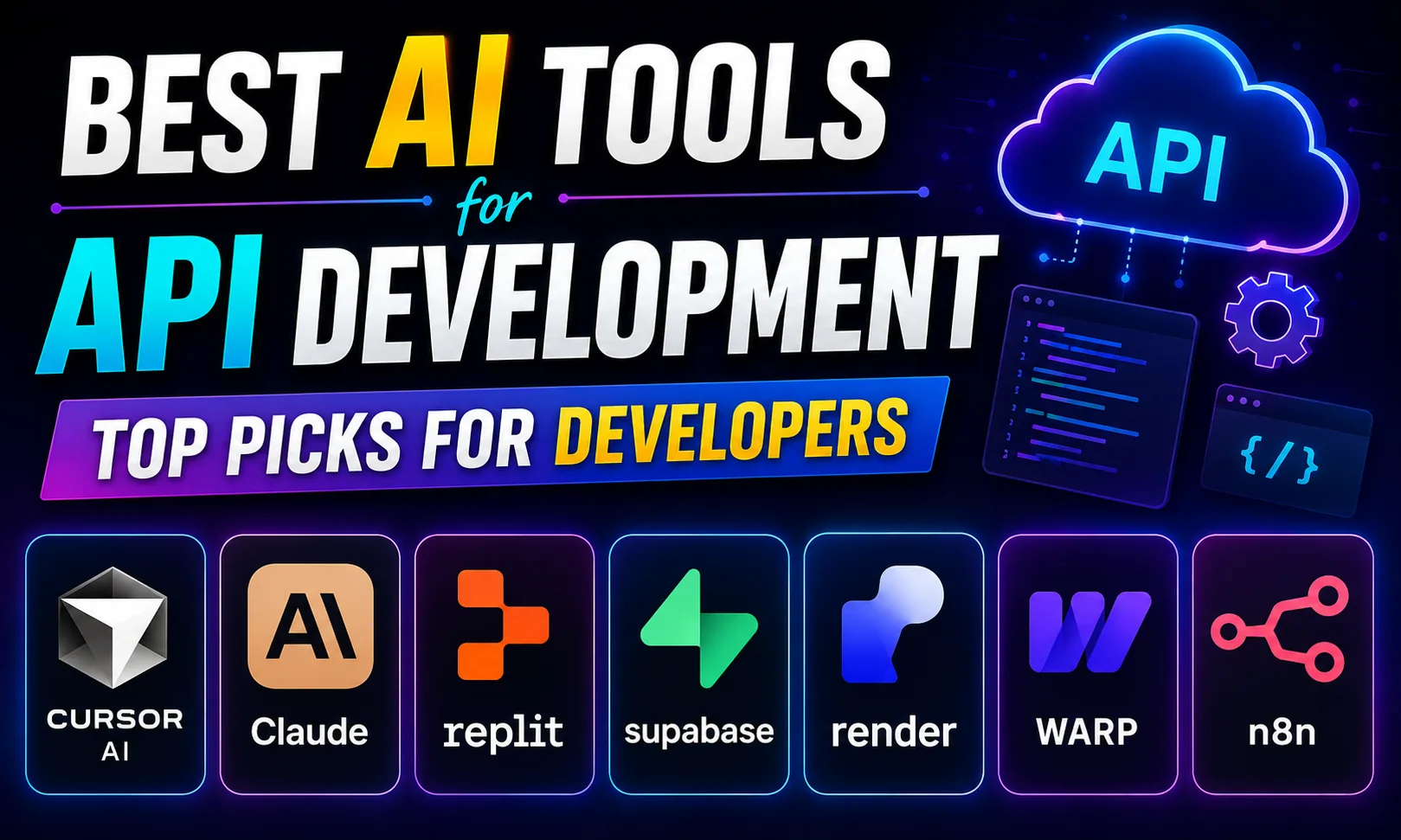
The best AI tools for API development can genuinely cut your build time in half — whether you’re writing REST endpoints, debugging integrations, or shipping a client project on Upwork. I’ve used several of these on real freelance work, and the difference is not subtle.
Table of Contents
- Quick Comparison: Best AI Tools for API Development
- 1. Cursor AI — Best AI Tool for API Development When You Write Code Daily
- 2. Claude — Best AI Tool for API Development When You Need to Think Through Architecture
- 3. Replit — Best AI Tool for API Development When You Want to Prototype Fast
- 4. Supabase — Best AI Tool for API Development When You Need a Backend Fast
- 5. Render — Best AI Tool for API Development When You Need to Deploy
- 6. Warp — Best for Running and Testing APIs from the Terminal
- 7. n8n — Best AI Tool for API Development Without Writing Code
- How to Pick the Right AI Tool for API Development
- My Personal Pick from These Best AI Tools for API Development
- FAQs About Best AI Tools for API Development
Quick Comparison: Best AI Tools for API Development
| Tool | Best For | Free Plan | Paid |
|---|---|---|---|
| Cursor AI | AI-powered code editing, API logic | Yes (limited) |
[aitool id=”cursor-ai”]
|
| Claude | Explaining + designing API architecture | Yes |
[aitool id=”claude”]
|
| Replit | Quick API prototyping in browser | Yes |
[aitool id=”replit”]
|
| Supabase | Instant REST + GraphQL APIs from DB | Yes |
[aitool id=”supabase”]
|
| Render | Deploying APIs to production | Yes |
[aitool id=”render”]
|
| Warp | AI terminal for running & testing APIs | Yes |
[aitool id=”warp”]
|
| n8n | Connecting & automating APIs without code | Yes (self-host) |
[aitool id=”n8n”]
|
Buy AI Tools at Cheapest Price
1. Cursor AI — Best AI Tool for API Development When You Write Code Daily
Cursor AI is an AI-first code editor that autocompletes, refactors, and explains your API code inline — directly inside the editor, not in a separate chat window.
Honestly, this is the tool I reach for first when building any API project. You open a file, describe what you want — say, “write a Node.js Express route that handles Razorpay webhook verification” — and Cursor writes it right there. It understands your existing codebase context, which means the suggestions actually fit. It’s not just autocomplete. You can highlight a buggy function, hit Ctrl+K, and ask it to fix the auth logic. That alone saves me 30-40 minutes on a typical freelance project.
The free tier gives you a decent number of completions per month, but if you’re doing this for Upwork clients regularly, the paid plan is worth it. One client project can cover the cost. It sits on top of VS Code, so the learning curve is nearly zero if you already use VS Code. Cursor’s official site has good docs. Among all the best AI tools for API development, this one changed my actual day-to-day workflow the most. [aitool id=”cursor-ai”]
2. Claude — Best AI Tool for API Development When You Need to Think Through Architecture
Claude is Anthropic’s AI assistant, known for long context windows and unusually clear explanations — ideal when you’re designing an API from scratch or debugging a complex integration.
See, here’s the thing — sometimes you don’t need code written, you need someone to tell you *why* your REST API design is wrong, or what auth pattern to use for a B2B SaaS product. Claude is genuinely good at this. Paste in your entire API schema, ask “what’s the problem with my rate limiting logic,” and you get a coherent, detailed answer. It handles large files without losing track.
I use Claude alongside Cursor — one for thinking, one for writing. The free tier on Claude is usable but rate-limited. For client work where you’re making architecture decisions, the paid plan gives you access to the best model. Anthropic’s research page explains the model’s design priorities. Among the best AI tools for API development, Claude is the thinking partner. [aitool id=”claude”]
3. Replit — Best AI Tool for API Development When You Want to Prototype Fast
Replit is a browser-based coding environment with an AI agent that can scaffold, run, and deploy a working API endpoint in minutes — no local setup needed.
For freelancers who need to show a client a working demo quickly, Replit is hard to beat. You describe what you want — “build a simple REST API with Python Flask that returns product data from a JSON file” — and the AI builds it, runs it, and gives you a live URL. All in the browser. No npm install struggles, no Docker configs. It supports Node, Python, Go, and more.
The free tier is generous for prototyping. Paid plans add more compute and private repls. It’s not where you’d build a production API for a serious app, but for demos, MVPs, and learning? Top choice. This makes it one of the best AI tools for API development for beginners and freelancers alike. [aitool id=”replit”]
4. Supabase — Best AI Tool for API Development When You Need a Backend Fast
Supabase auto-generates a full REST and GraphQL API the moment you create a database table. Seriously — you define your schema, and the API is live. You get authentication, row-level security, and real-time subscriptions out of the box. The AI assistant inside Supabase helps you write SQL queries and understand your data structure.
For Indian developers building apps with UPI integrations, Razorpay backends, or even festival sale dashboards, Supabase cuts the backend work dramatically. The free tier is solid — two projects, 500MB database, 2GB bandwidth. Most small client projects fit inside that. [aitool id=”supabase”]
5. Render — Best AI Tool for API Development When You Need to Deploy
Writing the API is half the job. Deploying it without DevOps headaches is the other half. Render connects to your GitHub repo and auto-deploys your API on every push. It handles Node, Python, Go, Rust — basically anything. The free tier gives you a live URL for your API (with some sleep-mode limitations). Paid plans add always-on servers and more RAM.
For Upwork clients who want a live, testable endpoint, Render is my go-to deploy target when I’m not using Supabase. Fast, simple, and doesn’t require AWS knowledge. One of the genuinely practical best AI tools for API development when “just ship it” is the priority. [aitool id=”render”]
6. Warp — Best for Running and Testing APIs from the Terminal
Warp is an AI-powered terminal. Type a command in plain English — “run curl to test my POST endpoint with this JSON body” — and Warp writes the command for you. It also explains error messages inline. For anyone who constantly forgets curl syntax or complex flag combinations, this is a relief. Free plan is available. Works on Mac; Linux support is there too. [aitool id=”warp”]
7. n8n — Best AI Tool for API Development Without Writing Code
n8n is a workflow automation tool that connects APIs visually. If a client needs their CRM to talk to their payment gateway, or their WhatsApp to trigger a database update — n8n handles that without custom API code. It’s self-hostable (free) or available as a cloud plan. The AI features help you build workflows faster by describing what you want. For non-dev-heavy integration work, it’s one of the best AI tools for API development in the no-code space. [aitool id=”n8n”]
How to Pick the Right AI Tool for API Development
- Step 1: Define your actual task
Are you writing new API code, designing architecture, prototyping a demo, deploying, or connecting existing APIs? Each task has a different best tool from this list. - Step 2: Check if you need a free tier first
Most best AI tools for API development here have free plans. Start there — especially Supabase, Replit, and Warp — before committing to a paid plan. - Step 3: Match to your stack
Cursor AI works with any language. Supabase needs PostgreSQL. Replit supports Python/Node/Go. Check compatibility before going deep. - Step 4: Factor in client budget on Upwork/Fiverr
If you’re billing ₹15,000–₹30,000 for a small API project, even a paid tool at [aitool id=”cursor-ai”] per month makes sense if it saves 5+ hours. Do the math. - Step 5: Combine tools, don’t pick just one
The best AI tools for API development work together. I use Cursor to write → Supabase for the DB layer → Render to deploy → Claude when I’m stuck. See how freelancers combine AI tools for faster delivery.
My Personal Pick from These Best AI Tools for API Development
If I had to keep just two? Cursor AI and Supabase. Cursor writes the code faster than I can think. Supabase eliminates the backend setup entirely for most client projects. Together, they cover 80% of the API work I do.
Claude comes in third when a client wants me to explain the architecture or when I hit a weird bug I can’t crack. And Render is where everything lands for deployment. That four-tool stack — Cursor, Supabase, Claude, Render — is what I’d recommend to any Indian freelancer doing API work on Upwork or Fiverr right now.
Want to go deeper on AI coding setups? Read my GitHub Copilot vs Cursor AI breakdown or check the full list of best AI tools for coding across different use cases.
FAQs About Best AI Tools for API Development
Q: What are the best AI tools for API development for beginners?
A: For beginners, Replit and Supabase are the easiest entry points. Replit runs entirely in the browser with no setup, and its AI agent can build a working API from a plain English description. Supabase auto-generates REST APIs from your database schema. Both have free tiers. Once you’re comfortable, add Cursor AI to speed up your code writing.
Q: Are the best AI tools for API development free to use?
A: Most of the best AI tools for API development have usable free tiers. Supabase free plan includes 2 projects, 500MB database, and full API generation. Replit free tier lets you build and run APIs in the browser. Cursor AI offers limited free completions. Warp terminal is free for individual users. Render has a free tier for hosting. Paid plans range from roughly $7 to $25 per month depending on the tool.
Q: Which best AI tools for API development work well for Upwork freelancers?
A: Cursor AI, Supabase, and Render form the most practical stack for Upwork API projects. Cursor speeds up writing, Supabase eliminates backend boilerplate, and Render gives you a live shareable URL for the client to test. Most small API projects (₹15,000–₹40,000 range) generate enough income to easily cover the tool costs.
Q: How do the best AI tools for API development compare to GitHub Copilot?
A: GitHub Copilot is inline code completion inside your editor. Cursor AI does that plus lets you chat with your codebase, ask it to refactor files, and explain existing API logic. For pure API development work, most developers who’ve tried both find Cursor more useful because it understands full project context, not just the current file. Copilot is $10/month; Cursor Pro is $20/month.
Q: Can the best AI tools for API development help with Razorpay or UPI integrations specifically?
A: Yes. Claude and Cursor AI are particularly good here. You can paste the Razorpay API documentation directly into Claude and ask it to write the webhook handler or payment verification logic. Cursor AI can generate the complete integration code if you describe the use case. Supabase can store transaction records via auto-generated APIs. For Indian payment integrations, these tools understand the context well enough to produce working code on the first or second try.
Try the free plan on whichever tool fits your next API project — most of them don’t need a credit card to get started. Bookmark this page if you’re evaluating the best AI tools for API development over a few weeks.