

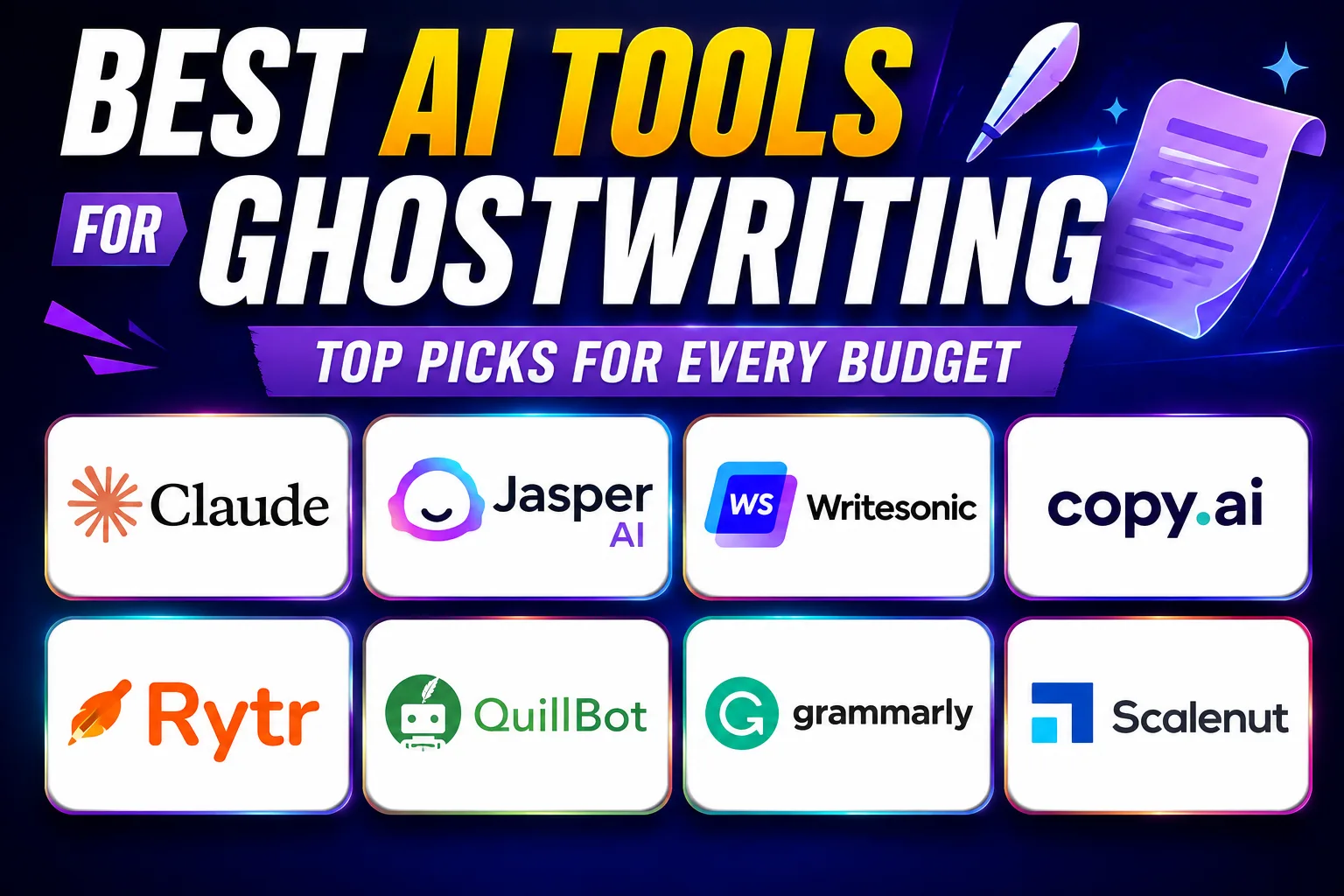
The best AI tools for ghostwriting can cut your content turnaround from days to hours — which matters a lot when you’re handling five clients at once on Upwork. I’ve spent months testing these tools on actual ghostwriting projects, from LinkedIn thought-leadership posts to 3,000-word blog drafts, and this is what I genuinely recommend.
Table of Contents
- Quick Comparison: Best AI Tools for Ghostwriting
- 1. Claude — Best AI Tool for Ghostwriting That Sounds Like a Human
- 2. Jasper AI — Best AI Tool for Ghostwriting at Agency Scale
- 3. Writesonic — Best AI Tool for Ghostwriting SEO Blog Content
- 4. Copy AI — Best AI Tool for Ghostwriting Social Content
- 5. Rytr — Best Budget AI Tool for Ghostwriting Beginners
- 6. QuillBot — Best AI Tool for Ghostwriting Rewrites and Paraphrasing
- 7. Grammarly — Best AI Tool for Ghostwriting Polish and Tone
- 8. Scalenut — Best AI Tool for Ghostwriting SEO-Driven Content at Scale
- How to Pick the Right Best AI Tool for Ghostwriting
- My Personal Pick from These Best AI Tools for Ghostwriting
Quick Comparison: Best AI Tools for Ghostwriting
| Tool | Best For | Free Plan | Paid Price |
|---|---|---|---|
| Claude | Voice matching, long-form drafts | Yes (limited) | |
| Jasper AI | Brand voice, team workflows | Limited (trial) | |
| Writesonic | SEO blog ghostwriting | Yes | |
| Copy AI | Social + short-form ghostwriting | Yes | |
| Rytr | Budget ghostwriters, beginners | Yes (10k chars/month) | |
| QuillBot | Paraphrasing, rewriting client drafts | Yes (limited modes) | |
| Grammarly | Tone polishing, grammar check | Yes | |
| Scalenut | SEO-focused ghostwriting at scale | Limited (trial) |
Buy AI Tools at Cheapest Price
1. Claude — Best AI Tool for Ghostwriting That Sounds Like a Human
Claude is one of the best AI tools for ghostwriting when your client wants the output to actually sound like them — not like a robot trained on MBA essays. Built by Anthropic, Claude handles very long context windows (up to 200k tokens on paid plans), which means you can paste in 10 existing blog posts from your client and say “write in this voice.” It picks up rhythm, sentence length, even pet phrases surprisingly well.
I use Claude for ghostwriting LinkedIn articles and founder newsletters. The difference from other tools is subtle but real — it doesn’t over-structure everything into bullet points unless you ask. The free plan is usable but you’ll hit limits fast if you’re doing this professionally. Paid tier unlocks Claude Sonnet and Opus, and that’s where the voice-matching really shines.
One real limitation: Claude won’t browse the web natively on the free plan, so for research-heavy ghostwriting pieces you’ll need to bring your own sources. Still, for pure writing quality, it sits at the top of my list. Check how Claude compares against other AI writing tools for different content types.
2. Jasper AI — Best AI Tool for Ghostwriting at Agency Scale
Jasper AI is one of the best AI tools for ghostwriting when you’re managing multiple clients with different brand voices. The Brand Voice feature lets you save separate voice profiles — so content written for a fintech startup doesn’t sound the same as content for a D2C skincare brand. That’s genuinely useful when you’re juggling five Fiverr clients simultaneously.
Jasper also has pre-built templates for blog posts, email sequences, and social content. The SEO mode integrates with Surfer SEO, which is a big deal if your ghostwriting clients care about rankings. Honestly, the interface is polished and the output is consistent — more predictable than Claude but less “human-sounding” on first pass.
The pricing is steeper than most. Worth it if you’re billing clients at ₹15,000+ per article. Not worth it if you’re just starting out. Read my full Jasper AI review for a deeper breakdown of what you actually get.
3. Writesonic — Best AI Tool for Ghostwriting SEO Blog Content
Writesonic earns its spot among the best AI tools for ghostwriting specifically for SEO-first content. It has a built-in SEO-oriented article writer that pulls real-time data from Google search, suggests headings, and gives you a word-count estimate based on top-ranking pages. For ghostwriters who deliver blog posts with SEO deliverables, this saves a ton of research time.
The free plan gives you a limited number of credits per month — enough to test properly but not enough for production work. The paid plans are reasonably priced compared to Jasper. Output quality is good but slightly generic on default settings; you need to feed it a style prompt to get differentiated content.
I’d recommend Writesonic to ghostwriters who take on volume SEO blog work — 10 to 20 articles a month for a single client. It’s fast, the interface is clean, and the article generation flow is logical.
4. Copy AI — Best AI Tool for Ghostwriting Social Content
Copy AI is one of the best AI tools for ghostwriting when your deliverables are short-form — LinkedIn posts, Twitter/X threads, Instagram captions, email subject lines. It has a workflow builder that can chain prompts together, so you can go from a blog post URL to 10 social posts in one run. That’s a real time-saver.
The free plan allows unlimited projects but caps you on certain features. For Indian freelancers billing clients in USD and collecting via Wise or Razorpay, Copy AI’s free tier is honestly enough to get started and validate whether AI ghostwriting is worth pursuing for you.
5. Rytr — Best Budget AI Tool for Ghostwriting Beginners
Rytr is the most affordable of all the best AI tools for ghostwriting — and for someone just starting out, that matters. The free plan gives 10,000 characters per month, which is roughly 1,500 words. Not huge, but enough to do a few test pieces. Paid plans are cheap enough that even a single ₹2,000 ghostwriting gig covers the monthly cost.
Output quality is decent for short content — product descriptions, short blog intros, email drafts. It’s not going to match Claude or Jasper for nuance. But for beginners building a ghostwriting portfolio, Rytr is a low-risk entry point.
6. QuillBot — Best AI Tool for Ghostwriting Rewrites and Paraphrasing
QuillBot isn’t a content generator — it’s a rewriting engine. And that makes it one of the best AI tools for ghostwriting in a specific workflow: when a client gives you rough notes or an existing draft and wants it polished and restructured. The paraphrasing modes (Standard, Fluency, Formal, Creative) give you real control over tone.
I use QuillBot as a finishing tool after generating a first draft in Claude or Writesonic. It also has a plagiarism checker built in, which is genuinely important for ghostwriters — you need to know your output is clean before you hand it to a client.
7. Grammarly — Best AI Tool for Ghostwriting Polish and Tone
Grammarly is the non-negotiable quality layer for any ghostwriter using AI. It catches grammar slips, flags passive voice overuse, and — on the paid plan — gives tone suggestions that help you match a client’s communication style. The free version handles grammar and spelling, which is honestly sufficient for most use cases.
8. Scalenut — Best AI Tool for Ghostwriting SEO-Driven Content at Scale
Scalenut combines content planning, SEO research, and AI writing in one dashboard. It’s built for ghostwriters or content agencies producing high volumes of SEO articles. The “Cruise Mode” can generate a full 1,500-word SEO article in under 5 minutes, complete with keyword clustering and NLP-suggested terms.
It’s one of the best AI tools for ghostwriting if your clients measure success by rankings. The output needs editing — but the research scaffolding it provides is solid and saves hours.
How to Pick the Right Best AI Tool for Ghostwriting
- Step 1: Define your ghostwriting niche
Long-form blogs need Claude or Scalenut. Social content needs Copy AI. Rewriting jobs need QuillBot. Don’t buy a tool before knowing what type of ghostwriting you’re doing. - Step 2: Test on a real client brief
Take an actual brief — topic, tone, audience — and run it through 2-3 tools on free plans. Compare outputs side by side. This takes 30 minutes and saves weeks of regret. - Step 3: Check plagiarism before delivery
Always run final output through a plagiarism checker. QuillBot has one built in. Grammarly paid plan does too. Never skip this step. - Step 4: Factor in your billing rate
If you charge ₹5,000 per article, a tool costing ₹800/month needs to help you produce at least one extra article per month to justify itself. Do the math honestly. - Step 5: Stack tools, don’t replace
The best ghostwriting workflow uses 2-3 tools together — one for generation, one for SEO, one for polish. See how to build an efficient AI writing workflow that saves real time.
My Personal Pick from These Best AI Tools for Ghostwriting
Honestly, if I had to pick just one from all these best AI tools for ghostwriting, it’s Claude. The voice-matching capability alone is worth it for professional ghostwriters. Nothing else gets close to how naturally it mirrors a client’s writing style when you give it enough examples to learn from.
My actual daily stack: Claude for drafting, Grammarly for polish, and QuillBot for final paraphrasing passes on sensitive client content. Scalenut comes in when a client brief is specifically SEO-driven with keyword targets. That combination covers 95% of real ghostwriting scenarios I encounter.
If budget is tight and you’re just starting, go Claude free tier plus Grammarly free tier. That’s genuinely enough to deliver good work on your first few Upwork or Fiverr ghostwriting gigs. Try the free plan on Claude first — you’ll know within one session whether it fits your style. Explore more free AI writing tools if you want to keep costs at zero to start.
Q: What are the best AI tools for ghostwriting in India on a tight budget?
A: The best AI tools for ghostwriting on a tight budget are Rytr (free plan with 10,000 chars/month), Claude (free tier with daily limits), and Grammarly (free grammar layer). Rytr’s paid plan costs around $9/month — about ₹765 — which is recoverable from a single small ghostwriting project.
Q: Can the best AI tools for ghostwriting actually match a client’s voice?
A: Yes, with the right approach. Claude is the strongest at this — paste 5-10 writing samples from your client, explain their tone, and Claude mirrors it well. Jasper AI’s Brand Voice feature also does this systematically for agency workflows. No tool is perfect on the first pass; you’ll always need to edit.
Q: Are the best AI tools for ghostwriting detectable by clients or plagiarism checkers?
A: AI detection tools like Originality.ai can flag AI-generated content with varying accuracy. Running your draft through QuillBot’s paraphraser and editing it manually significantly reduces detection risk. Always be transparent with clients about your process — many don’t mind AI assistance, they just want quality output.
Q: Which best AI tools for ghostwriting work well for SEO blog content?
A: Writesonic and Scalenut are the strongest best AI tools for ghostwriting SEO blog content. Both pull real-time keyword data and suggest structure based on top-ranking pages. Scalenut’s Cruise Mode can generate a full SEO article in under 5 minutes. Pair either with Grammarly for a cleaner final draft.
Q: How do the best AI tools for ghostwriting handle long-form content like book chapters?
A: Claude handles long-form content best among the best AI tools for ghostwriting, thanks to its large context window (up to 200k tokens on paid plans). For book chapters, feed it a detailed outline, character notes or key arguments, plus tone examples. Generate chapter by chapter, then stitch together. Copy AI and Rytr are not ideal for this — they’re built for shorter formats.